Deploy MediKeep on your own server.

MediKeep is a lightweight, self-hosted application for managing your personal medical information. Keep your health records organized and accessible while maintaining complete control over your data privacy. Built with React frontend and FastAPI backend, MediKeep provides a secure platform for tracking medications, generating health…
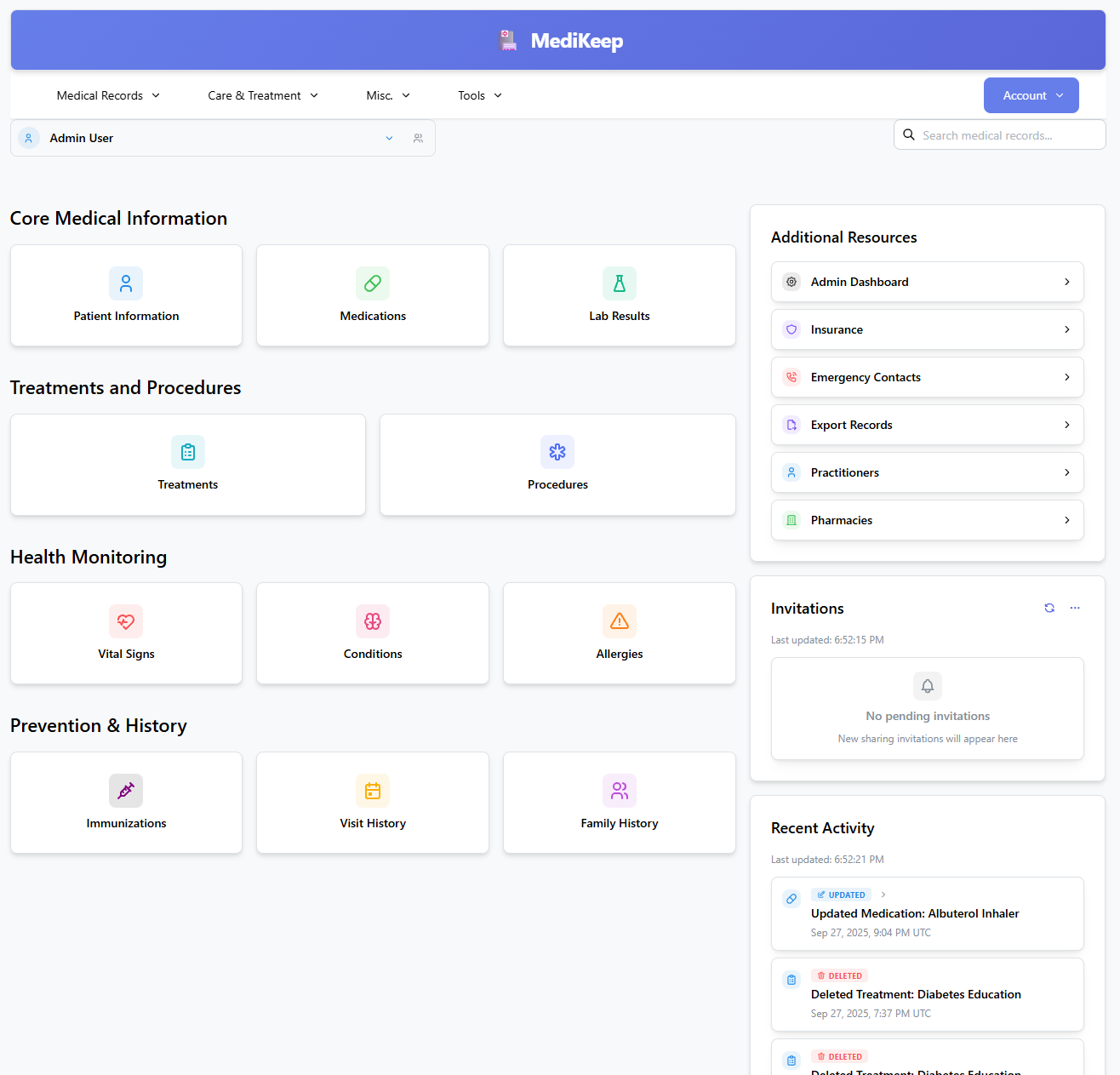
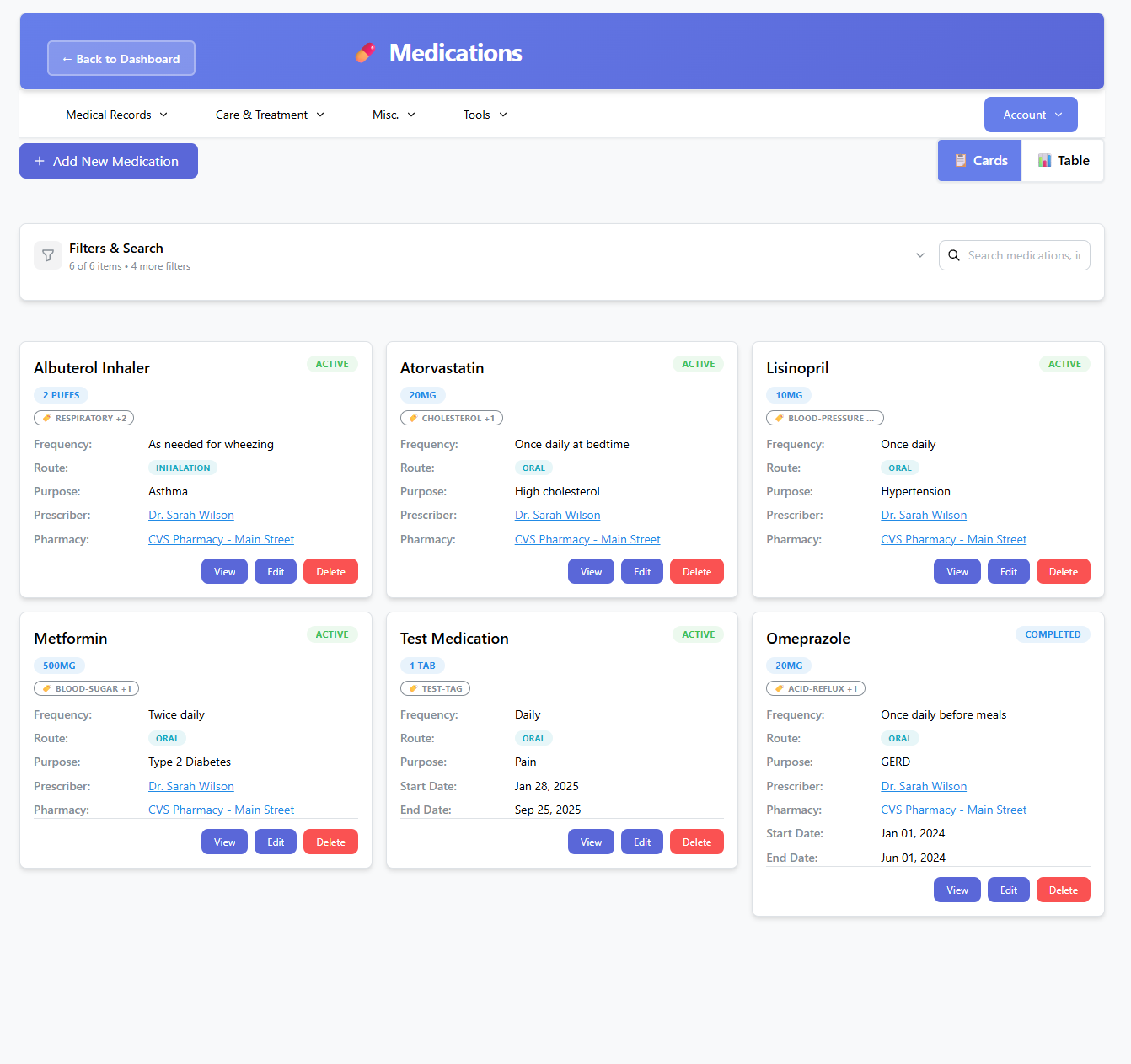
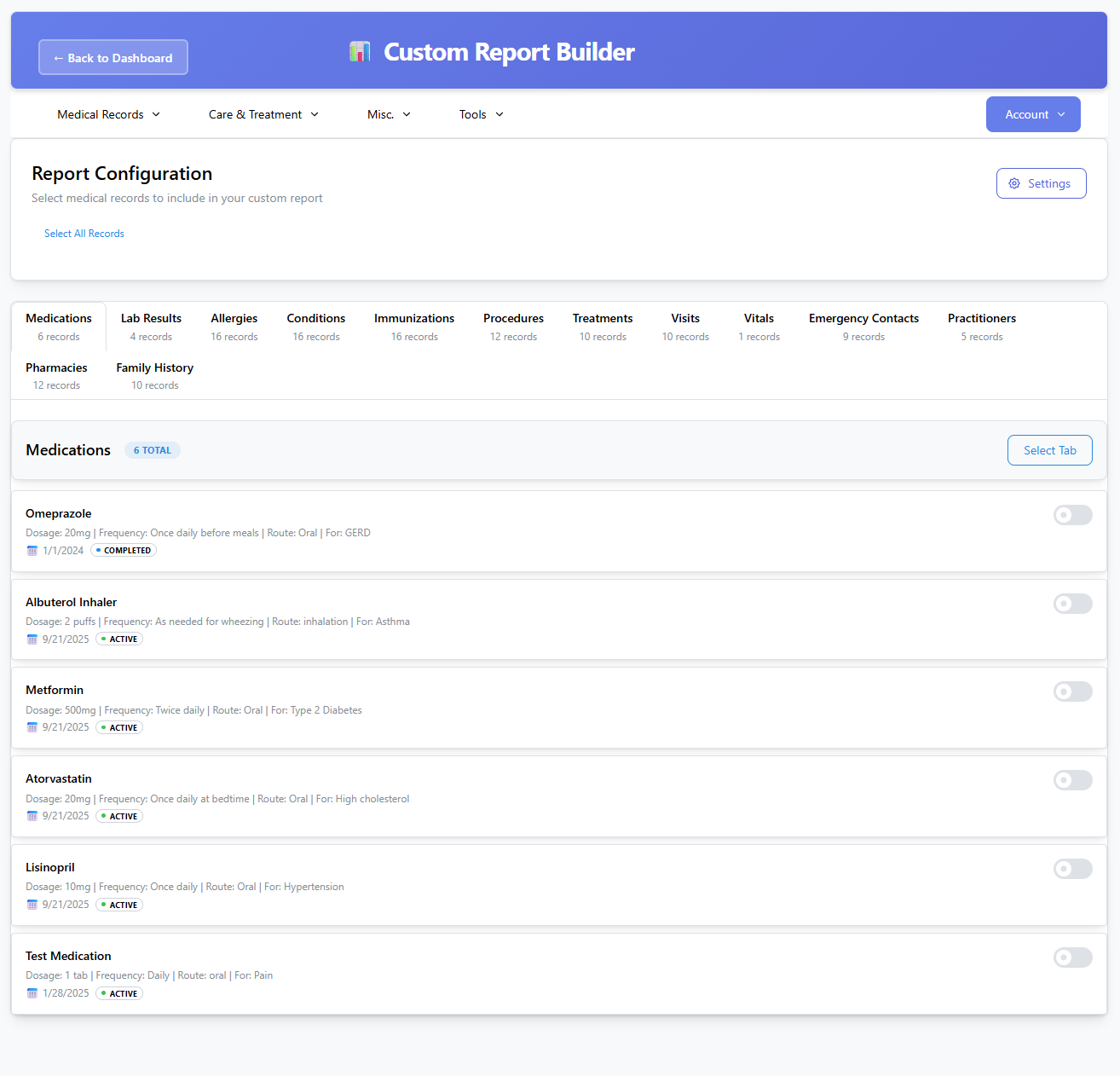
Screenshots
A closer look at MediKeep.
Setup time
A few minutes
Deployment
Your own server
Services
2 connected services
Everything you need, running where you choose.
Get the full MediKeep experience with Easypanel handling the repetitive infrastructure work around it.
From template to live app in three steps.
Easypanel turns the template into real services, storage, and domains on the server you already control.
Already have Easypanel? Open your dashboard at the URL or IP of your own installation.
Installation guide| Option | Default | Required |
|---|---|---|
App Service Name | medikeep | Required |
App Service Image | ghcr.io/afairgiant/medikeep:v0.64.0 | Required |
Admin Default Password (Optional) Default password for the admin user on fresh installations. Auto-generated if not provided. | Set during install | Optional |
Secret Key (Auto-generated if empty) JWT secret key for authentication. Auto-generated if not provided. | Set during install | Optional |
Timezone | America/New_York | Required |
Log Level | INFO / DEBUG | Optional |
Enable SSO Enable Single Sign-On authentication (Google, GitHub, or OIDC) | false | Optional |
SSO Provider Type SSO provider type (e.g., oidc, google, github). Required if SSO is enabled. | — | Optional |
SSO Client ID SSO client ID. Required if SSO is enabled. | — | Optional |
SSO Client Secret SSO client secret. Required if SSO is enabled. | Set during install | Optional |
SSO Issuer URL SSO issuer URL (for OIDC providers). Required for OIDC SSO. | — | Optional |
SSO Redirect URI SSO redirect URI. Usually https://your-domain/api/v1/auth/sso/callback | — | Optional |
SSO Allowed Domains Comma-separated list of allowed domains for SSO (e.g., example.com,example.org) | — | Optional |
Version bumped to v0.64.0
Deploy with confidence.
The template handles the application setup while Easypanel keeps the infrastructure understandable and under your control.
Related templates