All templates

Deploy Netbox on your own server.

Netbox logo

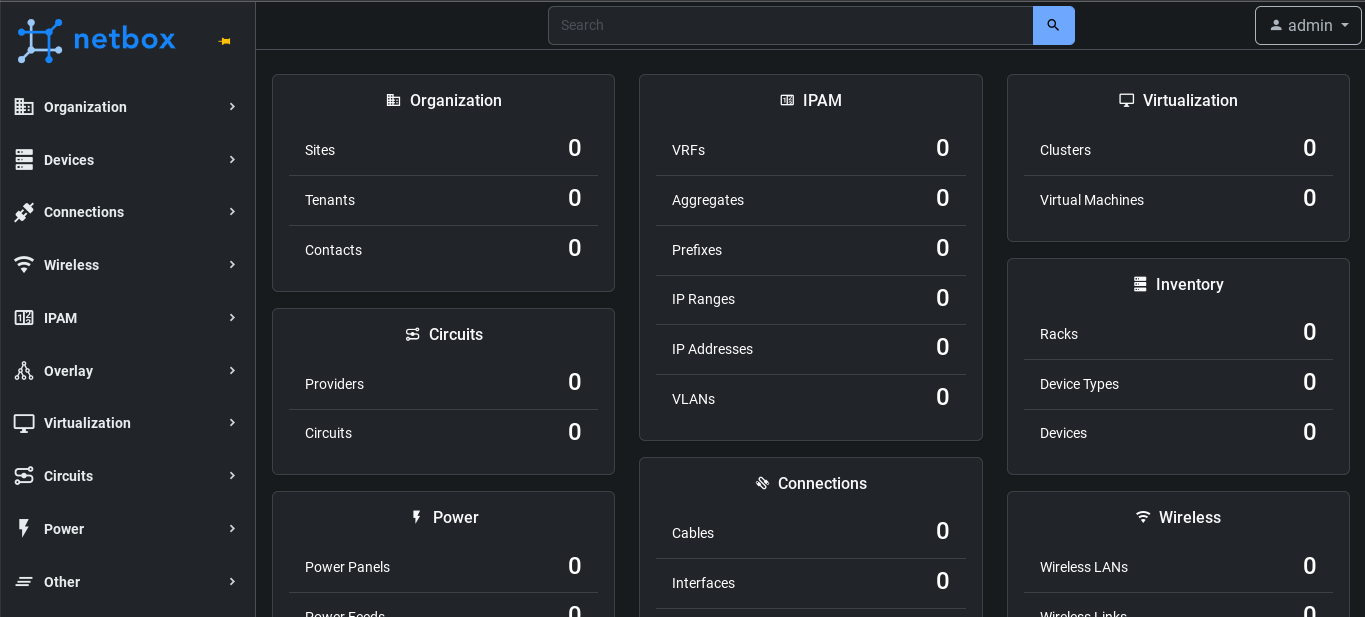
NetBox is a comprehensive solution designed to be the single source of truth for everything on your network. It provides a detailed overview of both physical and virtual assets, including power systems, cabling, IP addresses, and VLANs. The app is designed to facilitate network automation and monitoring, drawing from an authoritative…

Your infrastructureAutomatic HTTPSNo lock-in

Screenshots

A closer look at Netbox.

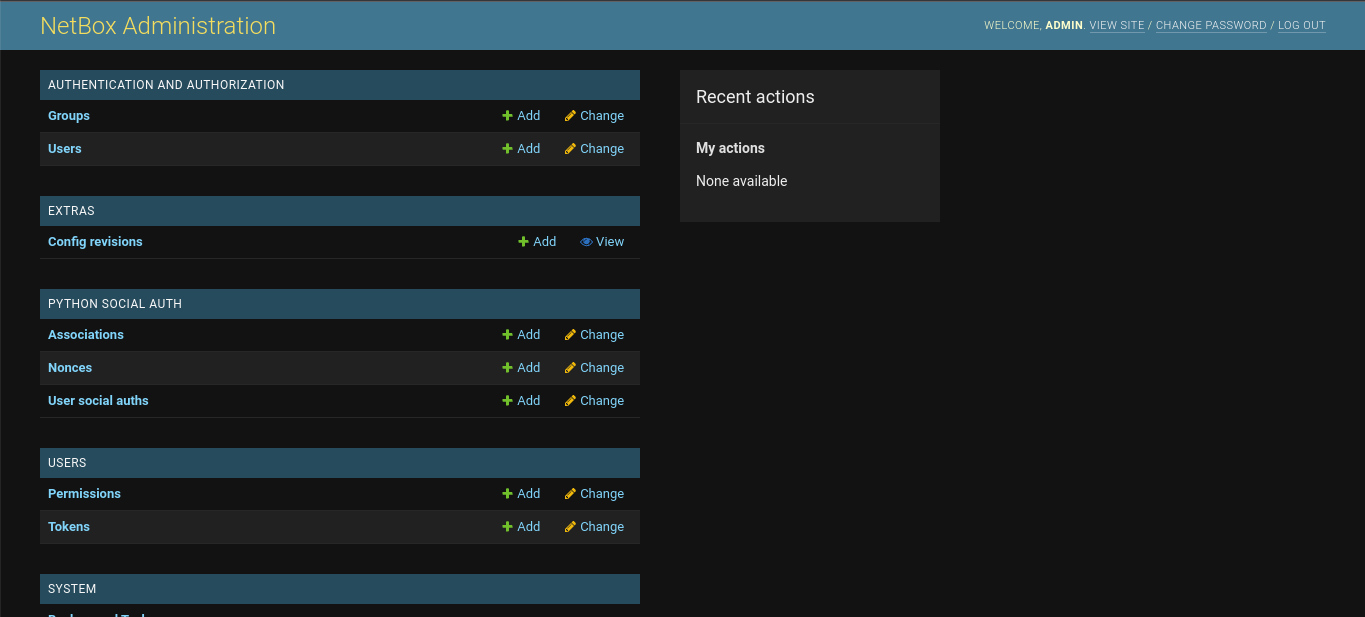
2 images
Netbox screenshot 1Netbox screenshot 2

Setup time

A few minutes

Deployment

Your own server

Services

3 connected services

Why Netbox

Everything you need, running where you choose.

Get the full Netbox experience with Easypanel handling the repetitive infrastructure work around it.

Comprehensive DCIM Solution
NetBox provides a comprehensive Data Center Infrastructure Management (DCIM) solution, giving you visibility and control across your entire enterprise.
IP Address Management
NetBox includes a feature for efficient management of IP assets across the enterprise. This feature helps to eliminate data entry errors and keeps your network organized.
Customization and Integration
NetBox allows you to customize and extend its functionality to fit your needs. This makes it a flexible tool that can be integrated into any network environment.
Comprehensive Network Management
NetBox provides a comprehensive solution for managing everything on your network. From physical components like power systems and cabling to virtual assets like IP addresses and VLANs, NetBox serves as the source of truth for your entire network.
Efficient IP Address Management
NetBox offers efficient management of IP assets across the enterprise, removing the danger from data entry errors. This ensures that your network remains organized and error-free.
Customizable and Integrable
NetBox is highly customizable and can be extended to fit your specific needs. This makes it a versatile tool that can be integrated into any network environment.
How it works

From template to live app in three steps.

Easypanel turns the template into real services, storage, and domains on the server you already control.

Already have Easypanel? Open your dashboard at the URL or IP of your own installation.

Installation guide
1
Open your dashboard
Visit the URL or IP of your Easypanel installation and choose the target project.
2
Choose Netbox
Open Templates, select Netbox, then review its service names and configuration.
3
Deploy and open your app
Easypanel starts every service and provisions an HTTPS domain for you.
Installation options
The template asks for these values before creating your services.
OptionDefaultRequired

App Service Name

netboxRequired

App Service Image

lscr.io/linuxserver/netbox:4.5.9Required

Database Service Name

netbox-dbRequired

Database Service Name

netbox-redisRequired

E-Mail Address

Required

Password

Set during installRequired
Resources
Project documentation and source code.
Latest template update
May 4, 2026

Version bumped to 4.5.9

Questions

Deploy with confidence.

The template handles the application setup while Easypanel keeps the infrastructure understandable and under your control.

Keep exploring

Related templates

Browse all
LibreSpeed logo
LibreSpeed
LibreSpeed is a free and open-source HTML5-based speed test application that you can host on your own server. It provides a lightweight, self-hosted alternative to commercial speed test services like Speedtest.net. LibreSpeed allows you to measure download speed, upload speed, ping, and jitter of your internet connection through a clean, modern web interface. It's perfect for network administrators, ISPs, or anyone who wants to monitor their internet connection performance without relying on third-party services. The application stores test results and provides analytics to track connection quality over time.
View template
Pi-hole logo
Pi-hole
Pi-hole is a network-wide ad blocker that acts as a DNS sinkhole to protect your devices from unwanted content without installing any client-side software. It blocks ads at the DNS level, meaning ads are blocked before they even reach your devices, resulting in faster browsing, reduced bandwidth usage, and enhanced privacy. Pi-hole provides a powerful web interface for easy management and detailed statistics about your network's DNS queries. It can block millions of ad-serving domains and supports custom block lists. The application also includes features like DHCP server capabilities, DNS-over-HTTPS (DoH) support, and comprehensive query logging. With Pi-hole, you can monitor all DNS requests on your network, see which domains are being blocked, and maintain complete control over your network's DNS filtering.
View template
Bookstack logo
Bookstack
BookStack is a free and open-source platform designed to help you organize and store information in a simple and efficient way. It is a self-hosted solution that allows you to create, edit, and manage content through an easy-to-use interface. The content is divided into three real-world groups: Books, Chapters, and Pages, making it easy to navigate and find the information you need. The platform also includes a powerful search feature that allows you to search at the book level or across all books, chapters, and pages. You can also link directly to any paragraph, keeping your documentation interconnected. BookStack offers configuration options that let you customize the system to suit your needs, including changing the name, logo, and registration options. It also includes built-in diagrams.net drawing capability for creating diagrams within your documentation, a markdown editor for those who prefer to write in markdown, and integrated authentication options. The platform supports multiple languages and offers both dark and light modes for a comfortable user experience. It also includes a full role and permission system, multi-factor authentication, and features like cross-book sorting, page revisions, and image management.
View template
Netbox logo
Ready to deploy Netbox?
Open your own Easypanel dashboard, choose Netbox from Templates, and review the deployment options.