All templates

Deploy Nitropage on your own server.
Nitropage logo

Nitropage is an extensible, drag-and-drop website builder based on SolidStart, designed for individualists who want complete control over their web design. It is completely free and open source, offering a flexible and intuitive platform for building visually stunning websites without coding. Nitropage supports modular extensions, making…

Your infrastructureAutomatic HTTPSNo lock-in

Screenshots

A closer look at Nitropage.
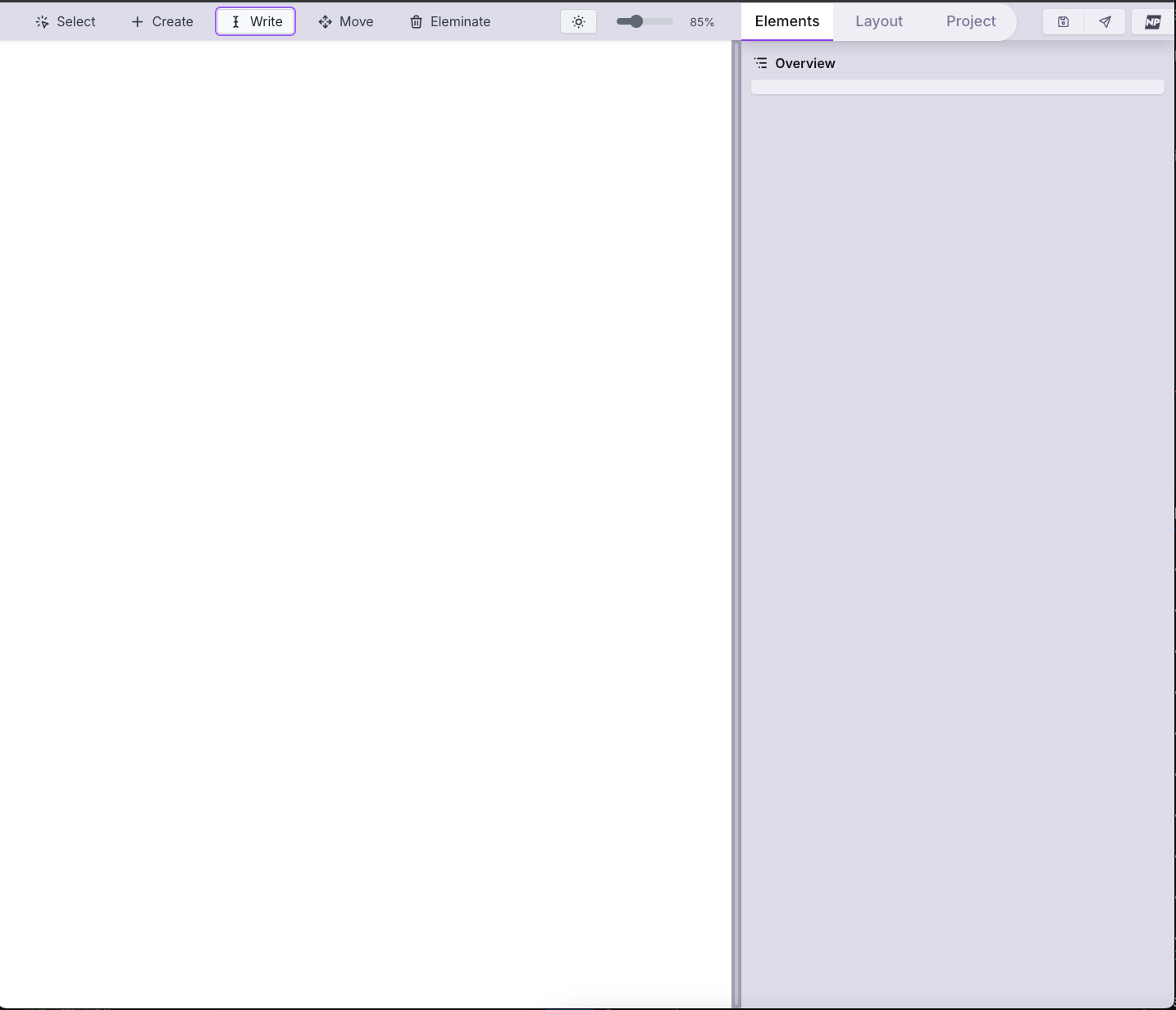
Nitropage screenshot 1

Setup time

A few minutes

Deployment

Your own server

Services

1 connected service

Why Nitropage

Everything you need, running where you choose.

Get the full Nitropage experience with Easypanel handling the repetitive infrastructure work around it.

Visual Website Editing
Design and customize websites in real-time with a powerful visual editor.
Customizable Themes
Choose from a variety of themes and customize them to fit your unique style and branding.
Lightweight and Fast
Nitropage ensures your websites load quickly, providing a smooth user experience.
Responsive Design
Build mobile-friendly websites that look great on any device.
Version Control
Track changes and revert to previous versions with built-in version control.
Solid Integration
Seamlessly integrate with the SolidStart framework for modern web development.
How it works

From template to live app in three steps.

Easypanel turns the template into real services, storage, and domains on the server you already control.

Already have Easypanel? Open your dashboard at the URL or IP of your own installation.

Installation guide
1
Open your dashboard
Visit the URL or IP of your Easypanel installation and choose the target project.
2
Choose Nitropage
Open Templates, select Nitropage, then review its service names and configuration.
3
Deploy and open your app
Easypanel starts every service and provisions an HTTPS domain for you.
Installation options
The template asks for these values before creating your services.
OptionDefaultRequired

App Service Name

nitropageRequired

App Service Image

codeberg.org/nitropage/nitropage:0.70.1-sqliteRequired
Resources
Project documentation and source code.
Latest template update
May 4, 2026

Version bumped to 0.70.1

Questions

Deploy with confidence.

The template handles the application setup while Easypanel keeps the infrastructure understandable and under your control.

Keep exploring

Related templates

Browse all
Drupal logo
Drupal
Drupal is a powerful open-source content management system (CMS) designed to help you create and manage complex, dynamic websites with ease. Drupal is highly customizable, offering robust tools for managing content, users, permissions, and workflows. It supports custom themes, modules, and integrations, enabling you to create tailored experiences for any type of website, from blogs and portfolios to eCommerce platforms and enterprise-level solutions. Drupal prioritizes flexibility, scalability, and security, making it a preferred choice for developers, businesses, and organizations worldwide.
View template
Joomla logo
Joomla
Joomla is a powerful, open-source content management system (CMS) that allows users to build dynamic websites and applications. It offers a user-friendly interface, extensive customization options through templates and extensions, and robust security features. Joomla is highly scalable and supports multilingual content, making it a versatile choice for businesses, organizations, and personal websites. The application is accessible via your host on standard web ports and is easy to deploy using containers.
View template
Moocup logo
Moocup
Moocup is a visual editor designed to create stunning screenshots in seconds. It provides a simple and functional interface where you can drop your screenshot, apply beautiful base styles, customize it however you wish, and export professional-looking visuals instantly. Built for developers, designers, and content creators who need to showcase their work with polished screenshots for portfolios, documentation, presentations, or social media. The tool offers an intuitive drag-and-drop workflow with real-time visual editing, eliminating the need for complex design software or manual styling. With Moocup's self-hosted solution, your screenshots remain private and never leave your infrastructure, making it ideal for sensitive projects or proprietary applications. The browser-based editor requires zero installation and works seamlessly across devices with responsive design. Perfect for anyone who values simplicity and functionality but still wants to create eye-catching visuals that make their projects stand out without the overhead of heavyweight design tools or paid screenshot services.
View template
Nitropage logo
Ready to deploy Nitropage?
Open your own Easypanel dashboard, choose Nitropage from Templates, and review the deployment options.