All templates

Deploy Nzbget on your own server.

Nzbget logo

NZBGet is an efficient Usenet downloader that is open source and hosted on GitHub. This powerful tool is designed to download files from Usenet based on information provided in nzb-files. Known for its performance and efficiency, NZBGet is written in C++ and can run on almost any device, including classic PCs, NAS, media players,…

Your infrastructureAutomatic HTTPSNo lock-in

Screenshots

A closer look at Nzbget.

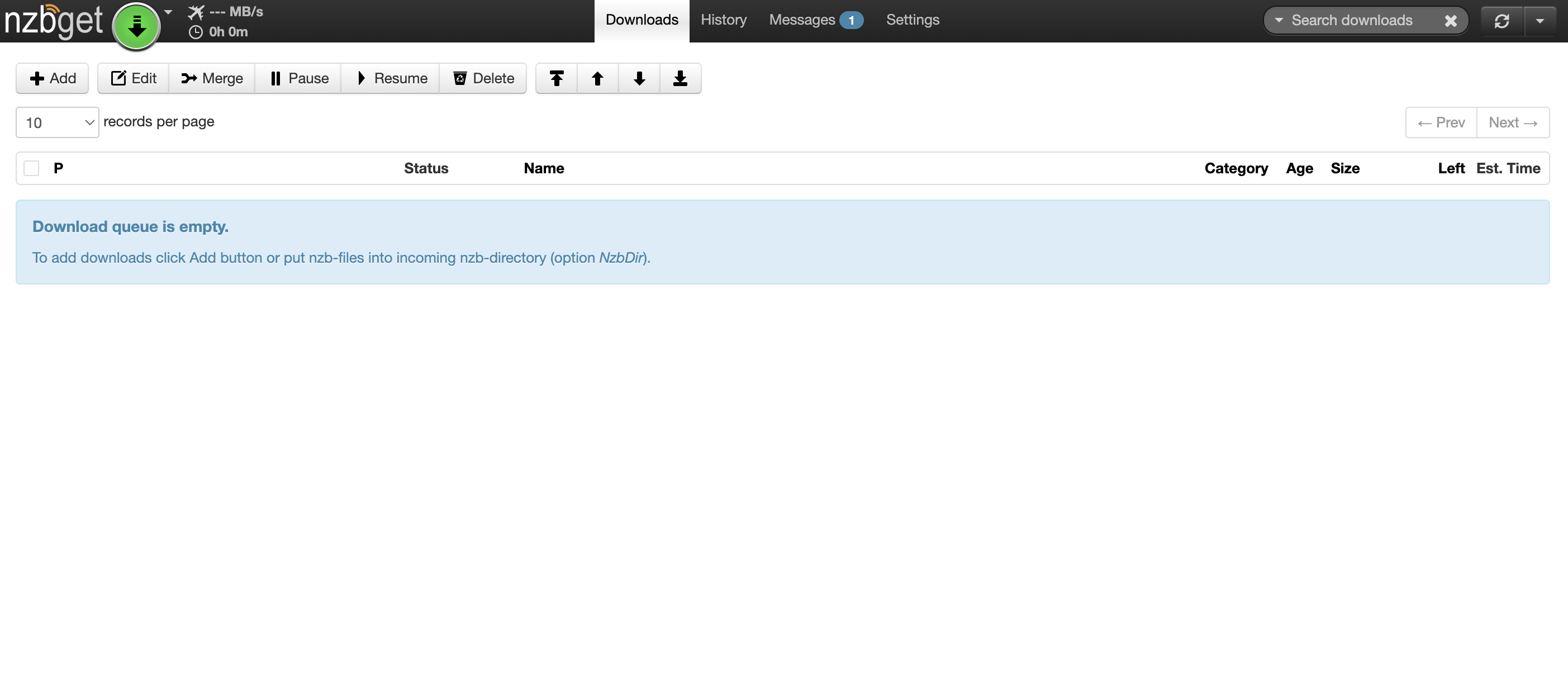
Nzbget screenshot 1

Setup time

A few minutes

Deployment

Your own server

Services

1 connected service

Why Nzbget

Everything you need, running where you choose.

Get the full Nzbget experience with Easypanel handling the repetitive infrastructure work around it.

Binary Downloader
NZBGet is a binary downloader, which means it downloads files in binary format from Usenet. This allows for efficient and fast downloading of files.
Open Source
NZBGet is an open-source application. This means it's constantly being improved by a community of developers, ensuring it stays up-to-date with the latest technology and features.
Performance and Efficiency
Written in C++, NZBGet is known for its high performance and efficiency. It's designed to maximize your device's capabilities, ensuring fast and reliable downloads.
RSS and Duplicate Check
NZBGet offers features like RSS and duplicate check to automate your downloads. This means you can set it up to automatically download new content from your favorite Usenet groups.
VideoSort
With the VideoSort feature, NZBGet can sort your downloaded video files, making it easier for you to manage and organize your downloads.
Efficient Usenet Downloader
NZBGet is a highly efficient Usenet downloader, known for its performance and efficiency. It downloads files from Usenet based on information given in nzb-files, making it a reliable tool for accessing Usenet content.
How it works

From template to live app in three steps.

Easypanel turns the template into real services, storage, and domains on the server you already control.

Already have Easypanel? Open your dashboard at the URL or IP of your own installation.

Installation guide
1
Open your dashboard
Visit the URL or IP of your Easypanel installation and choose the target project.
2
Choose Nzbget
Open Templates, select Nzbget, then review its service names and configuration.
3
Deploy and open your app
Easypanel starts every service and provisions an HTTPS domain for you.
Installation options
The template asks for these values before creating your services.
OptionDefaultRequired

App Service Name

nzbgetRequired

App Service Image

lscr.io/linuxserver/nzbget:version-v25.4Required

Username

nzbgetRequired

Password

Set during installRequired

Timezone

Europe/LondonOptional
Resources
Project documentation and source code.
Latest template update
Dec 29, 2025

Version bumped to version-v25.4

Questions

Deploy with confidence.

The template handles the application setup while Easypanel keeps the infrastructure understandable and under your control.

Keep exploring

Related templates

Browse all
AllTube logo
AllTube
AllTube Download is an application designed to facilitate the downloading of videos from YouTube. It provides an HTML GUI for youtube-dl, a command-line program to download videos from YouTube and other video sites. The app allows users to download videos directly to their server, making it easy to access and manage their favorite content. AllTube supports various configurations and can be customized according to user preferences. It also offers a JSON API, which returns a JSON object generated by youtube-dl, providing detailed information about the video. The app is lightweight and efficient, making it a great choice for those who frequently download videos from YouTube.
View template
Sonarr logo
Sonarr
Sonarr is a Personal Video Recorder (PVR) designed for Usenet and BitTorrent users. It monitors multiple RSS feeds for new episodes of your favorite shows and automatically grabs, sorts, and renames them. Sonarr can also be configured to automatically upgrade the quality of files already downloaded when a better quality format becomes available. It features a calendar to see all your upcoming episodes in one convenient location, and a manual search to find all the releases and choose the one you want. Sonarr also handles failed downloads, automatically blocking the release and trying another one until it finds one that works. It is fully integrated with SABnzbd, NZBGet, Kodi, and Plex, and supports major platforms including Windows, Linux, macOS, and Raspberry Pi.
View template
Nzbhydra2 logo
Nzbhydra2
NZBHydra2 is an advanced meta search application designed to unify and manage searches across multiple Usenet and torrent indexers. It acts as a single access point for all your NZB and torrent needs, aggregating search results from various indexers to save time and improve efficiency. NZBHydra2 offers powerful filtering, duplicate management, and easy integration with automation tools like Sonarr, Radarr, and Lidarr. It provides a web-based interface for seamless configuration and search management, making it a must-have for Usenet and torrent enthusiasts.
View template
Nzbget logo
Ready to deploy Nzbget?
Open your own Easypanel dashboard, choose Nzbget from Templates, and review the deployment options.