All templates

Deploy Obsidian on your own server.

Obsidian logo

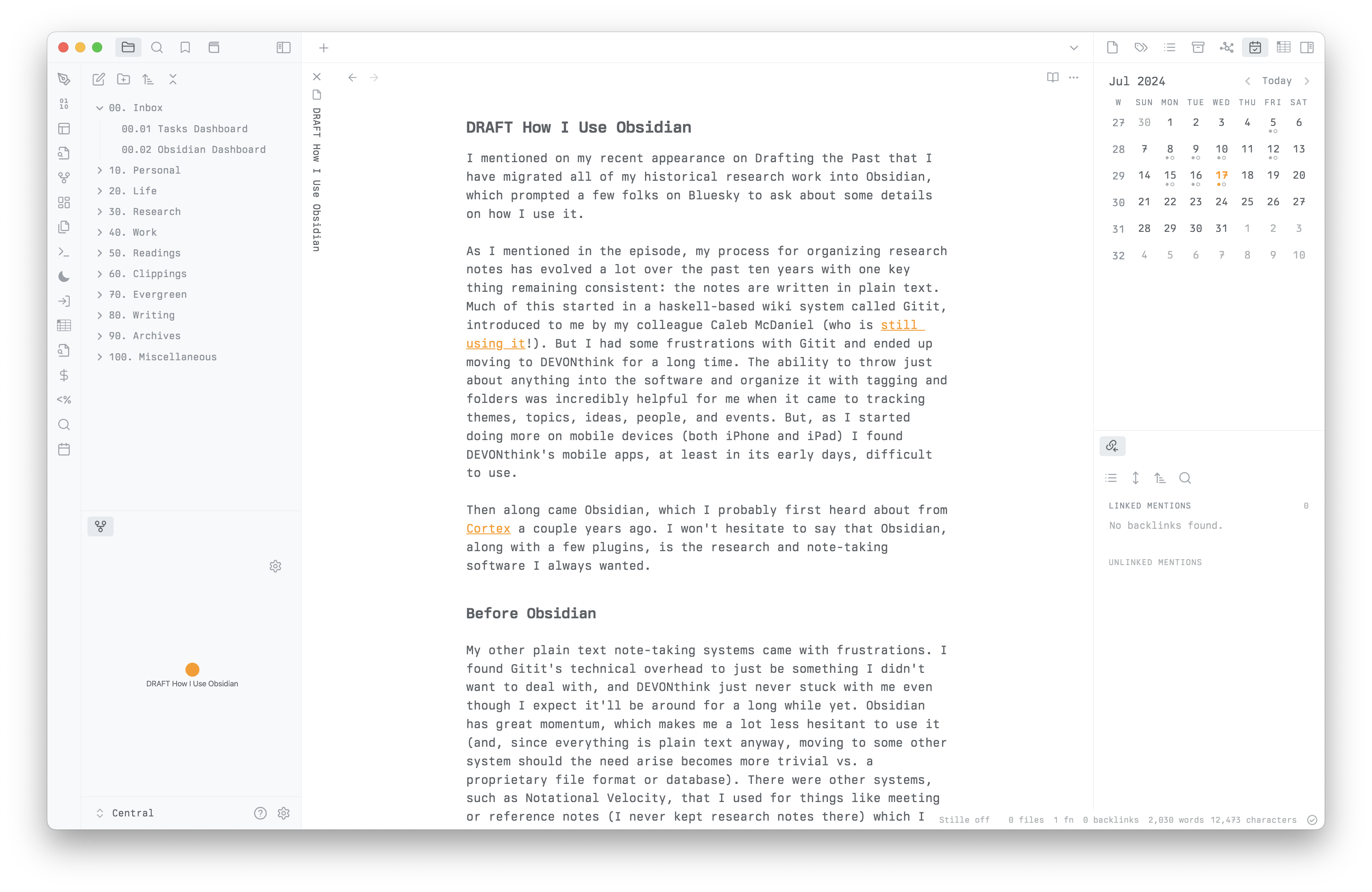
Obsidian is a powerful knowledge base that works on top of a local folder of plain text Markdown files. It provides a flexible and extensible platform for note-taking, knowledge management, and personal knowledge base creation.

Your infrastructureAutomatic HTTPSNo lock-in

Screenshots

A closer look at Obsidian.
Obsidian screenshot 1

Setup time

A few minutes

Deployment

Your own server

Services

1 connected service

Why Obsidian

Everything you need, running where you choose.

Get the full Obsidian experience with Easypanel handling the repetitive infrastructure work around it.

Note Taking
Create and organize notes in Markdown
Knowledge Graph
Visualize connections between notes
Plugins
Extend functionality with plugins
Search
Powerful search across all notes
Sync
Sync your notes across devices
Knowledge Management
Organize and manage your knowledge effectively
How it works

From template to live app in three steps.

Easypanel turns the template into real services, storage, and domains on the server you already control.

Already have Easypanel? Open your dashboard at the URL or IP of your own installation.

Installation guide
1
Open your dashboard
Visit the URL or IP of your Easypanel installation and choose the target project.
2
Choose Obsidian
Open Templates, select Obsidian, then review its service names and configuration.
3
Deploy and open your app
Easypanel starts every service and provisions an HTTPS domain for you.
Installation options
The template asks for these values before creating your services.
OptionDefaultRequired

App Service Name

obsidianRequired

App Service Image

lscr.io/linuxserver/obsidian:1.12.7Required
Resources
Project documentation and source code.
Latest template update
May 8, 2026

Version bumped to 1.12.7

Questions

Deploy with confidence.

The template handles the application setup while Easypanel keeps the infrastructure understandable and under your control.

Keep exploring

Related templates

Browse all
Flatnotes logo
Flatnotes
Flatnotes is an open-source, self-hosted note-taking platform designed to help individuals and teams manage their notes efficiently. It provides a lightweight and intuitive interface for creating, organizing, and sharing notes. With robust customization options, Flatnotes supports markdown editing, tagging, and a responsive design, making it a versatile solution for note management.
View template
Glass Keep logo
Glass Keep
Glass Keep is a lightweight, self-hosted note-taking and organization application designed for personal knowledge management. It provides a clean, intuitive interface for creating, organizing, and managing notes, thoughts, and ideas. Glass Keep features markdown support, rich text editing, categories, tags, and powerful search capabilities to help you find information quickly. Built with Node.js and SQLite, it offers fast performance and easy deployment without requiring complex database setup. All your notes are stored locally in a SQLite database, ensuring privacy and complete control over your data. Perfect for individuals who want a simple, fast, and private note-taking solution without the complexity of larger systems.
View template
Nanote logo
Nanote
Nanote is a lightweight, self-hosted note-taking application that provides a simple and clean interface for managing your notes. Built with privacy-focused design, Nanote allows you to store and organize your notes locally or on your own server. It features markdown support, file uploads, and a minimalistic interface that focuses on productivity without distractions.
View template
Obsidian logo
Ready to deploy Obsidian?
Open your own Easypanel dashboard, choose Obsidian from Templates, and review the deployment options.