All templates

Deploy OpenGist on your own server.

OpenGist logo

OpenGist is a self-hosted pastebin powered by Git. All snippets are stored in a Git repository and can be read and/or modified using standard Git commands, or with the web interface. It is similar to GitHub Gist, but open-source and can be self-hosted. Create public, unlisted or private snippets with syntax highlighting, search…

Your infrastructureAutomatic HTTPSNo lock-in

Screenshots

A closer look at OpenGist.
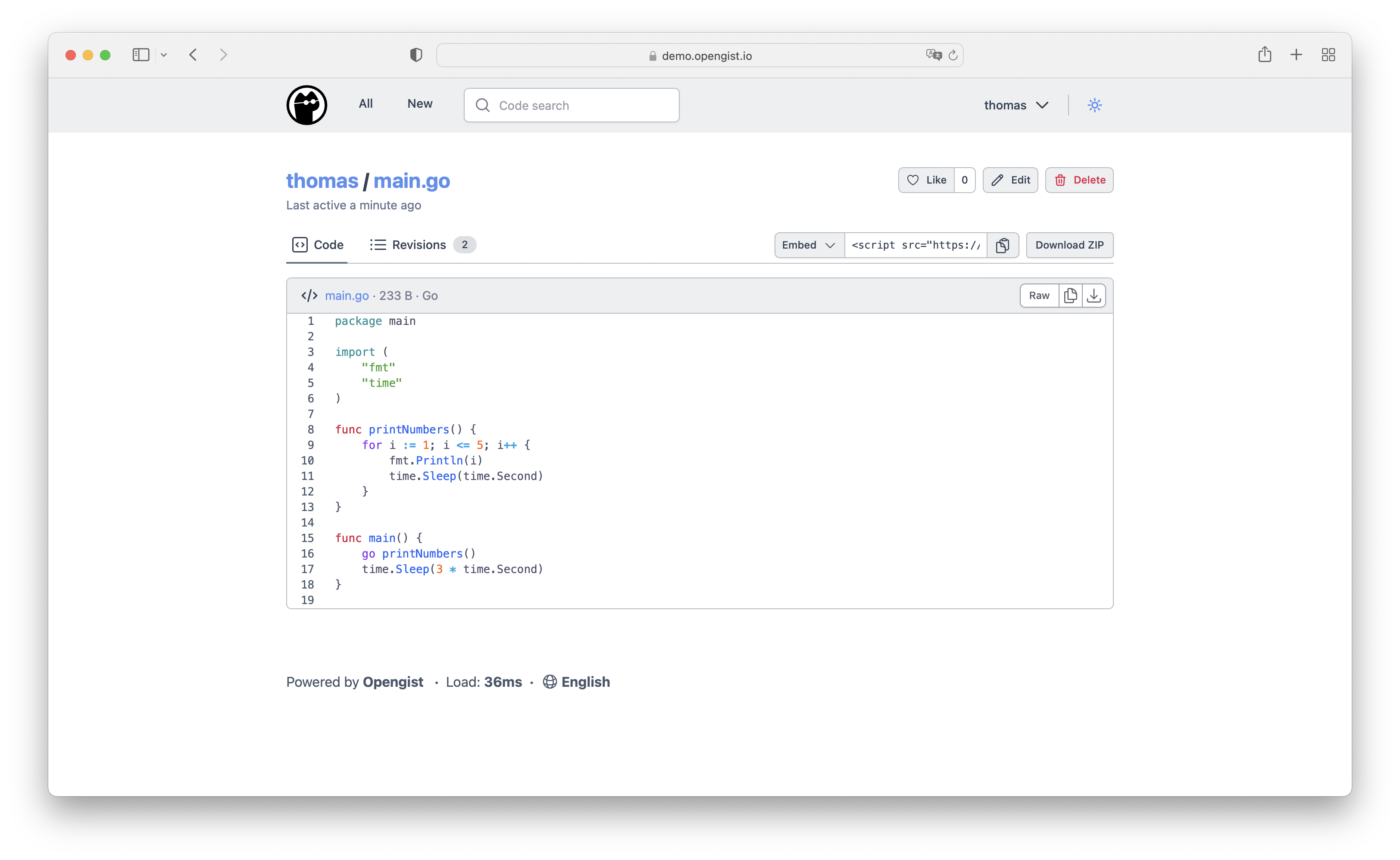
OpenGist screenshot 1

Setup time

A few minutes

Deployment

Your own server

Services

1 connected service

Why OpenGist

Everything you need, running where you choose.

Get the full OpenGist experience with Easypanel handling the repetitive infrastructure work around it.

Multiple Snippet Types
Create public, unlisted, or private snippets with syntax highlighting support for various programming languages, markdown, and CSV files.
Git Integration
Full Git integration allows you to clone, pull, push snippets via HTTP or SSH, making it easy to integrate with your development workflow.
Search and Organization
Search through code snippets, browse user snippets, add topics for organization, and support for likes and forks to create a collaborative environment.
OAuth2 Authentication
Supports OAuth2 login with GitHub, GitLab, Gitea, and OpenID Connect providers for easy user authentication and management.
Embed and Share
Embed snippets in other websites, download raw files or as ZIP archives, and control snippet visibility for anonymous users.
Git-Powered Storage
All snippets are stored in a Git repository, enabling version control, history tracking, and standard Git operations like clone, pull, and push.
How it works

From template to live app in three steps.

Easypanel turns the template into real services, storage, and domains on the server you already control.

Already have Easypanel? Open your dashboard at the URL or IP of your own installation.

Installation guide
1
Open your dashboard
Visit the URL or IP of your Easypanel installation and choose the target project.
2
Choose OpenGist
Open Templates, select OpenGist, then review its service names and configuration.
3
Deploy and open your app
Easypanel starts every service and provisions an HTTPS domain for you.
Installation options
The template asks for these values before creating your services.
OptionDefaultRequired

App Service Name

opengistRequired

App Service Image

ghcr.io/thomiceli/opengist:1.12.2Required
Resources
Project documentation and source code.
Latest template update
May 5, 2026

Version bumped to 1.12.2

Questions

Deploy with confidence.

The template handles the application setup while Easypanel keeps the infrastructure understandable and under your control.

OpenGist logo
Ready to deploy OpenGist?
Open your own Easypanel dashboard, choose OpenGist from Templates, and review the deployment options.