Deploy Chiyogami on your own server.

Chiyogami logo

Chiyogami is a sleek, modern, self-hosted pastebin written in Go. It supports client-side encryption via the WebCrypto API so passwords never reach the server, configurable paste expiry, public and private paste visibility, syntax highlighting via HighlightJS, Markdown rendering, user accounts and authentication, a REST API for scripted…

Your infrastructureAutomatic HTTPSNo lock-in

Screenshots

A closer look at Chiyogami.
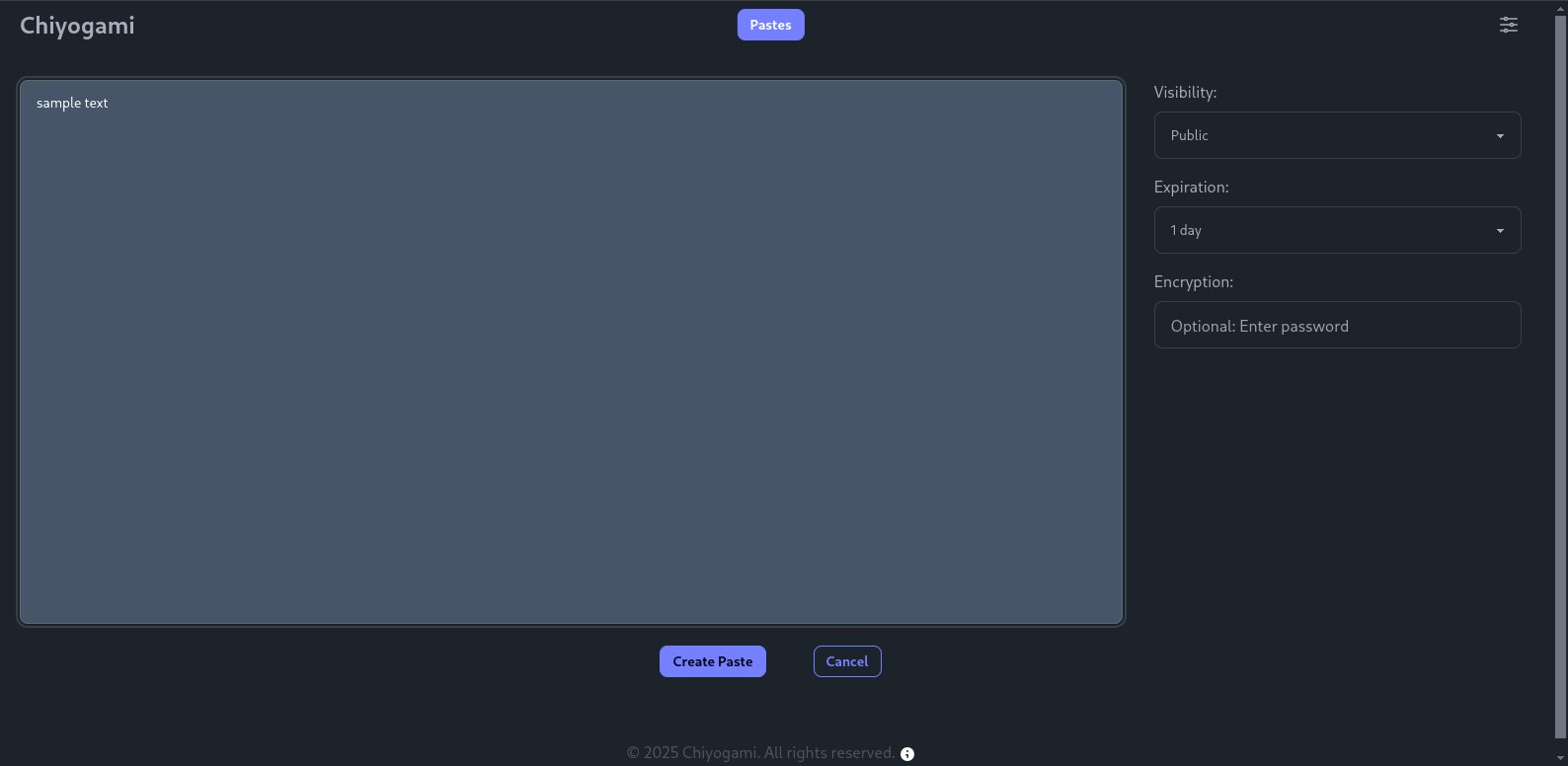
Chiyogami screenshot 1

Setup time

A few minutes

Deployment

Your own server

Services

1 connected service

Why Chiyogami

Everything you need, running where you choose.

Get the full Chiyogami experience with Easypanel handling the repetitive infrastructure work around it.

Syntax Highlighting
Paste code in any language and get automatic syntax highlighting powered by HighlightJS with language auto-detection.
Markdown Rendering
Write pastes in Markdown and view them rendered directly in the browser without a separate preview step.
REST API
Create, read, and delete pastes programmatically via a JSON API suitable for scripts, CLI tools, and CI pipelines.
QR Code Sharing
Every paste page includes a QR code for quick sharing with phones or tablets without copying the URL.
Configurable Rate Limiting
Built-in rate limiting on create, register, login, and delete operations protects public instances from abuse.
Client-Side Encryption
Paste content is encrypted in the browser with a user-supplied password before it is sent to the server. The server never sees the plaintext or the key.
How it works

From template to live app in three steps.

Easypanel turns the template into real services, storage, and domains on the server you already control.

Already have Easypanel? Open your dashboard at the URL or IP of your own installation.

Installation guide
1
Open your dashboard
Visit the URL or IP of your Easypanel installation and choose the target project.
2
Choose Chiyogami
Open Templates, select Chiyogami, then review its service names and configuration.
3
Deploy and open your app
Easypanel starts every service and provisions an HTTPS domain for you.
Installation options
The template asks for these values before creating your services.
OptionDefaultRequired

App Service Name

chiyogamiRequired

App Service Image

ghcr.io/rhee876527/chiyogami:1.5.5Required
Resources
Project documentation and source code.
Latest template update
Jul 1, 2026

first release

Questions

Deploy with confidence.

The template handles the application setup while Easypanel keeps the infrastructure understandable and under your control.

Chiyogami logo
Ready to deploy Chiyogami?
Open your own Easypanel dashboard, choose Chiyogami from Templates, and review the deployment options.