All templates

Deploy Wastebin on your own server.

Wastebin is a self-hosted, minimal pastebin designed for quick and simple text sharing. With a clean and intuitive interface inspired by bin, it allows users to create and share text snippets easily. Wastebin supports private pastes, syntax highlighting, and expiration settings for better control over shared content. It is lightweight,…

Your infrastructureAutomatic HTTPSNo lock-in

Screenshots

A closer look at Wastebin.
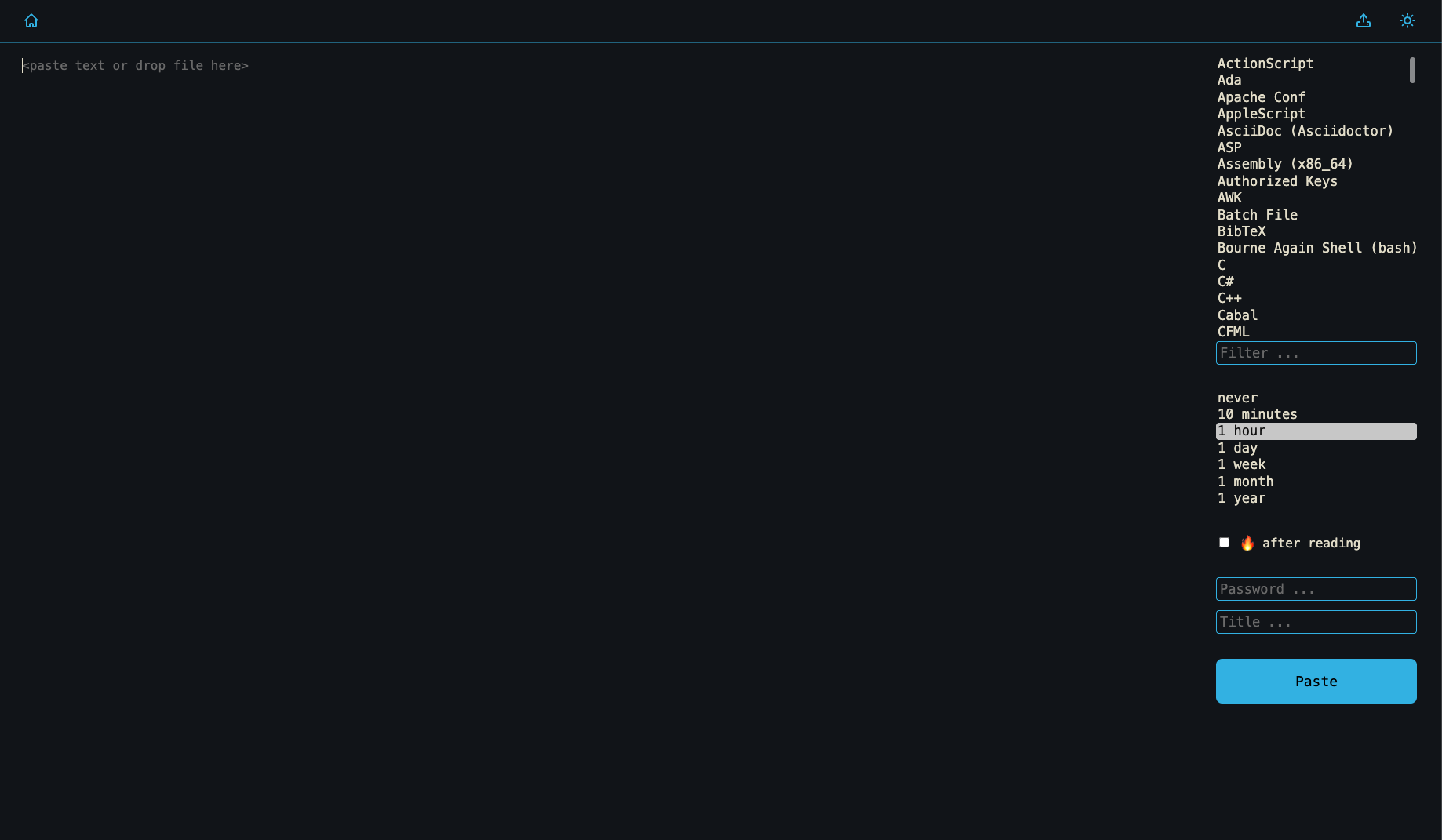
Wastebin screenshot 1

Setup time

A few minutes

Deployment

Your own server

Services

1 connected service

Why Wastebin

Everything you need, running where you choose.

Get the full Wastebin experience with Easypanel handling the repetitive infrastructure work around it.

Quick and Simple Text Sharing
Wastebin allows users to create and share pastes with a single click, making the process fast and convenient.
Private and Public Pastes
Users can mark pastes as private, restricting access and keeping sensitive information secure.
Expiration Control
Pastes can have configurable expiration times, allowing users to set content to auto-delete after a certain period.
Syntax Highlighting
Automatic syntax highlighting for various programming languages helps in better readability of shared code snippets.
Simple API
Wastebin provides a straightforward API for programmatic paste creation, making it useful for developers and automation workflows.
Minimal and Fast
Wastebin is designed to be lightweight and efficient, making it perfect for quick text-sharing needs without unnecessary features or bloat.
How it works

From template to live app in three steps.

Easypanel turns the template into real services, storage, and domains on the server you already control.

Already have Easypanel? Open your dashboard at the URL or IP of your own installation.

Installation guide
1
Open your dashboard
Visit the URL or IP of your Easypanel installation and choose the target project.
2
Choose Wastebin
Open Templates, select Wastebin, then review its service names and configuration.
3
Deploy and open your app
Easypanel starts every service and provisions an HTTPS domain for you.
Installation options
The template asks for these values before creating your services.
OptionDefaultRequired

App Service Name

wastebinRequired

App Service Image

quxfoo/wastebin:3.6.2Required
Resources
Project documentation and source code.
Latest template update
May 7, 2026

Version bumped to 3.6.2

Questions

Deploy with confidence.

The template handles the application setup while Easypanel keeps the infrastructure understandable and under your control.

Ready to deploy Wastebin?
Open your own Easypanel dashboard, choose Wastebin from Templates, and review the deployment options.