Deploy OSTicket on your own server.

OSTicket is a widely-used, open-source ticketing system designed to streamline customer support management. It provides a user-friendly interface for handling, tracking, and organizing support tickets across multiple channels, including email, web forms, and API integrations. With OSTicket, you can efficiently manage inquiries, automate…
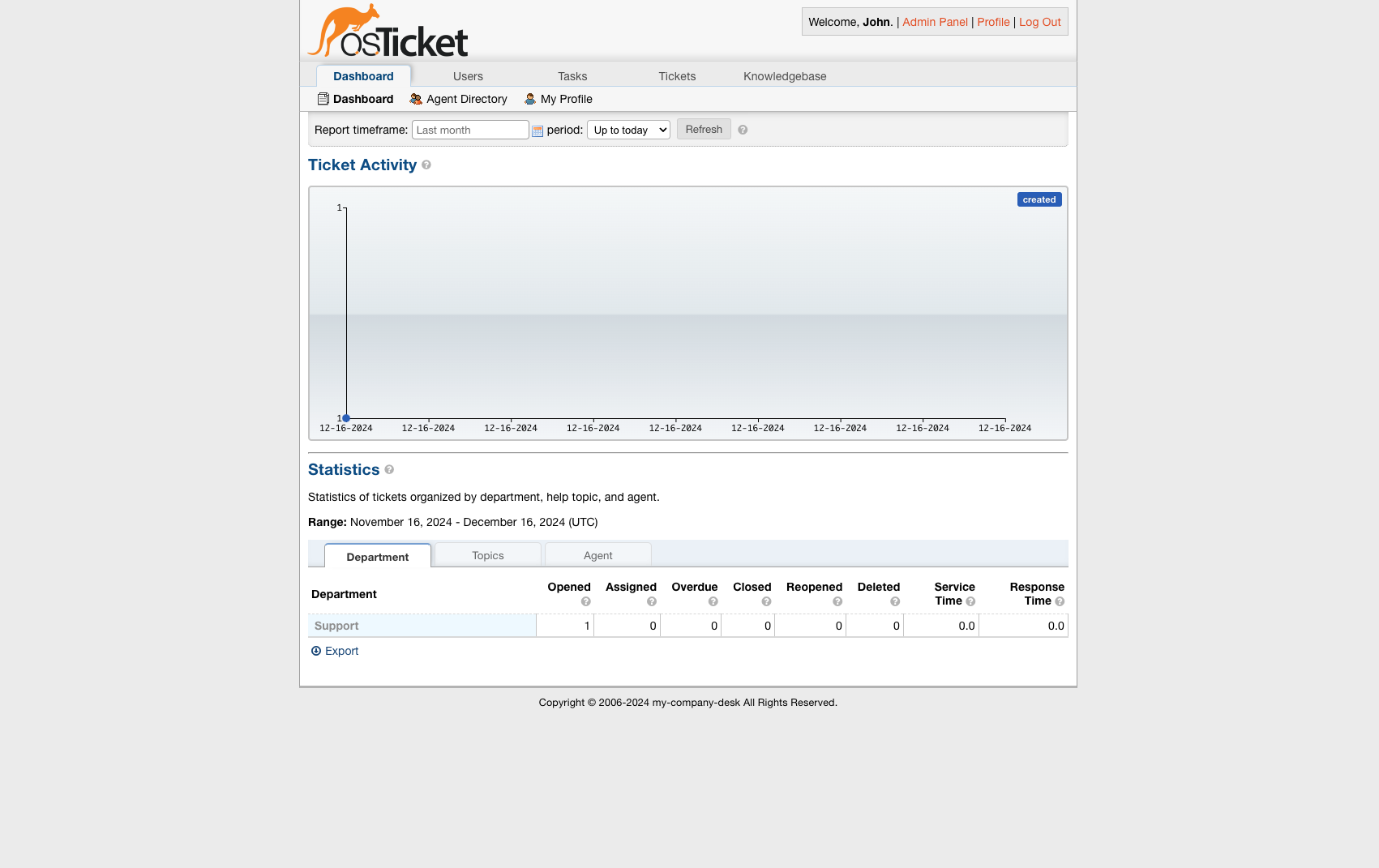
Screenshots
A closer look at OSTicket.
Setup time
A few minutes
Deployment
Your own server
Services
2 connected services
Everything you need, running where you choose.
Get the full OSTicket experience with Easypanel handling the repetitive infrastructure work around it.
From template to live app in three steps.
Easypanel turns the template into real services, storage, and domains on the server you already control.
Already have Easypanel? Open your dashboard at the URL or IP of your own installation.
Installation guide| Option | Default | Required |
|---|---|---|
App Service Name | osticket | Required |
App Service Image | ghcr.io/dtsoden/osticket:1.18.4 | Required |
Helpdesk Name Name of your helpdesk, shown to customers and in emails. | My Helpdesk | Required |
Helpdesk Email Address customers write to. Must differ from the admin email. | [email protected] | Required |
Admin First Name | John | Required |
Admin Last Name | Doe | Required |
Admin Email | [email protected] | Required |
Admin Username Letters, digits, dots, dashes and underscores. "admin" and "osticket" are not allowed. | ostadmin | Required |
Admin Password 6 to 128 characters. Leave empty to generate one (shown as ADMIN_PASS in the Environment tab). | Set during install | Optional |
Timezone A tz database name, for example America/New_York. | UTC | Required |
SMTP Server Host Leave empty to skip outgoing mail setup. | — | Optional |
SMTP Server Port | 587 | Required |
SMTP Security | STARTTLS (usually port 587) / TLS (usually port 465) / None (usually port 25) | Required |
SMTP Server Username | — | Optional |
SMTP Server Password | Set during install | Optional |
SMTP From Email Envelope sender, usually the same as the helpdesk email. | — | Optional |
Template Release
Deploy with confidence.
The template handles the application setup while Easypanel keeps the infrastructure understandable and under your control.
Related templates


