All templates

Deploy phpBB on your own server.

phpBB logo

phpBB is a free and open-source bulletin board software that enables you to create online communities and discussion forums. It offers a highly customizable platform with a user-friendly interface that supports multiple languages and includes features like custom BBCode, private messaging, search functionality, and user groups. The…

Your infrastructureAutomatic HTTPSNo lock-in

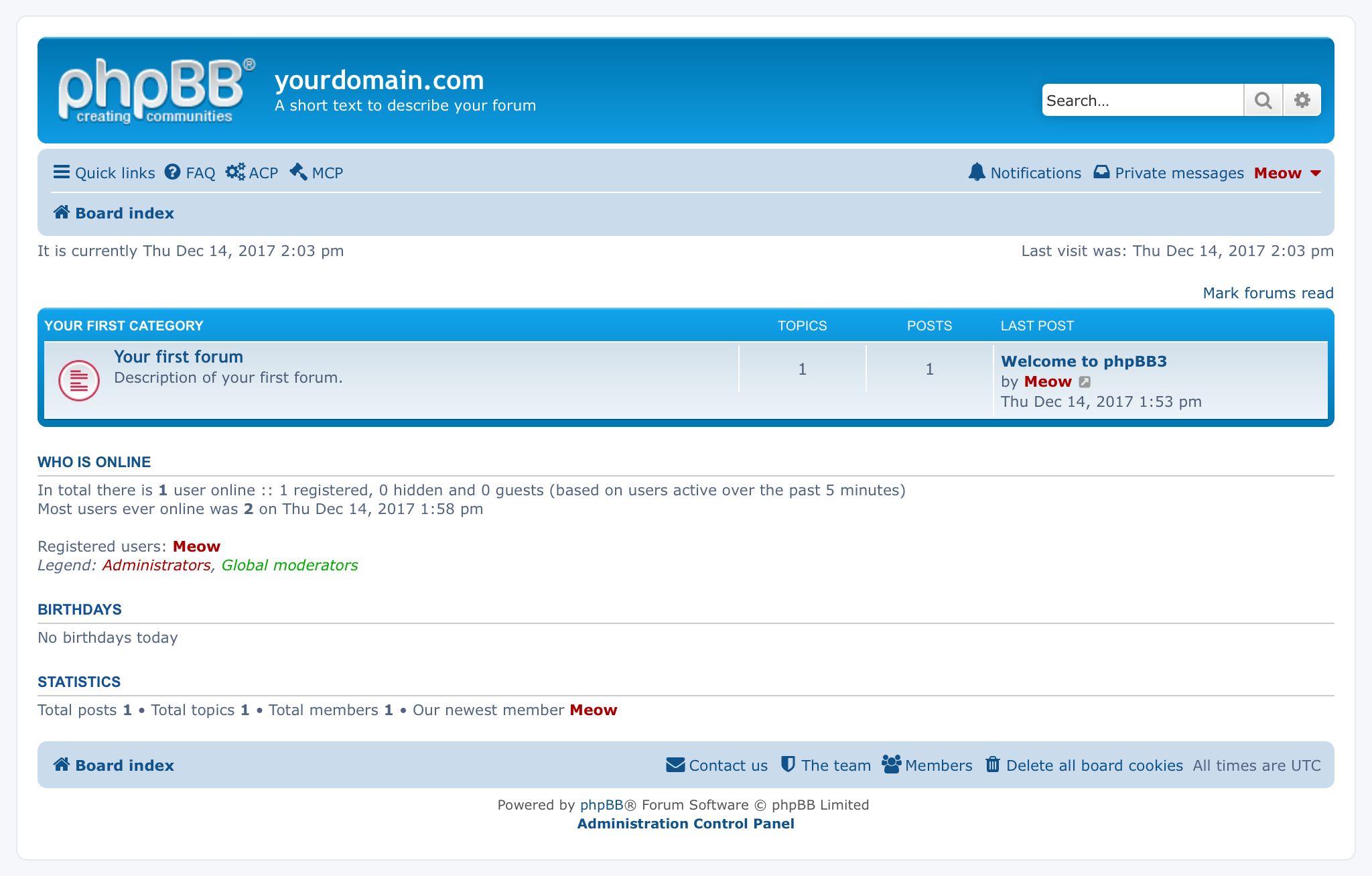
Screenshots

A closer look at phpBB.

phpBB screenshot 1

Setup time

A few minutes

Deployment

Your own server

Services

2 connected services

Why phpBB

Everything you need, running where you choose.

Get the full phpBB experience with Easypanel handling the repetitive infrastructure work around it.

User Management
Create user groups with different permission levels and manage user accounts with comprehensive moderation tools.
Mobile-Responsive Design
Offer a seamless browsing experience across all devices with phpBB's responsive design.
Powerful Search Functionality
Enable users to quickly find content using the built-in search system with advanced filtering options.
Anti-Spam Measures
Protect your forum from unwanted content with various anti-spam tools and CAPTCHA verification.
Easy Forum Creation
Set up a fully functional discussion forum without complex configuration or technical knowledge.
Highly Customizable
Tailor your forum's appearance and functionality with thousands of styles, extensions, and language packs.
How it works

From template to live app in three steps.

Easypanel turns the template into real services, storage, and domains on the server you already control.

Already have Easypanel? Open your dashboard at the URL or IP of your own installation.

Installation guide
1
Open your dashboard
Visit the URL or IP of your Easypanel installation and choose the target project.
2
Choose phpBB
Open Templates, select phpBB, then review its service names and configuration.
3
Deploy and open your app
Easypanel starts every service and provisions an HTTPS domain for you.
Installation options
The template asks for these values before creating your services.
OptionDefaultRequired

App Service Name

phpbbRequired

App Service Image

bitnami/phpbb:3.3.12Required
Resources
Project documentation and source code.
Latest template update
Mar 21, 2025

Initial template release

Questions

Deploy with confidence.

The template handles the application setup while Easypanel keeps the infrastructure understandable and under your control.

phpBB logo
Ready to deploy phpBB?
Open your own Easypanel dashboard, choose phpBB from Templates, and review the deployment options.