Deploy Zusam on your own server.

Zusam is a free and open-source way to self-host private forums for friends and family. It's a simple, modern, and privacy-focused platform for group discussions.
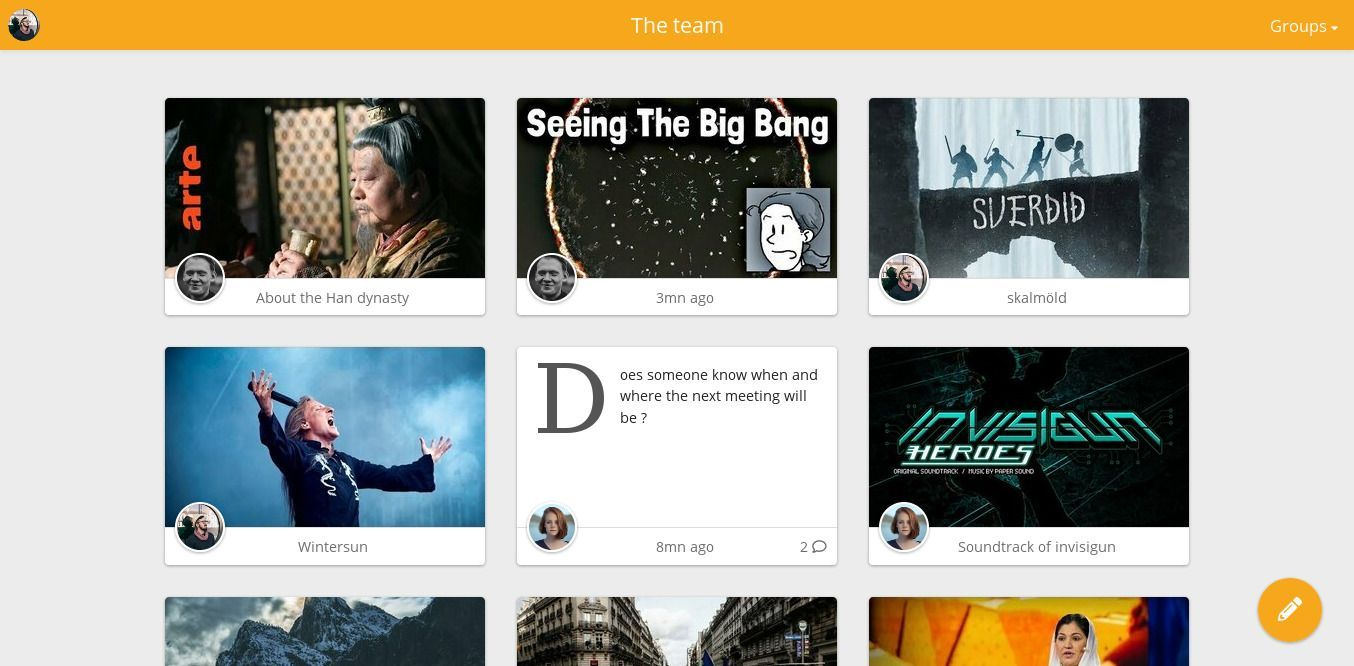
Screenshots
A closer look at Zusam.
Setup time
A few minutes
Deployment
Your own server
Services
1 connected service
Everything you need, running where you choose.
Get the full Zusam experience with Easypanel handling the repetitive infrastructure work around it.
From template to live app in three steps.
Easypanel turns the template into real services, storage, and domains on the server you already control.
Already have Easypanel? Open your dashboard at the URL or IP of your own installation.
Installation guide| Option | Default | Required |
|---|---|---|
App Service Name | zusam | Required |
App Service Image | zusam/zusam:0.6.1 | Required |
Initial Group Name | zusam | Required |
Initial Password Leave empty to generate a random password | Set during install | Optional |
Initial Username | zusam | Required |
Version bumped to 0.6.1
Deploy with confidence.
The template handles the application setup while Easypanel keeps the infrastructure understandable and under your control.
Related templates