Deploy Raneto on your own server.

Raneto is an open source Knowledgebase platform that uses static Markdown files to power your Knowledgebase.
Your infrastructureAutomatic HTTPSNo lock-in
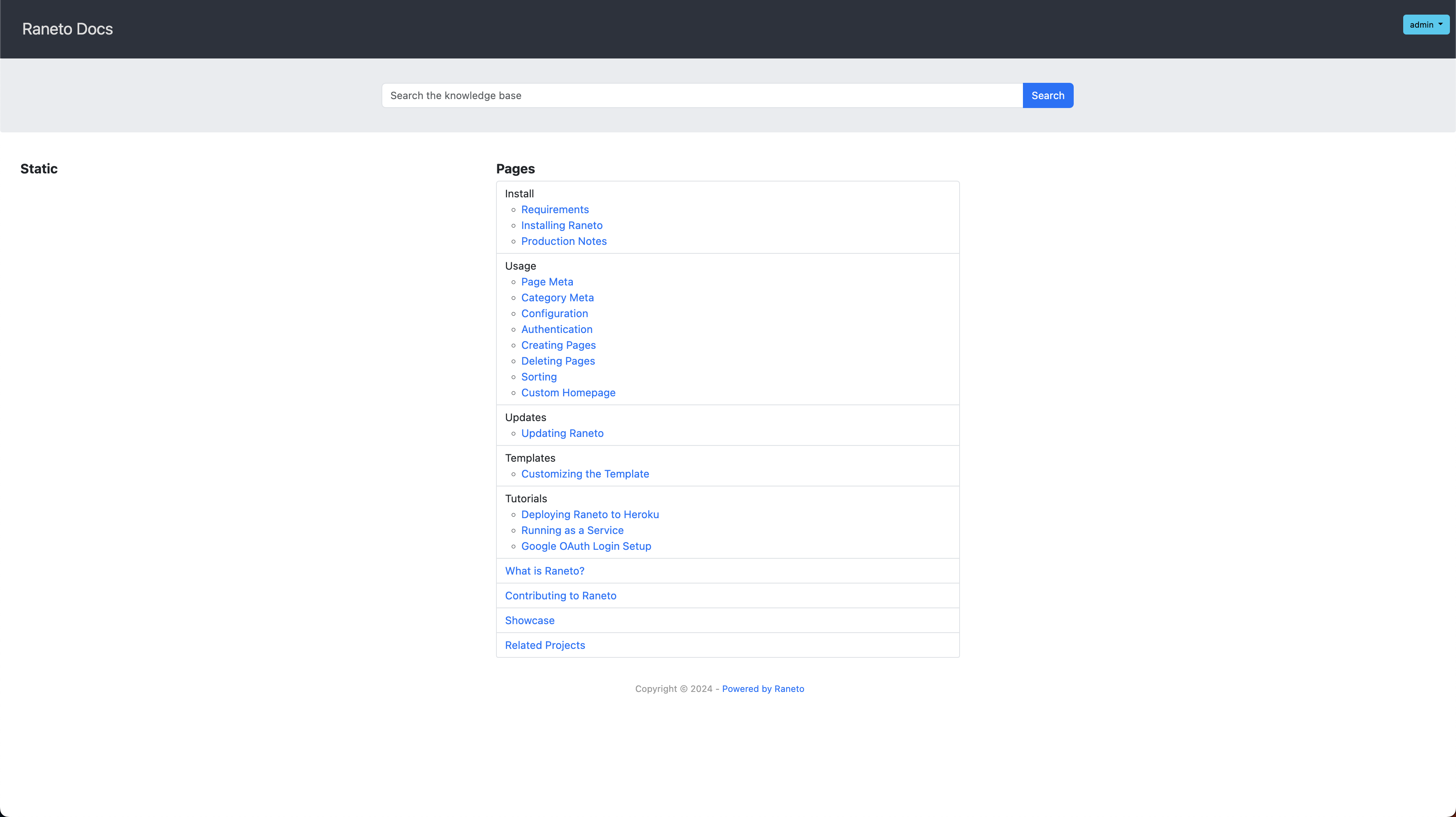
Screenshots
A closer look at Raneto.
Setup time
A few minutes
Deployment
Your own server
Services
1 connected service
Why Raneto
Everything you need, running where you choose.
Get the full Raneto experience with Easypanel handling the repetitive infrastructure work around it.
One-click deployment
Skip manual Docker setup. Easypanel creates and connects the services this app needs.
Your server, your data
Run the application on infrastructure you control, without giving up a polished deployment workflow.
Production-ready defaults
Persistent storage, domains, HTTPS, and environment variables are configured from one guided form.
How it works
From template to live app in three steps.
Easypanel turns the template into real services, storage, and domains on the server you already control.
Already have Easypanel? Open your dashboard at the URL or IP of your own installation.
Installation guide1
Open your dashboard
Visit the URL or IP of your Easypanel installation and choose the target project.
2
Choose Raneto
Open Templates, select Raneto, then review its service names and configuration.
3
Deploy and open your app
Easypanel starts every service and provisions an HTTPS domain for you.
Installation options
The template asks for these values before creating your services.
| Option | Default | Required |
|---|---|---|
App Service Name | raneto | Required |
App Service Image | lscr.io/linuxserver/raneto:0.18.1 | Required |
Timezone | Etc/UTC | Optional |
Resources
Project documentation and source code.
Latest template update
May 5, 2026
Version bumped to 0.18.1
Questions
Deploy with confidence.
The template handles the application setup while Easypanel keeps the infrastructure understandable and under your control.
Keep exploring
Browse allRelated templates

Many Notes
Many Notes is a Markdown note-taking web application designed for simplicity. Create or import vaults and organize your thoughts right away. It uses a database to power features like search, links, backlinks and tags, but your files are also saved to the filesystem as plain Markdown, giving you full control over your vault structure. Supports multiple users, multiple vaults per user, vault collaboration, an advanced Markdown editor with automatic saving, PDF export, and OAuth login.
View template

Dillinger
Dillinger is an open-source, online Markdown editor designed to provide a seamless and user-friendly experience for writing and editing Markdown files. With its intuitive interface, Dillinger supports real-time preview, file imports/exports, and integration with popular cloud storage services such as Dropbox, Google Drive, GitHub, and OneDrive. It allows users to write Markdown efficiently and export their work in various formats, including HTML, PDF, and Markdown itself. Dillinger operates as a modern, distraction-free editor that simplifies writing and content creation for developers, writers, and professionals.
View template

Haptic
Haptic is a local-first, privacy-focused, open-source markdown note-taking app built with Svelte and PGlite. All notes are stored directly in your browser's IndexedDB — no account, no cloud sync, and no server-side database required. It features an inline Markdown editor with live preview, a file-tree sidebar, daily notes, a task tracker, and full-text search with regex support. The Docker image is a tiny (~72 MB) nginx container that serves the static web app; data lives entirely in the client.
View template
Ready to deploy Raneto?
Open your own Easypanel dashboard, choose Raneto from Templates, and review the deployment options.