All templates

Deploy Roundcube on your own server.

Roundcube logo

Roundcube webmail is a browser-based, multilingual IMAP client that offers an application-like user interface. It is designed to provide all the functionalities you would expect from an email client. This includes MIME support, an address book, folder manipulation, message searching, and spell checking. The app also supports…

Your infrastructureAutomatic HTTPSNo lock-in

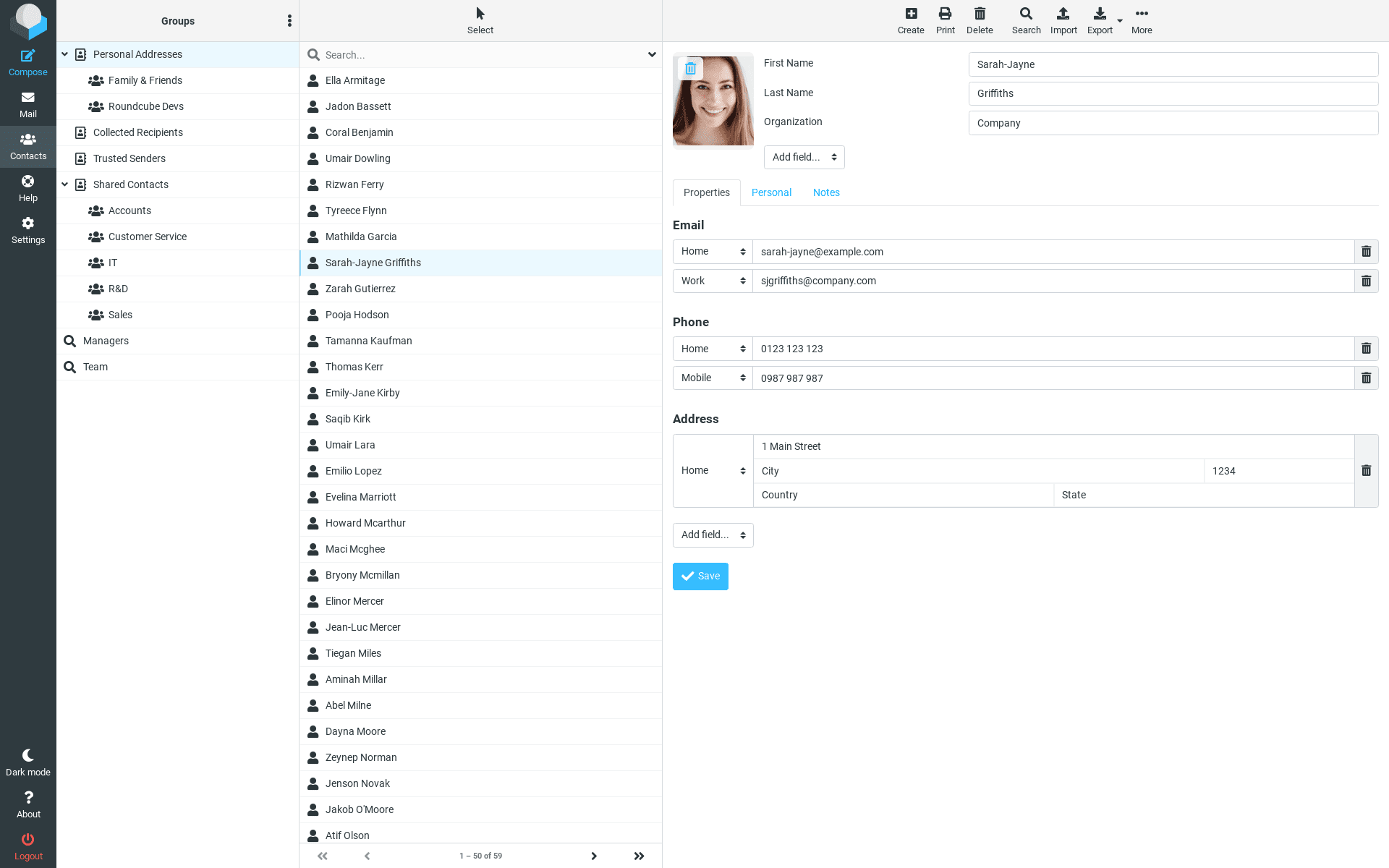
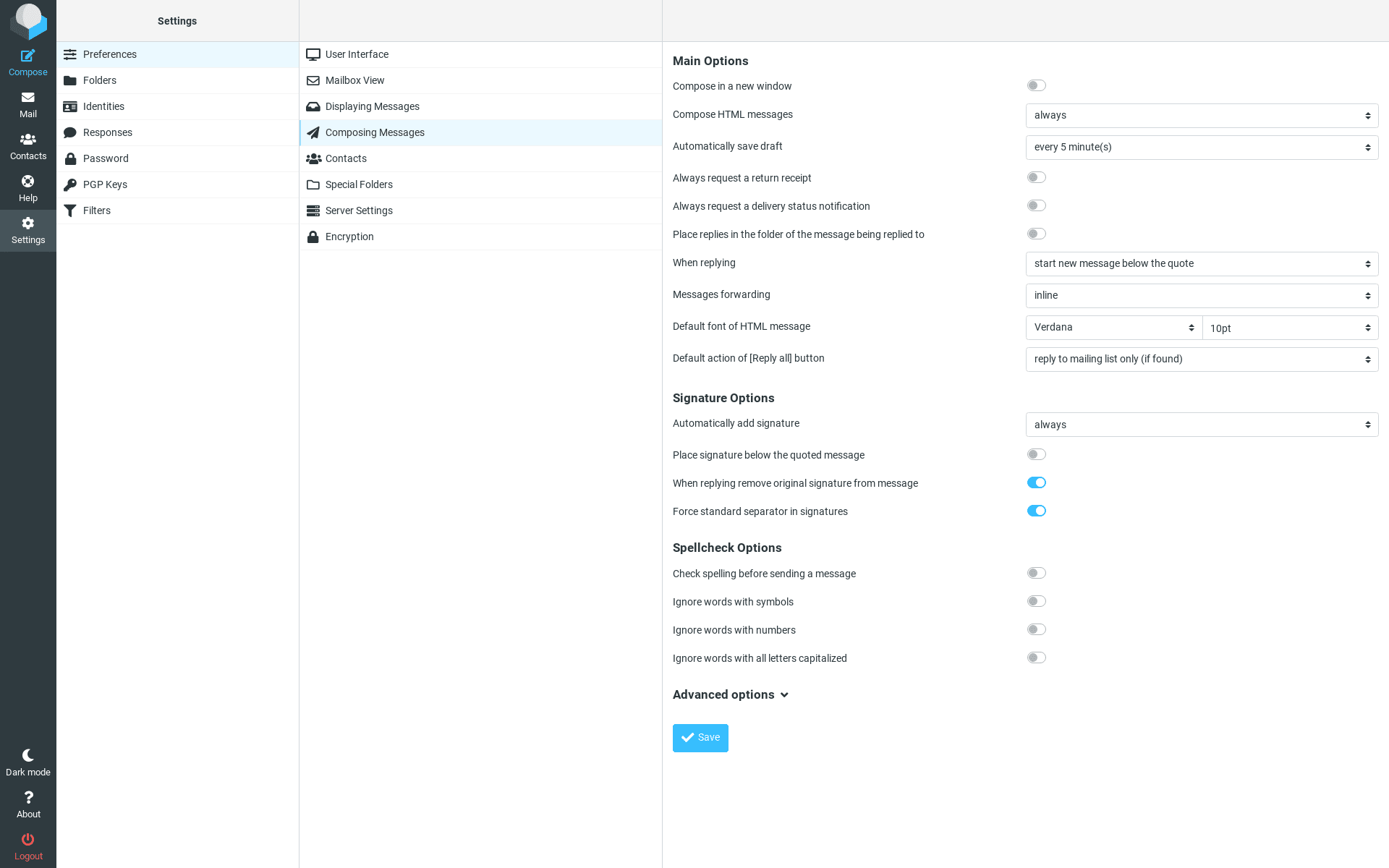
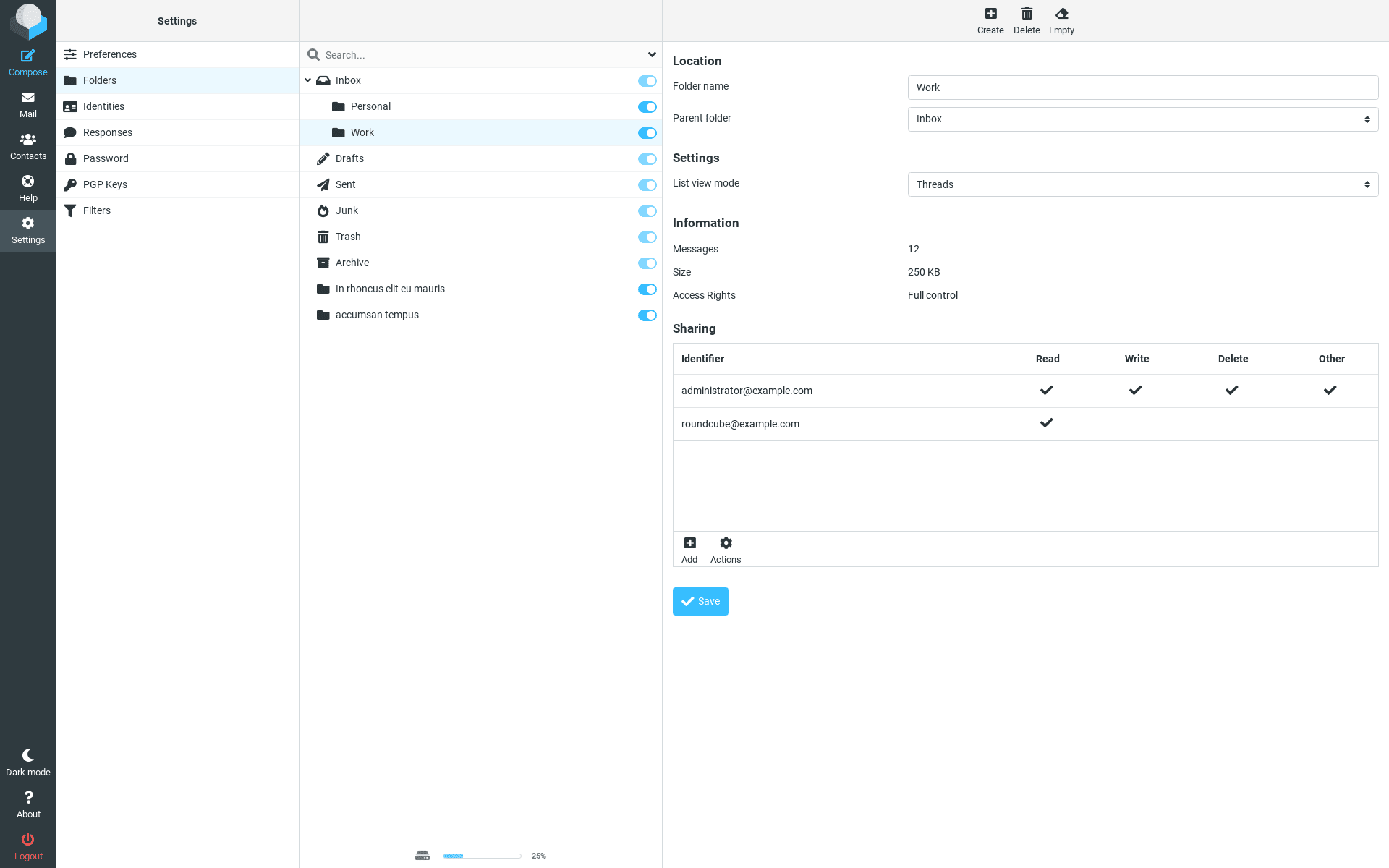
Screenshots

A closer look at Roundcube.
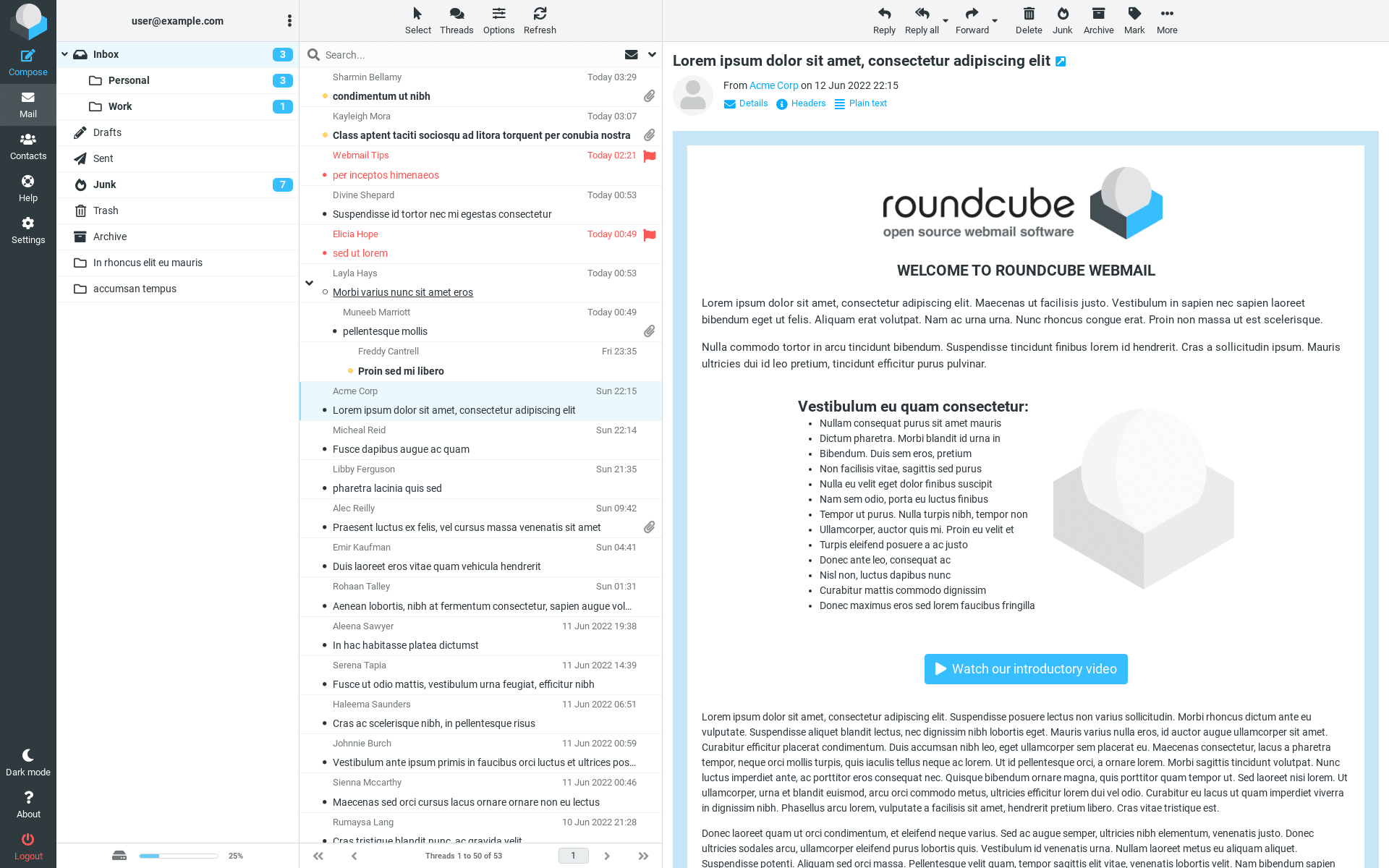
12 images
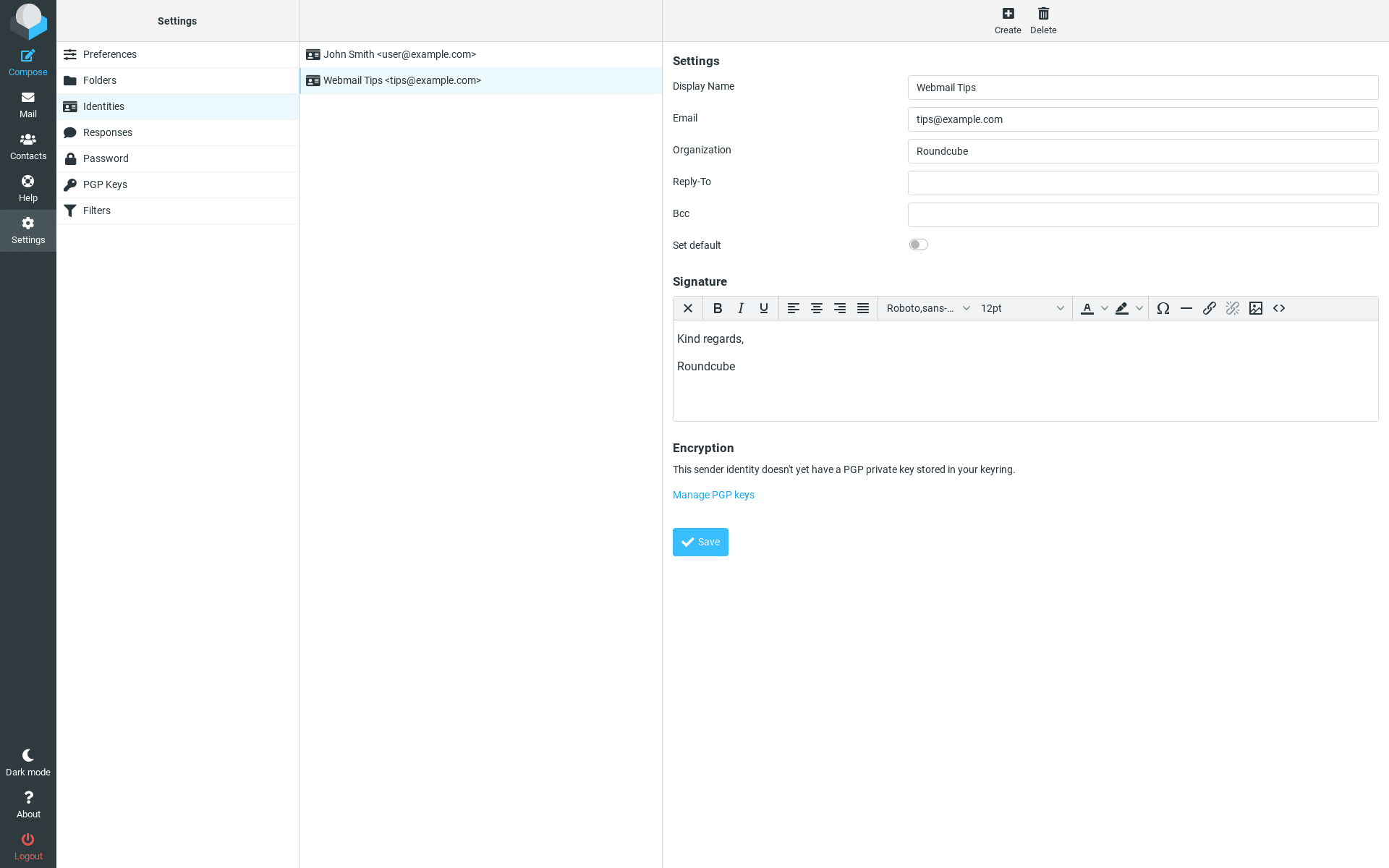
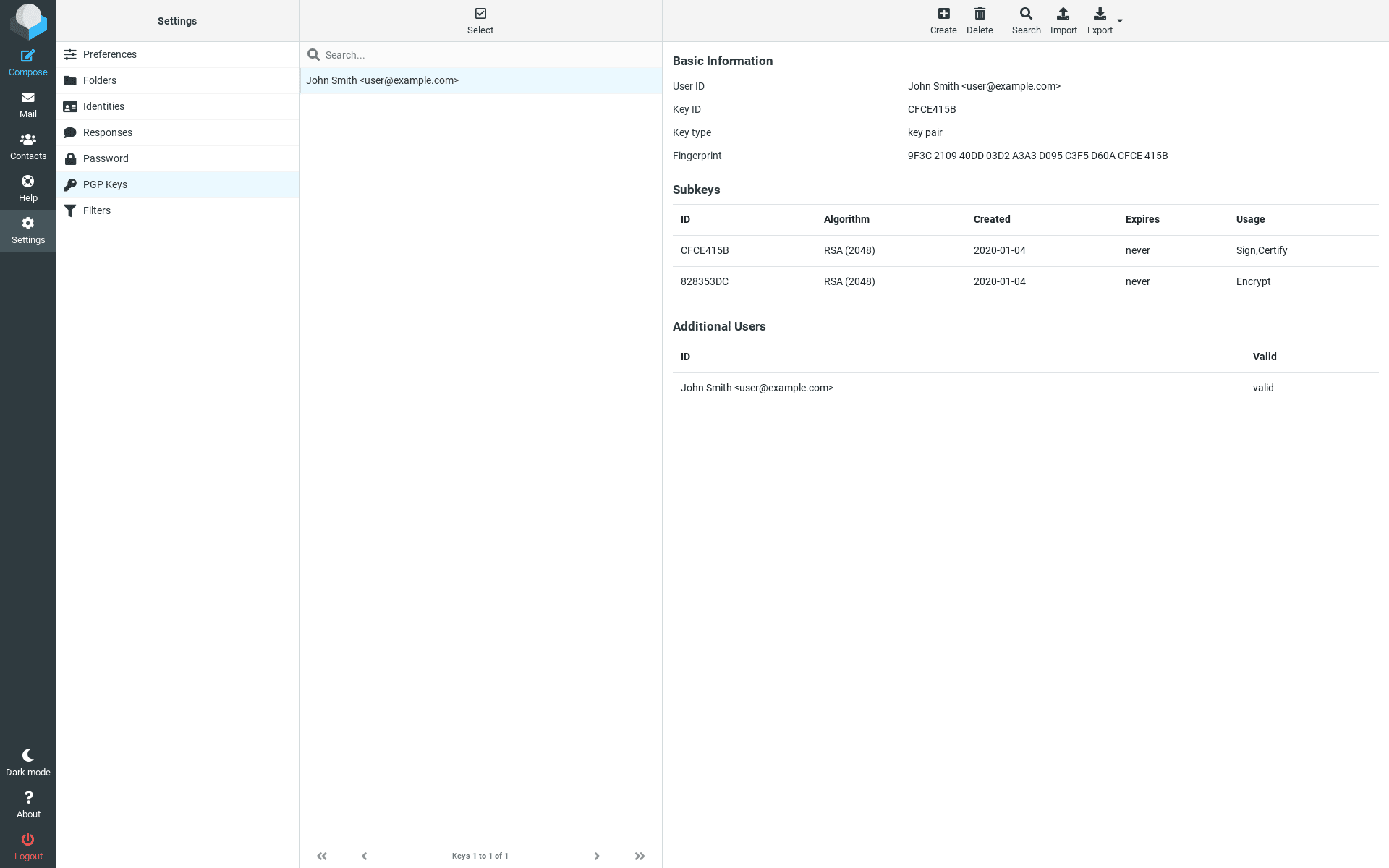
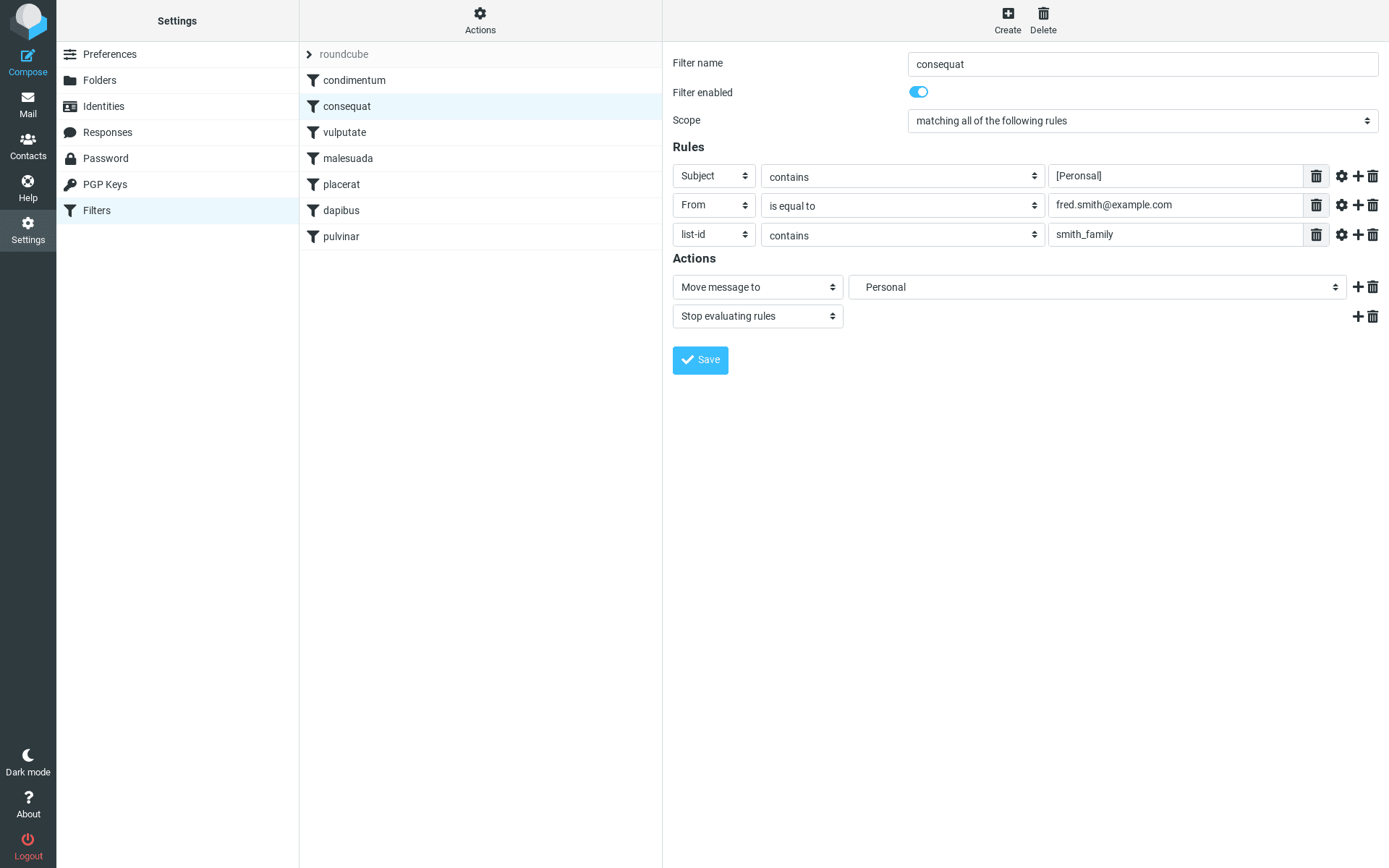
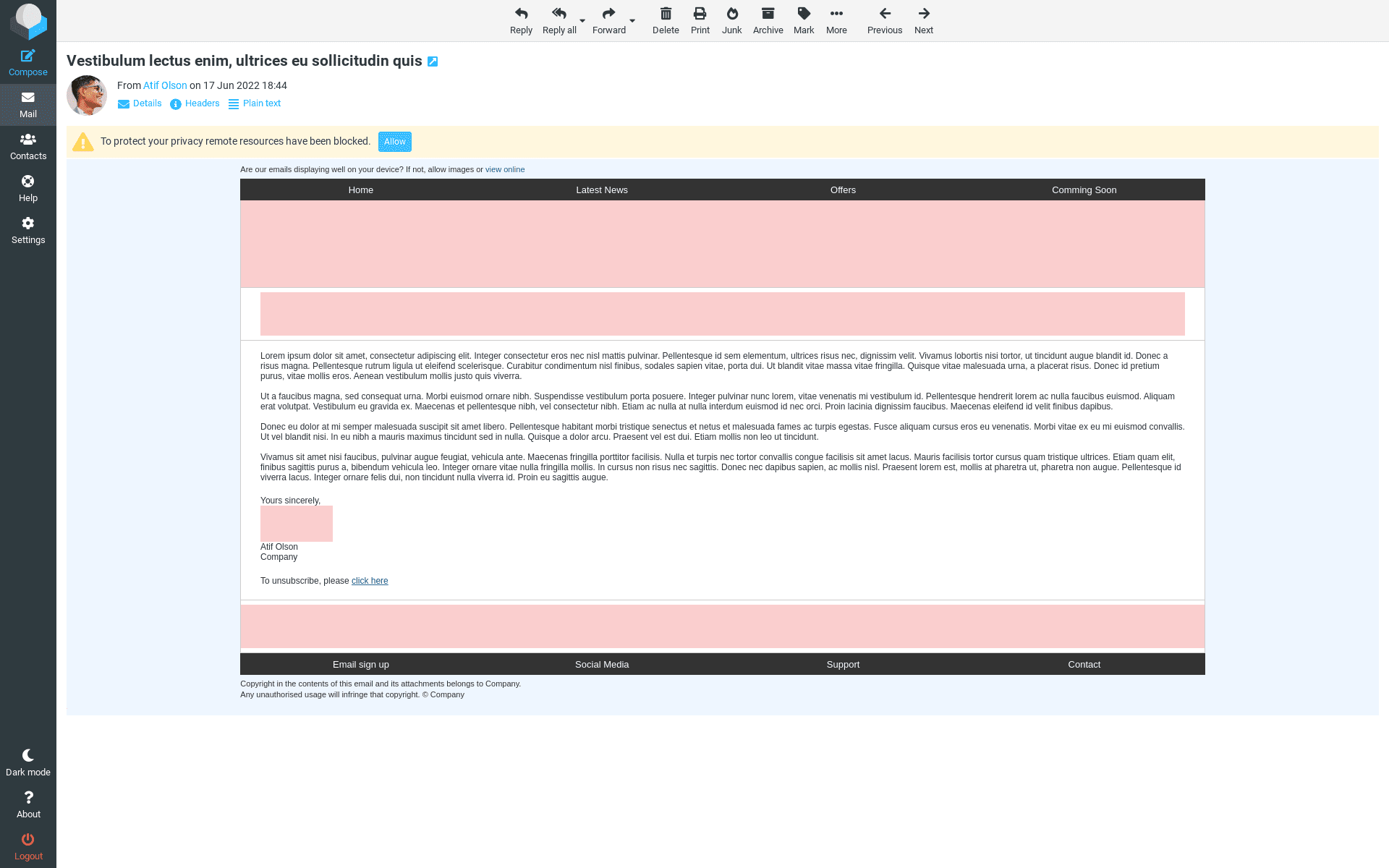
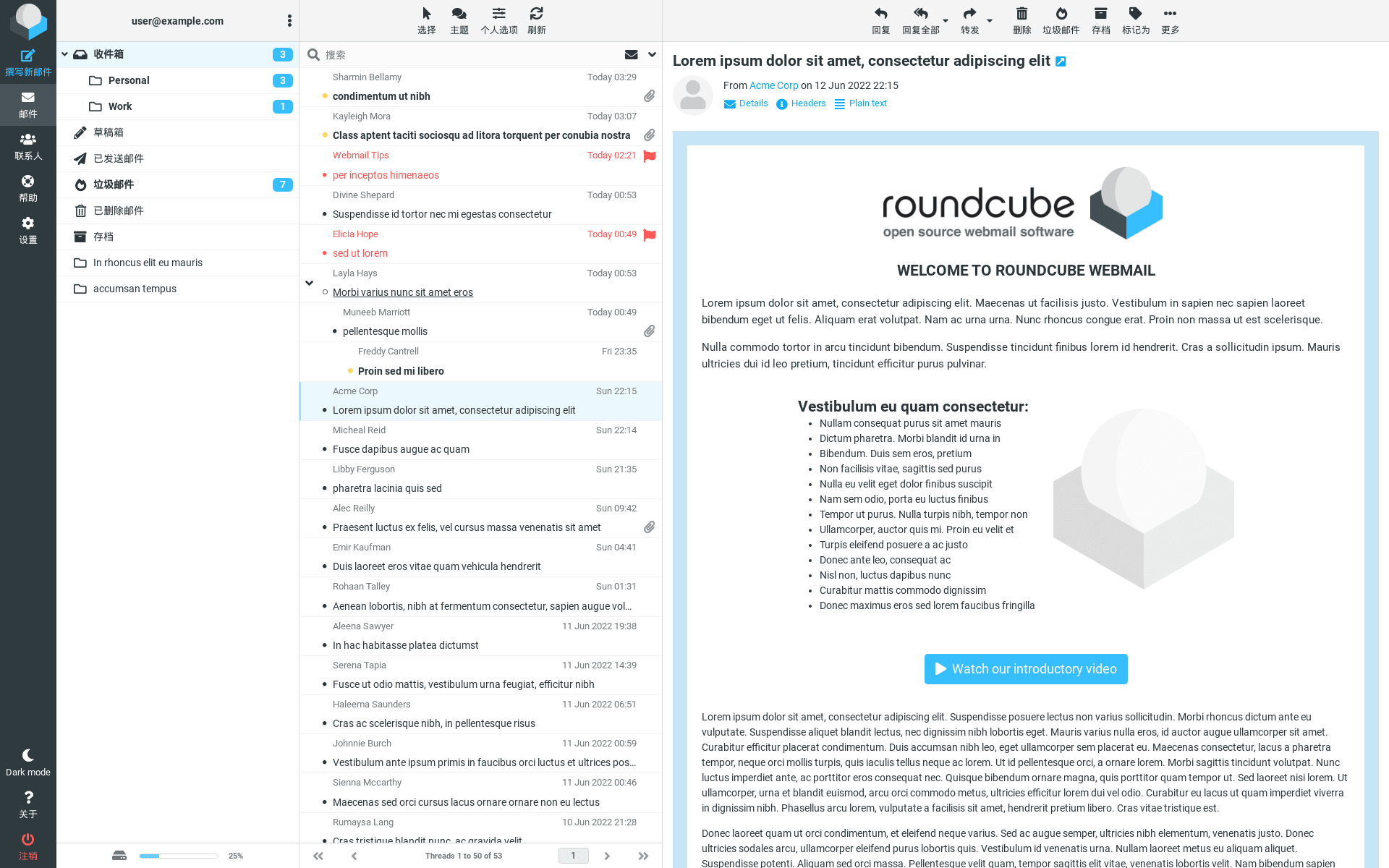
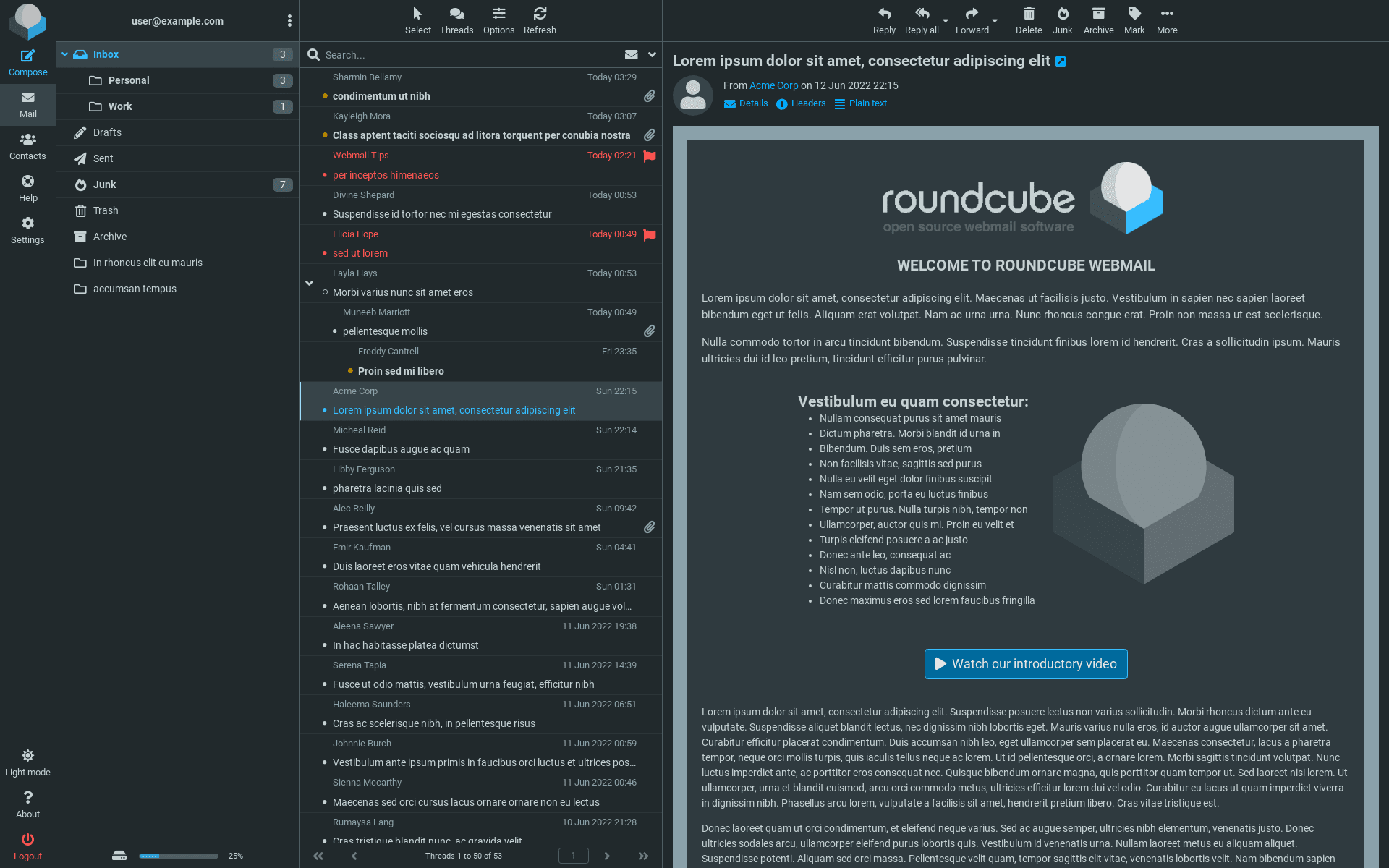
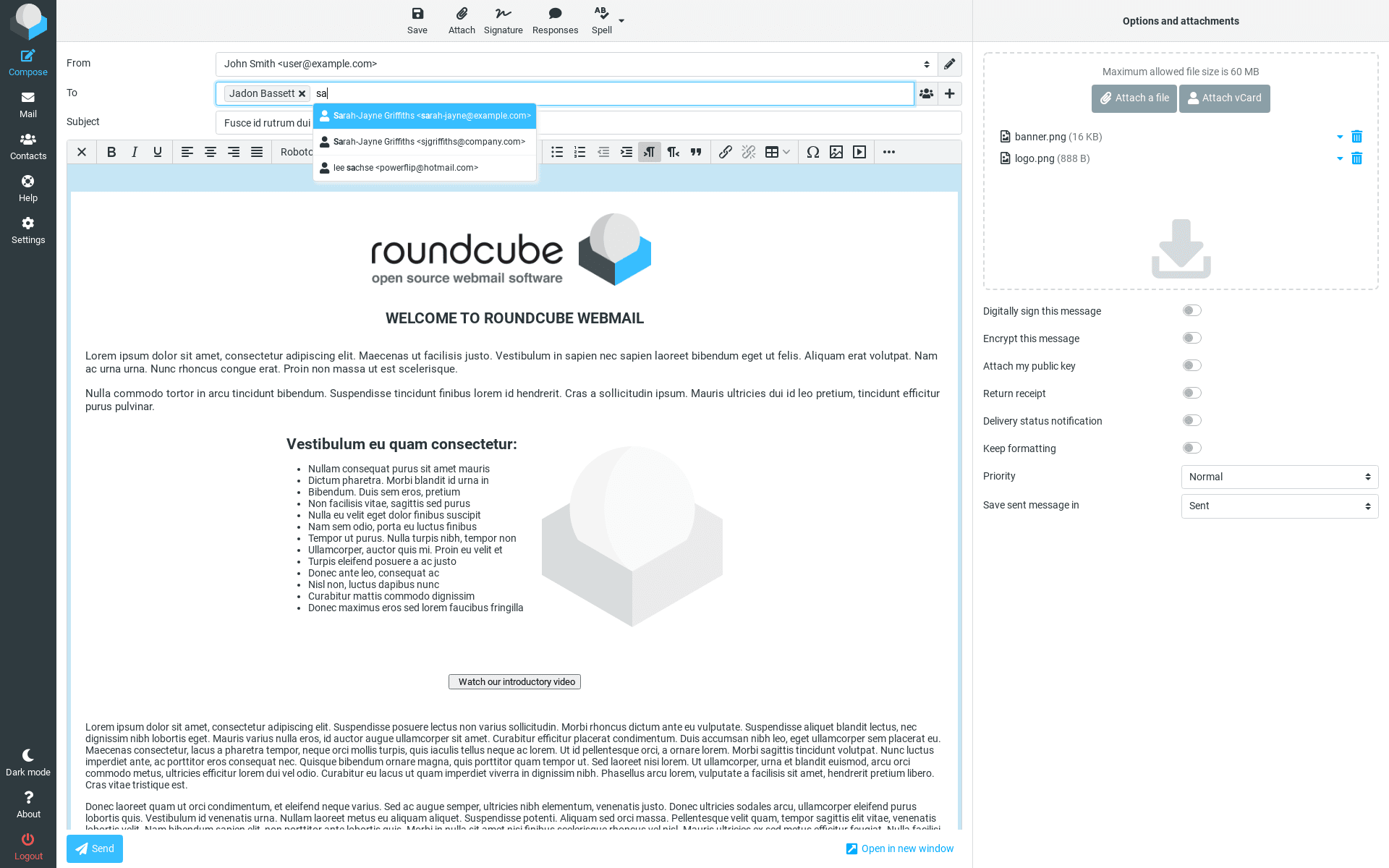
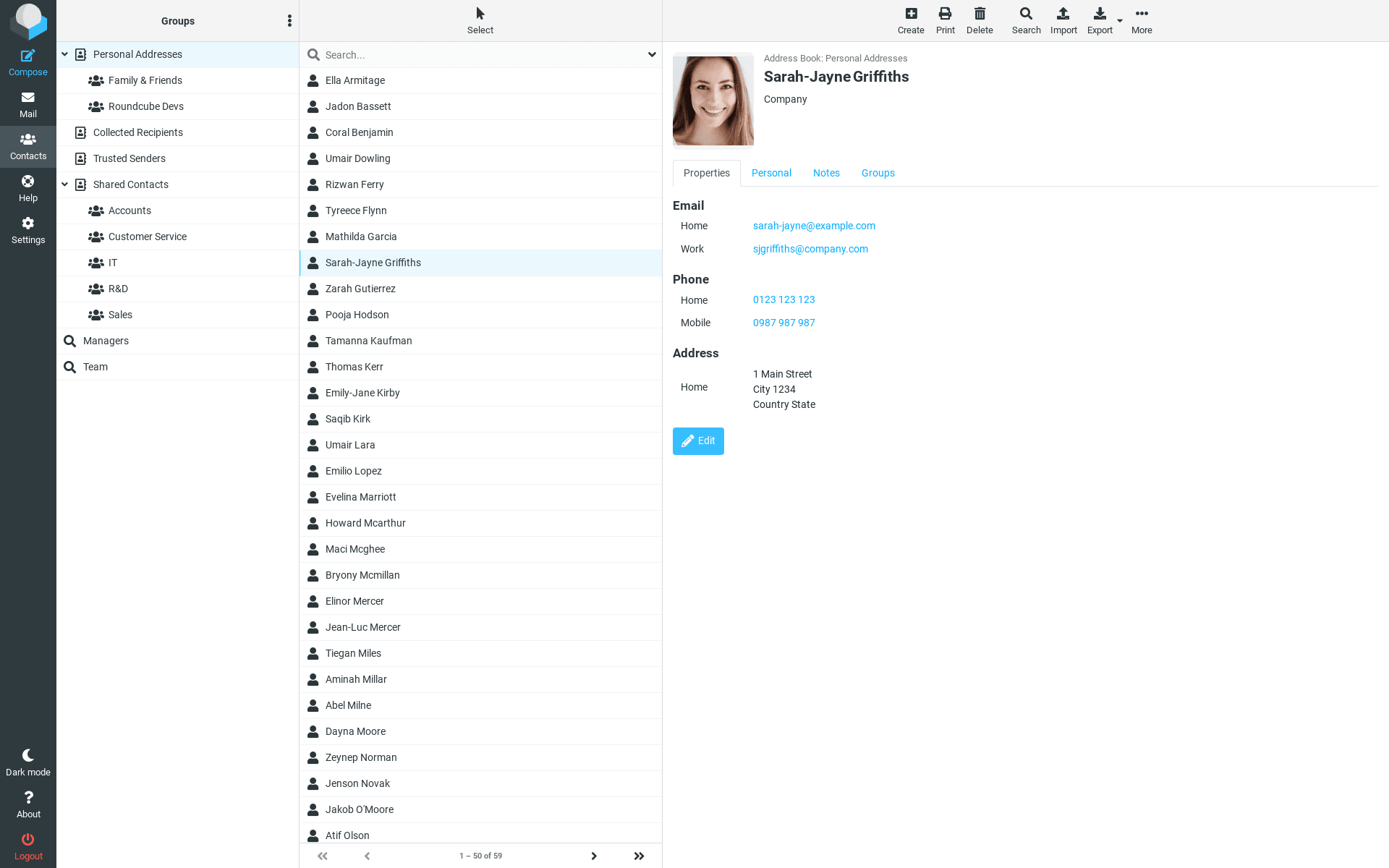
Roundcube screenshot 1Roundcube screenshot 2Roundcube screenshot 3Roundcube screenshot 4Roundcube screenshot 5Roundcube screenshot 6Roundcube screenshot 7Roundcube screenshot 8Roundcube screenshot 9Roundcube screenshot 10Roundcube screenshot 11Roundcube screenshot 12

Setup time

A few minutes

Deployment

Your own server

Services

1 connected service

Why Roundcube

Everything you need, running where you choose.

Get the full Roundcube experience with Easypanel handling the repetitive infrastructure work around it.

Drag-&-drop Message Management
Roundcube webmail allows you to manage your messages easily with its drag-and-drop feature.
Full Support for MIME and HTML Messages
Roundcube webmail provides full support for MIME and HTML messages, ensuring you can view and manage all types of email content.
Multiple Sender Identities
With Roundcube webmail, you can manage multiple sender identities, making it ideal for users with multiple email accounts.
Full Featured Address Book
Roundcube webmail includes a full-featured address book with groups and LDAP connectors, making it easy to manage your contacts.
Threaded Message Listing
Roundcube webmail offers threaded message listing, allowing you to view your email conversations in a threaded view.
Spell Checking
Roundcube webmail includes a spell checking feature, ensuring your emails are free of spelling errors.
How it works

From template to live app in three steps.

Easypanel turns the template into real services, storage, and domains on the server you already control.

Already have Easypanel? Open your dashboard at the URL or IP of your own installation.

Installation guide
1
Open your dashboard
Visit the URL or IP of your Easypanel installation and choose the target project.
2
Choose Roundcube
Open Templates, select Roundcube, then review its service names and configuration.
3
Deploy and open your app
Easypanel starts every service and provisions an HTTPS domain for you.
Installation options
The template asks for these values before creating your services.
OptionDefaultRequired

App Service Name

roundcubeRequired

App Service Image

roundcube/roundcubemail:1.6.15-apacheRequired

Default Host

Hostname of the IMAP server to connect to. For encypted connections, prefix the host with tls:// (STARTTLS) or ssl:// (SSL/TLS).

Required

Default Port

IMAP port number.

143Optional

SMTP Server

Hostname of the SMTP server to send mails. For encypted connections, prefix the host with tls:// (STARTTLS) or ssl:// (SSL/TLS).

Required

SMTP Port

SMTP port number.

587Optional

Plugins

List of built-in plugins to activate.

archive,zipdownloadOptional

Upload Max File Size

File upload size limit.

5MOptional
Resources
Project documentation and source code.
Latest template update
May 5, 2026

Version bumped to 1.6.15-apache

Questions

Deploy with confidence.

The template handles the application setup while Easypanel keeps the infrastructure understandable and under your control.

Keep exploring

Related templates

Browse all
Snappymail logo
Snappymail
SnappyMail is a lightweight, fast, and self-hosted webmail client designed for efficient email management. Built with a focus on speed and security, SnappyMail offers a clean user interface, seamless IMAP integration, and multi-account support. It is optimized for both desktop and mobile use, providing a smooth and responsive email experience. SnappyMail supports advanced email features such as PGP encryption, custom folders, and customizable themes. With its self-hosted nature, users maintain full control over their emails, ensuring privacy and security.
View template
Cypht logo
Cypht
Cypht is a modern, open-source webmail client that allows you to access multiple email accounts from a single interface. It supports various email protocols and provides a clean, intuitive user experience.
View template
Novu logo
Novu
Novu is an open-source notification infrastructure platform that provides a unified API for managing notifications across multiple channels including email, SMS, push notifications, in-app notifications, and chat. This template deploys a complete Novu infrastructure with separate services for API, Worker, WebSocket, and Dashboard components, backed by MongoDB and Redis. Built for developers who need reliable, scalable notification delivery with features like workflow automation, template management, subscriber management, and real-time analytics. Perfect for applications that require sophisticated notification systems with multi-channel delivery, personalization, and comprehensive tracking capabilities.
View template
Roundcube logo
Ready to deploy Roundcube?
Open your own Easypanel dashboard, choose Roundcube from Templates, and review the deployment options.