Deploy Tianji on your own server.

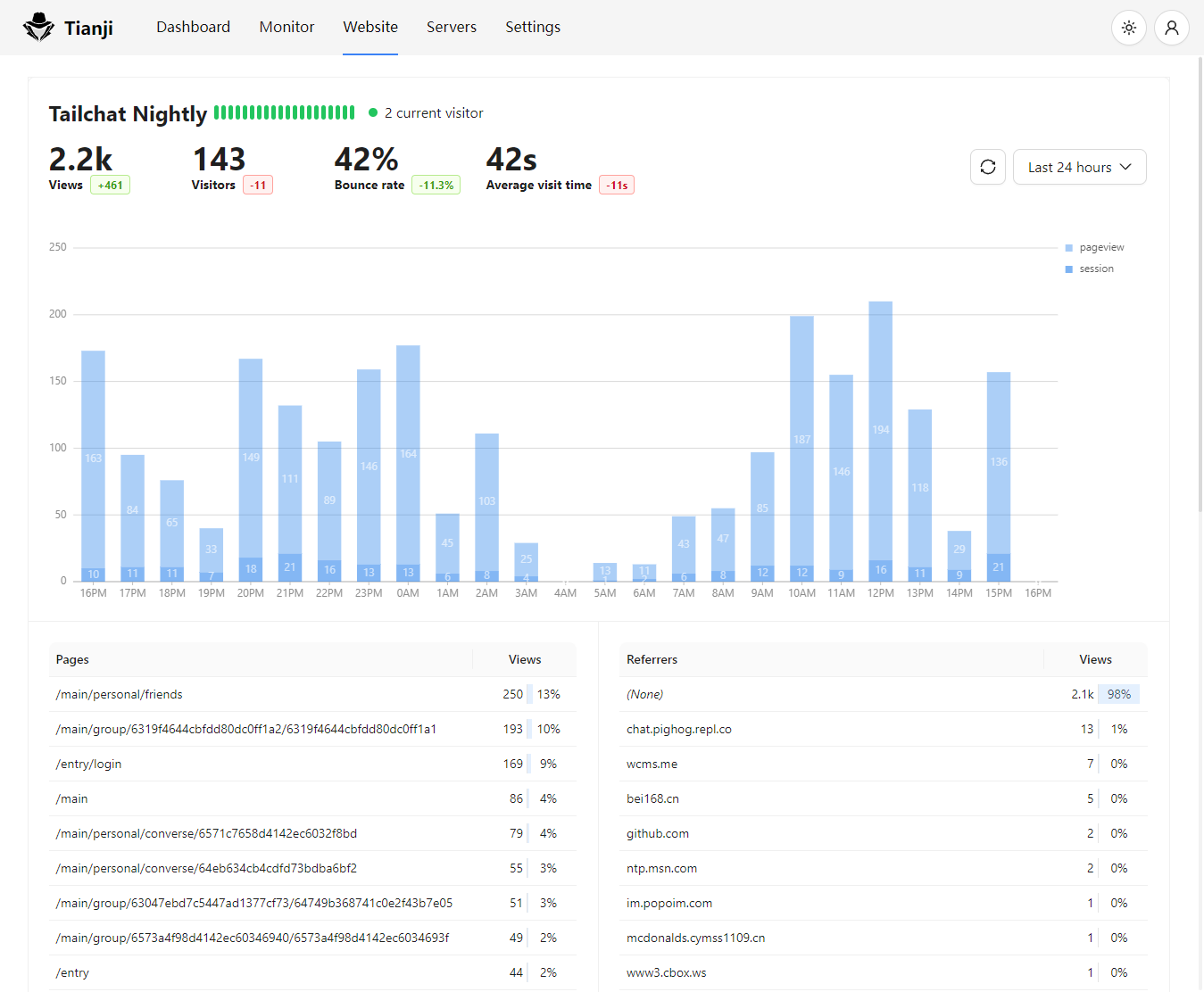
All-in-One Insight Hub. Insight into everything, Website Analytics + Uptime Monitor + Server Status. not only another GA alternatives
Your infrastructureAutomatic HTTPSNo lock-in
Screenshots
A closer look at Tianji.
Setup time
A few minutes
Deployment
Your own server
Services
2 connected services
Why Tianji
Everything you need, running where you choose.
Get the full Tianji experience with Easypanel handling the repetitive infrastructure work around it.
One-click deployment
Skip manual Docker setup. Easypanel creates and connects the services this app needs.
Your server, your data
Run the application on infrastructure you control, without giving up a polished deployment workflow.
Production-ready defaults
Persistent storage, domains, HTTPS, and environment variables are configured from one guided form.
How it works
From template to live app in three steps.
Easypanel turns the template into real services, storage, and domains on the server you already control.
Already have Easypanel? Open your dashboard at the URL or IP of your own installation.
Installation guide1
Open your dashboard
Visit the URL or IP of your Easypanel installation and choose the target project.
2
Choose Tianji
Open Templates, select Tianji, then review its service names and configuration.
3
Deploy and open your app
Easypanel starts every service and provisions an HTTPS domain for you.
Installation options
The template asks for these values before creating your services.
| Option | Default | Required |
|---|---|---|
App Service Name | tianji | Required |
App Service Image | moonrailgun/tianji:1.31.24 | Required |
Before you deploy
Default login is "admin" / "admin".
Resources
Project documentation and source code.
Latest template update
May 7, 2026
Version bumped to 1.31.24
Questions
Deploy with confidence.
The template handles the application setup while Easypanel keeps the infrastructure understandable and under your control.
Keep exploring
Browse allRelated templates

Checkmate
Checkmate is a modern, open-source uptime monitoring solution designed to keep track of your websites, APIs, and services. Built with a focus on simplicity and reliability, it provides real-time monitoring capabilities with instant notifications when your services go down. The application features a clean, intuitive dashboard that displays the current status of all monitored services, historical uptime data, and detailed analytics. Perfect for businesses, developers, and system administrators who need to ensure their digital services remain accessible to users.
View template

Medama
Medama Analytics is an open-source project dedicated to providing self-hostable, cookie-free website analytics. With a lightweight tracker of less than 1KB, it aims to offer useful analytics while prioritising user privacy.
View template

Fathom
Fathom is a simple, privacy-focused alternative to Google Analytics. It provides fast, lightweight and privacy-first website analytics without compromising user data.
View template
Ready to deploy Tianji?
Open your own Easypanel dashboard, choose Tianji from Templates, and review the deployment options.