All templates

Deploy Traccar on your own server.

Traccar logo

Traccar is an open-source GPS tracking system designed for real-time tracking of vehicles, assets, and individuals. It supports a wide range of GPS devices and mobile apps, providing a secure, reliable, and highly customizable platform for tracking and managing your data. Traccar is ideal for fleet management, personal tracking, and…

Your infrastructureAutomatic HTTPSNo lock-in

Screenshots

A closer look at Traccar.

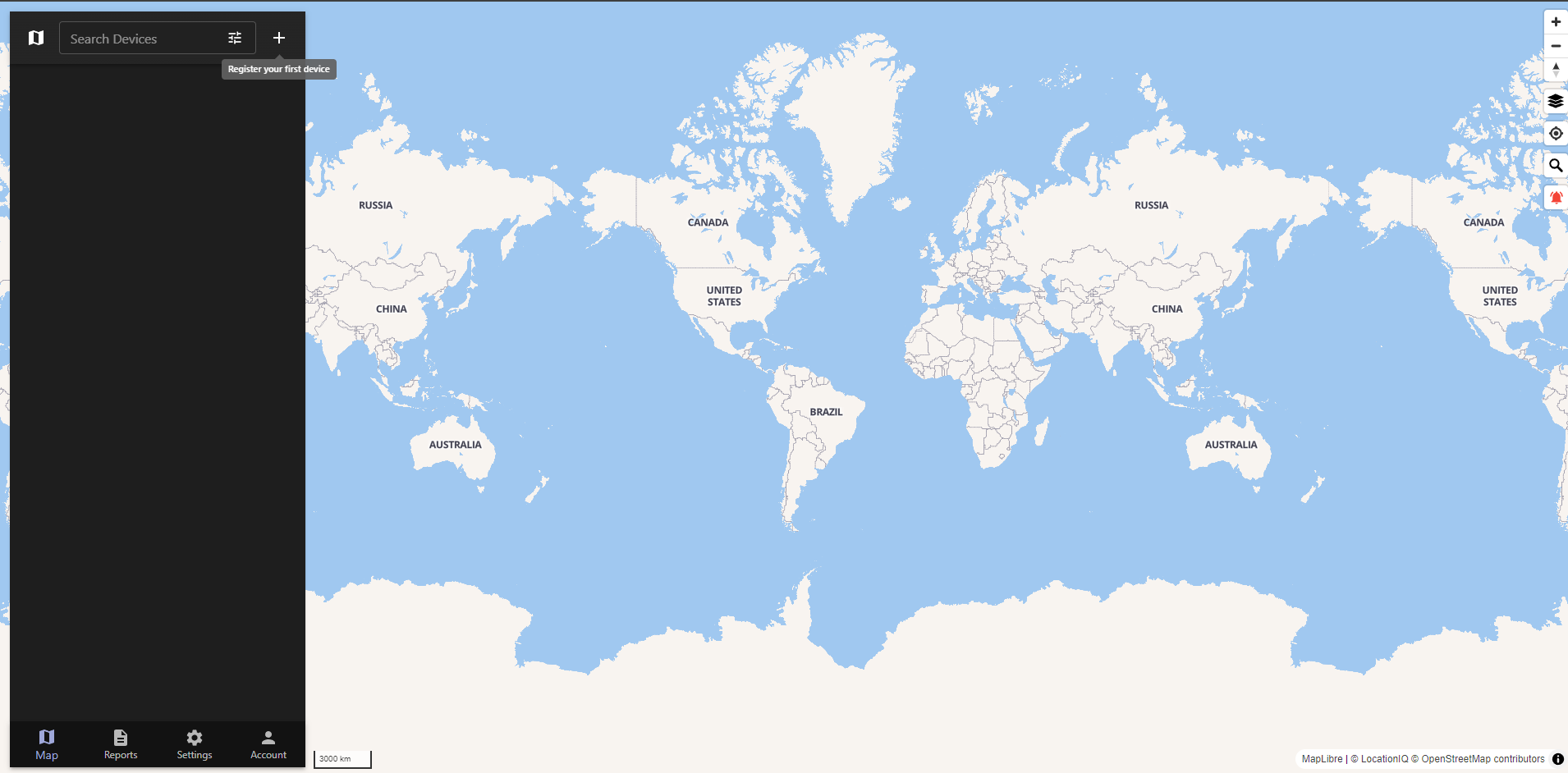
Traccar screenshot 1

Setup time

A few minutes

Deployment

Your own server

Services

1 connected service

Why Traccar

Everything you need, running where you choose.

Get the full Traccar experience with Easypanel handling the repetitive infrastructure work around it.

Geofencing
Create virtual boundaries and receive alerts when devices enter or exit predefined areas.
Event Notifications
Configurable notifications for events like speeding, SOS signals, or geofence breaches.
Multi-Device Support
Manage and monitor multiple devices from a single interface.
Customizable Dashboards
Personalize dashboards with the data and views most relevant to your needs.
Real-Time GPS Tracking
Monitor the location of vehicles, assets, or individuals in real time with detailed data.
Device Compatibility
Supports over 2,000 GPS devices and mobile apps for seamless integration.
How it works

From template to live app in three steps.

Easypanel turns the template into real services, storage, and domains on the server you already control.

Already have Easypanel? Open your dashboard at the URL or IP of your own installation.

Installation guide
1
Open your dashboard
Visit the URL or IP of your Easypanel installation and choose the target project.
2
Choose Traccar
Open Templates, select Traccar, then review its service names and configuration.
3
Deploy and open your app
Easypanel starts every service and provisions an HTTPS domain for you.
Installation options
The template asks for these values before creating your services.
OptionDefaultRequired

App Service Name

traccarRequired

App Service Image

traccar/traccar:6.13.3Required
Resources
Project documentation and source code.
Latest template update
May 7, 2026

Version bumped to 6.13.3

Questions

Deploy with confidence.

The template handles the application setup while Easypanel keeps the infrastructure understandable and under your control.

Keep exploring

Related templates

Browse all
LubeLogger logo
LubeLogger
LubeLogger is a self-hosted vehicle maintenance and service tracking application that helps you keep comprehensive records of all your vehicle's maintenance activities, repairs, and modifications. Designed for car enthusiasts, fleet managers, and anyone who wants to maintain detailed service histories, LubeLogger provides an intuitive web interface to log oil changes, tire rotations, repairs, upgrades, and more. The application allows you to track multiple vehicles, set maintenance reminders based on mileage or time intervals, and maintain a complete history of all service records with costs and notes. With support for uploading receipts and documents, you can keep all your vehicle maintenance information in one centralized location. LubeLogger features automatic odometer tracking, service interval reminders, cost analysis and reporting, tax deduction calculations for business use, and comprehensive search and filtering capabilities. Built with ASP.NET, it provides a responsive web interface that works seamlessly across desktop and mobile devices, allowing you to update maintenance records from anywhere. Perfect for vehicle owners who want to maintain detailed service histories, car collectors managing multiple vehicles, fleet managers tracking maintenance across multiple assets, mechanics and auto shops offering service tracking to customers, or anyone preparing to sell a vehicle and wanting to demonstrate a complete maintenance history to potential buyers.
View template
uLogger logo
uLogger
uLogger is a lightweight, self-hosted GPS tracking platform that allows you to track and visualize your location data. It's perfect for personal use, fleet management, or tracking outdoor activities.
View template
Portracker
Portracker is a self-hosted port tracking and monitoring application that provides real-time visibility into port usage across your infrastructure. It automatically discovers and tracks ports used by services running on your system, including Docker containers, and provides a comprehensive dashboard for port management and conflict detection. Perfect for DevOps teams and system administrators who need to maintain organized port assignments.
View template
Traccar logo
Ready to deploy Traccar?
Open your own Easypanel dashboard, choose Traccar from Templates, and review the deployment options.