All templates

Deploy Universal Media Server on your own server.

Universal Media Server logo

Universal Media Server (UMS) is a DLNA-compliant media server that can share videos, audio, and images to any DLNA-capable device, including smart TVs, game consoles, mobile devices, and other computers. It supports a wide range of formats and offers extensive customization options for transcoding and streaming.

Your infrastructureAutomatic HTTPSNo lock-in

Screenshots

A closer look at Universal Media Server.
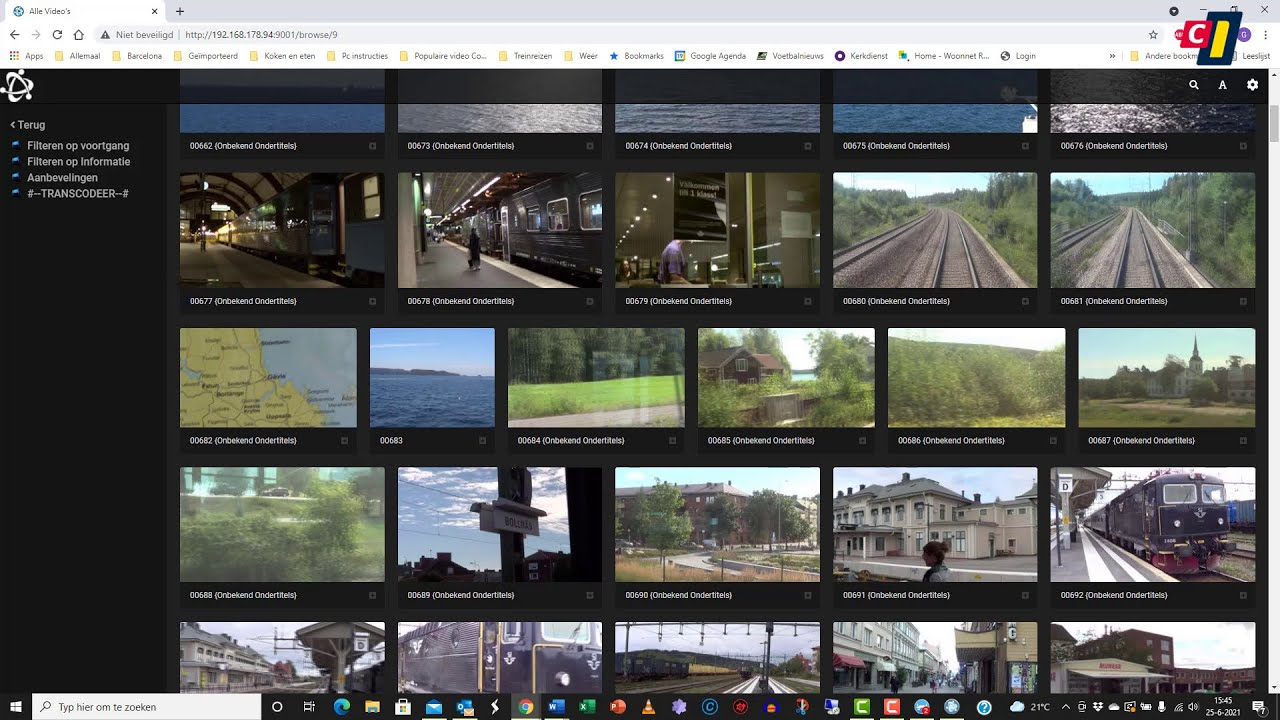
Universal Media Server screenshot 1

Setup time

A few minutes

Deployment

Your own server

Services

1 connected service

Why Universal Media Server

Everything you need, running where you choose.

Get the full Universal Media Server experience with Easypanel handling the repetitive infrastructure work around it.

DLNA/UPnP Compliance
Fully compatible with DLNA and UPnP standards for seamless streaming
Automatic Transcoding
Automatically converts media to formats supported by the target device
Subtitle Support
Handles external and embedded subtitles in various formats
Web Interface
User-friendly web interface for configuration and media management
Thumbnail Generation
Automatically generates thumbnails and previews for media
Media Library Organization
Sorts and categorizes media for easy browsing
How it works

From template to live app in three steps.

Easypanel turns the template into real services, storage, and domains on the server you already control.

Already have Easypanel? Open your dashboard at the URL or IP of your own installation.

Installation guide
1
Open your dashboard
Visit the URL or IP of your Easypanel installation and choose the target project.
2
Choose Universal Media Server
Open Templates, select Universal Media Server, then review its service names and configuration.
3
Deploy and open your app
Easypanel starts every service and provisions an HTTPS domain for you.
Installation options
The template asks for these values before creating your services.
OptionDefaultRequired

App Service Name

universalmediaserverRequired

App Service Image

universalmediaserver/ums:14.12.0Required
Resources
Project documentation and source code.
Latest template update
Apr 25, 2025

Initial release

Questions

Deploy with confidence.

The template handles the application setup while Easypanel keeps the infrastructure understandable and under your control.

Keep exploring

Related templates

Browse all
Swingmusic logo
Swingmusic
Swingmusic is a beautiful, self-hosted music player and streaming server for your personal music collection. It provides a modern, intuitive web interface that allows you to stream your music library from anywhere. With support for various audio formats and a clean, responsive design, Swingmusic makes it easy to enjoy your music collection across all your devices. The application offers features like playlist management, search functionality, and album artwork display, making it a perfect alternative to commercial streaming services for those who want to keep their music library private and under their control.
View template
Airsonic Advanced logo
Airsonic Advanced
Airsonic Advanced is a more modern implementation of the Airsonic fork with several key performance and feature enhancements. It's a free, web-based media streamer providing ubiquitous access to your music. Use it to share your music with friends, or to listen to your own music while at work. You can stream to multiple players simultaneously, for instance to one player in your kitchen and another in your living room. It supports very large music collections and works with any audio or video format that can stream over HTTP.
View template
BlackCandy logo
BlackCandy
BlackCandy is a self-hosted music streaming server built with Rails and Hotwire. It provides a clean, modern web interface for streaming your personal music collection. The goal of the project is to create a real personal music center that you can access from anywhere. It features mobile apps for iOS and Android, supports multiple audio formats, and offers a beautiful, responsive interface.
View template
Universal Media Server logo
Ready to deploy Universal Media Server?
Open your own Easypanel dashboard, choose Universal Media Server from Templates, and review the deployment options.