All templates

Deploy Unleash on your own server.

Unleash logo

Unleash is an open-source feature management software designed to cater to the needs of large enterprises. It provides a private, secure, and scalable platform that is ready to handle complex setups right out of the box. Unleash allows you to code freely, release confidently, and then scale your software. It offers a 'buy, then build'…

Your infrastructureAutomatic HTTPSNo lock-in

Screenshots

A closer look at Unleash.

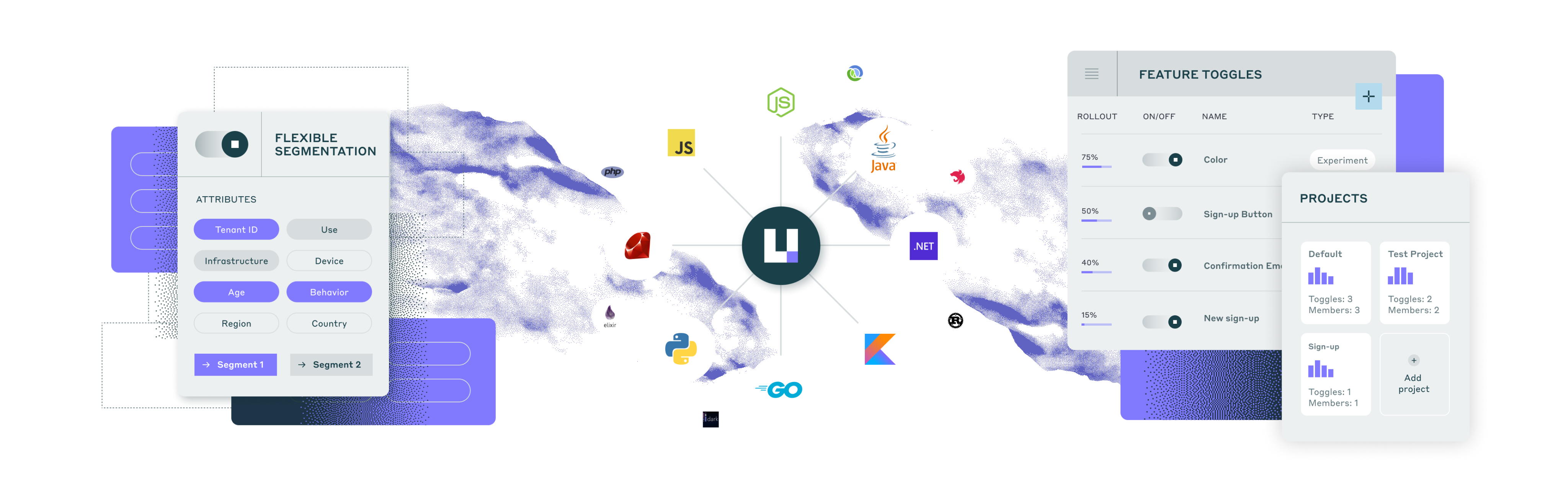
Unleash screenshot 1

Setup time

A few minutes

Deployment

Your own server

Services

2 connected services

Why Unleash

Everything you need, running where you choose.

Get the full Unleash experience with Easypanel handling the repetitive infrastructure work around it.

Simple and intuitive feature management
Unleash provides a user-friendly interface and intuitive tools to manage and organize your feature flags. It makes feature management easy and accessible for developers, allowing them to toggle features on/off with ease.
Fast and easy setup
Getting started with Unleash is quick and hassle-free. It only takes two steps to set up the software and start improving your software delivery workflow. You can be up and running in minutes.
Powerful customization options
Unleash offers powerful customization capabilities, allowing you to tailor the software to your specific use cases. It has a clean and powerful UI with an API-first design, enabling you to build on top of it and create what you need.
Transparent and open-source
Unleash is an open-source feature management software, providing transparency and full insight into its development process. It has been built, reviewed, and trusted by millions of users worldwide.
Flexible and scalable feature management
Unleash allows you to easily manage and control feature flags across all your environments, applications, and services. It scales along with your business needs and processes, providing flexibility and adaptability.
Safe and frequent deployments
With Unleash, you can move from all-or-nothing releases to safe and frequent deployments. You can release features to specific users or groups, gather iterative feedback, and conduct A/B testing to ensure a smooth and successful rollout.
How it works

From template to live app in three steps.

Easypanel turns the template into real services, storage, and domains on the server you already control.

Already have Easypanel? Open your dashboard at the URL or IP of your own installation.

Installation guide
1
Open your dashboard
Visit the URL or IP of your Easypanel installation and choose the target project.
2
Choose Unleash
Open Templates, select Unleash, then review its service names and configuration.
3
Deploy and open your app
Easypanel starts every service and provisions an HTTPS domain for you.
Installation options
The template asks for these values before creating your services.
OptionDefaultRequired

App Service Name

unleashRequired

App Service Image

unleashorg/unleash-server:7.6.3Required

Database Service Name

unleash-dbRequired
Resources
Project documentation and source code.
Latest template update
May 7, 2026

Version bumped to 7.6.3

Questions

Deploy with confidence.

The template handles the application setup while Easypanel keeps the infrastructure understandable and under your control.

Keep exploring

Related templates

Browse all
OneDev logo
OneDev
OneDev is a versatile app designed to streamline your project management and development processes. It offers a comprehensive suite of features including pull requests, issue tracking, and build management. With OneDev, you can easily manage your projects, track commits, and handle branches and tags. The app also provides a platform for managing pull requests, merging them, and discarding when necessary. It allows you to keep track of open and closed issues, as well as those that have been released. OneDev also offers a robust build management system, enabling you to monitor successful builds across various projects. The app is designed to support multiple projects, each with its own set of files, commits, branches, tags, pull requests, and builds. With OneDev, you can streamline your workflow, enhance collaboration, and improve productivity in your development projects.
View template
Authorizer logo
Authorizer
Authorizer is a powerful tool designed to simplify the process of user authentication and authorization in your applications. It allows you to build secure apps 10x faster with its low code tool and low-cost deployment. With Authorizer, you have full control over your user data, which can be stored in your preferred database. The app supports multiple authentication recipes and allows you to authorize users based on your business roles. It is compatible with OAuth2 and OpenID APIs. Authorizer also offers secure session management with the best services baked in, including HTTP only cookies and Authorization Code flow for mobile-based authentication. It supports a wide range of databases, including major SQL, NoSQL, and GraphDBs. You can customize emails, configure webhooks for various events, and add an extra layer of security with email-based OTP for basic authentication. With Authorizer, you can deploy your authentication and authorization service anywhere with multiple deployment options. It is a comprehensive solution for all your authentication and authorization needs.
View template
Appsmith logo
Appsmith
Appsmith is a powerful tool designed to help engineers build custom software on top of their data. It simplifies internal tool development for businesses, streamlining operations, automating processes, and integrating multiple apps and data sources. Appsmith allows you to quickly build, deploy, and share applications that run critical business operations. It features intent-based auto-layouts for building responsive apps faster and offers a drag-and-drop interface for creating beautiful UIs without writing a single line of HTML/CSS. You can connect to any database, SaaS tool, or GraphQL/REST API, and query your data directly using SQL or the built-in query builder. Appsmith also provides the ability to write in-line JavaScript or reusable code blocks to extend your app's functionality, customize your UI, or write conditional logic. It's a secure, open-source platform that can be self-hosted for total control, privacy, and security.

View template
Unleash logo
Ready to deploy Unleash?
Open your own Easypanel dashboard, choose Unleash from Templates, and review the deployment options.