All templates

Deploy WAHA on your own server.

WAHA logo

WAHA (WhatsApp HTTP API) is a self-hosted, privacy-focused WhatsApp API that you can run in a click! It provides a REST API to send and receive WhatsApp messages, manage groups, channels, and status updates. WAHA runs a real instance of WhatsApp Web to avoid getting blocked and supports automation through HTTP API. The core version is…

Your infrastructureAutomatic HTTPSNo lock-in

Screenshots

A closer look at WAHA.

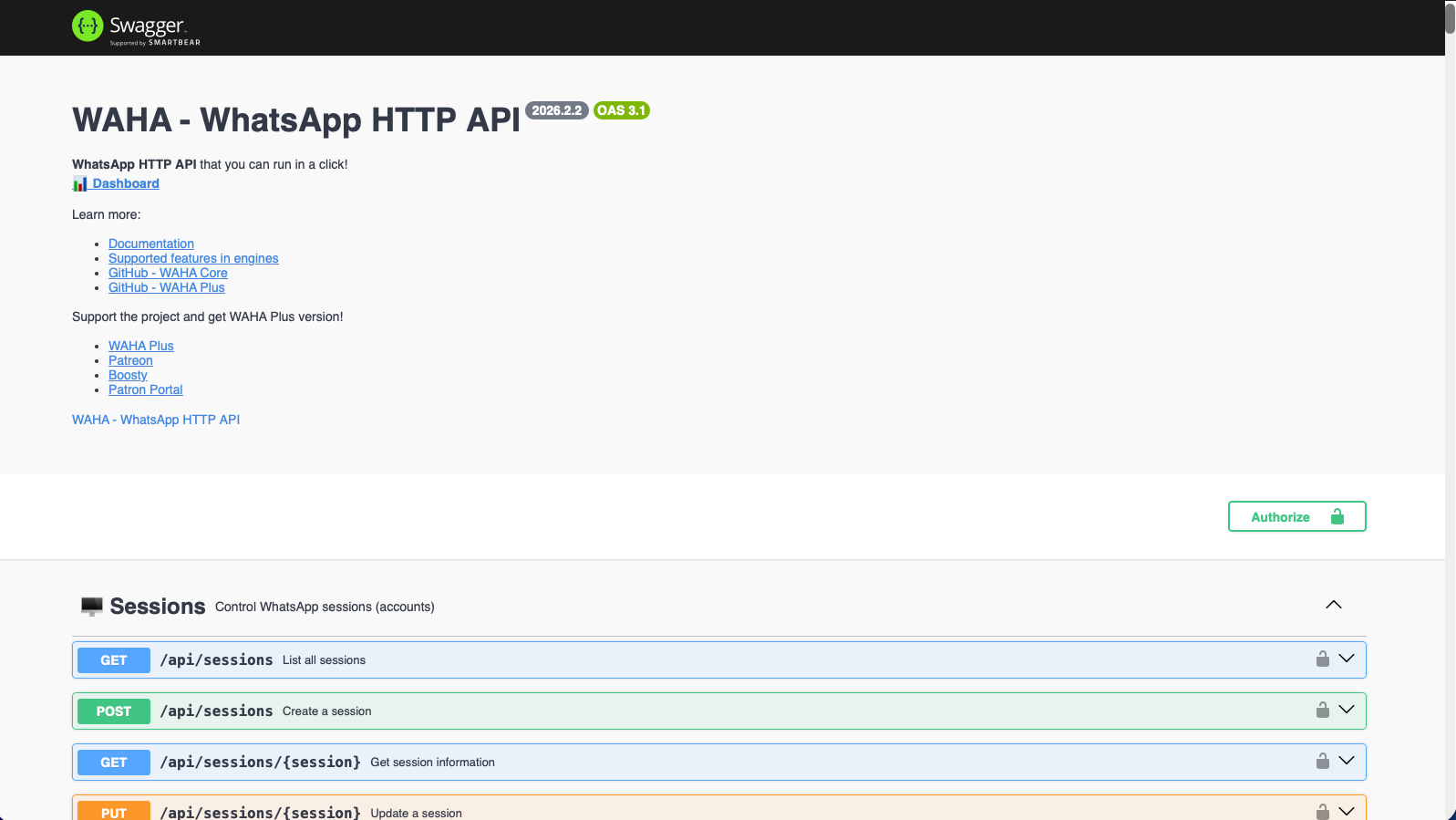
WAHA screenshot 1

Setup time

A few minutes

Deployment

Your own server

Services

1 connected service

Why WAHA

Everything you need, running where you choose.

Get the full WAHA experience with Easypanel handling the repetitive infrastructure work around it.

Send and receive messages
Send and receive text messages, images, videos, voice messages, and documents through simple HTTP API calls.
Groups and channels management
Create and manage WhatsApp groups, channels, and status updates. Automate group operations and channel broadcasting.
Built-in dashboard
Web interface to easily manage your WhatsApp sessions, scan QR codes, and monitor your API usage.
Webhook support
Receive real-time notifications via webhooks when new messages arrive or other events occur.
Multiple sessions
Support for multiple WhatsApp accounts (sessions) within a single instance, perfect for scaling your automation.
No blocking protection
Designed to minimize the risk of WhatsApp blocking by using real WhatsApp Web instances and following best practices.
How it works

From template to live app in three steps.

Easypanel turns the template into real services, storage, and domains on the server you already control.

Already have Easypanel? Open your dashboard at the URL or IP of your own installation.

Installation guide
1
Open your dashboard
Visit the URL or IP of your Easypanel installation and choose the target project.
2
Choose WAHA
Open Templates, select WAHA, then review its service names and configuration.
3
Deploy and open your app
Easypanel starts every service and provisions an HTTPS domain for you.
Installation options
The template asks for these values before creating your services.
OptionDefaultRequired

App Service Name

wahaRequired

App Service Image

devlikeapro/waha:latest-2026.4.3Required

Dashboard Username

adminRequired

Swagger Username

adminRequired
Resources
Project documentation and source code.
Latest template update
May 7, 2026

Version bumped to latest-2026.4.3

Questions

Deploy with confidence.

The template handles the application setup while Easypanel keeps the infrastructure understandable and under your control.

Keep exploring

Related templates

Browse all
Velix API logo
Velix API
Velix is a self-hosted WhatsApp API built in Go. Connect multiple WhatsApp numbers, send and receive messages via REST, get real-time webhooks, and integrate with n8n and Chatwoot out of the box. It features a web-based admin panel for managing instances, QR code pairing, per-instance API keys, and automatic media download with local storage. Designed for agencies and developers who need reliable WhatsApp automation at scale.
View template
OpenClaw logo
OpenClaw
OpenClaw is your own personal AI assistant. Any OS. Any Platform. The lobster way. 🦞 An open-source personal AI assistant platform that gives you complete control over your data and AI interactions. Built for Molty, OpenClaw provides a gateway service for WebSocket connections, CLI tools for management, and support for multiple channels including WhatsApp, Telegram, Slack, Discord, and more. Deploy your personal AI assistant with full data ownership and privacy.
View template
Zep logo
Zep
Zep is a powerful, self-hosted AI platform designed for seamless integration with large language models. It provides a clean and intuitive interface, supports plugins for extended functionality, and offers detailed analytics to monitor and optimize your AI workflows. With Zep, you maintain full control over your deployments and configurations. The application is accessible via your host on designated ports, ensuring secure and scalable operations. This container is based on Docker Baseimage KasmVNC, providing additional environment variables and configurations for enhanced flexibility. It also supports the docker manifest for multi-platform awareness, ensuring the correct image for your architecture.
View template
WAHA logo
Ready to deploy WAHA?
Open your own Easypanel dashboard, choose WAHA from Templates, and review the deployment options.