All templates

Deploy Velix API on your own server.

Velix API logo

Velix is a self-hosted WhatsApp API built in Go. Connect multiple WhatsApp numbers, send and receive messages via REST, get real-time webhooks, and integrate with n8n and Chatwoot out of the box. It features a web-based admin panel for managing instances, QR code pairing, per-instance API keys, and automatic media download with local…

Your infrastructureAutomatic HTTPSNo lock-in

Screenshots

A closer look at Velix API.
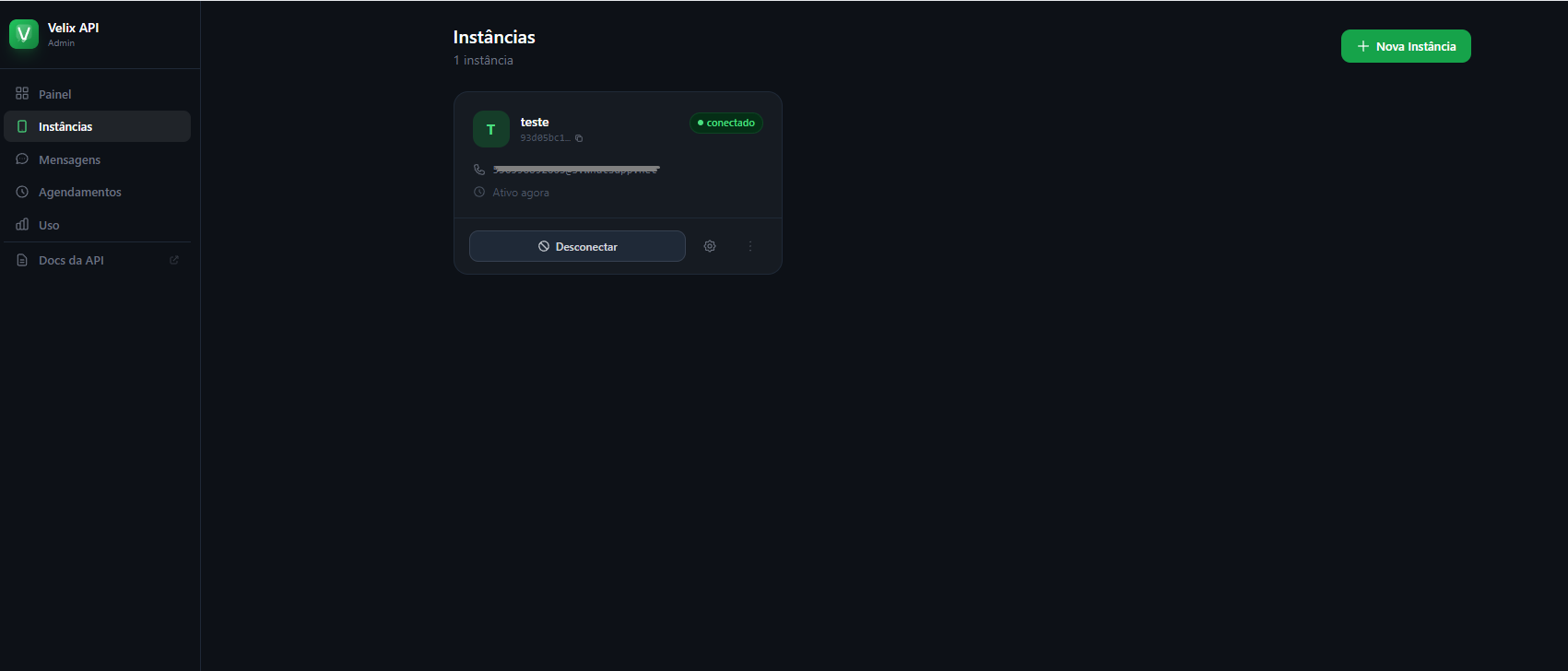
Velix API screenshot 1

Setup time

A few minutes

Deployment

Your own server

Services

3 connected services

Why Velix API

Everything you need, running where you choose.

Get the full Velix API experience with Easypanel handling the repetitive infrastructure work around it.

Admin Panel
Web-based dashboard for managing instances, viewing connection status, configuring webhooks, and generating API keys.
Per-Instance API Keys
Each WhatsApp instance gets its own scoped API key. Keys are generated from the admin panel and can be rotated at any time.
QR Code Pairing
Connect WhatsApp via QR code or pair code directly from the admin panel with real-time SSE streaming.
Media Storage
Automatic media download from WhatsApp CDN with local storage and REST endpoints for retrieval. Optional base64 encoding in webhook payloads.
Chatwoot Integration
Route WhatsApp messages to Chatwoot inboxes with automatic contact creation, conversation management, and full history sync.
Human Pause
When an agent replies manually, bot automation is paused for a configurable period so humans and bots can coexist seamlessly.
How it works

From template to live app in three steps.

Easypanel turns the template into real services, storage, and domains on the server you already control.

Already have Easypanel? Open your dashboard at the URL or IP of your own installation.

Installation guide
1
Open your dashboard
Visit the URL or IP of your Easypanel installation and choose the target project.
2
Choose Velix API
Open Templates, select Velix API, then review its service names and configuration.
3
Deploy and open your app
Easypanel starts every service and provisions an HTTPS domain for you.
Installation options
The template asks for these values before creating your services.
OptionDefaultRequired

App Service Name

velix-apiRequired

App Service Image

ghcr.io/paulolinder/velix-api:0.1.0Required

Database Service Name

velix-dbRequired

Redis Service Name

velix-redisRequired
Resources
Project documentation and source code.
Latest template update
Apr 14, 2026

first release

Questions

Deploy with confidence.

The template handles the application setup while Easypanel keeps the infrastructure understandable and under your control.

Velix API logo
Ready to deploy Velix API?
Open your own Easypanel dashboard, choose Velix API from Templates, and review the deployment options.