All templates

Deploy WoodPecker CI on your own server.

WoodPecker CI logo

WoodPecker CI is a modern, open-source continuous integration (CI) and delivery tool designed for developers who value simplicity, flexibility, and scalability. It integrates seamlessly with GitHub, allowing teams to automate testing, build, and deployment workflows efficiently. WoodPecker CI is lightweight, easy to deploy, and supports…

Your infrastructureAutomatic HTTPSNo lock-in

Screenshots

A closer look at WoodPecker CI.
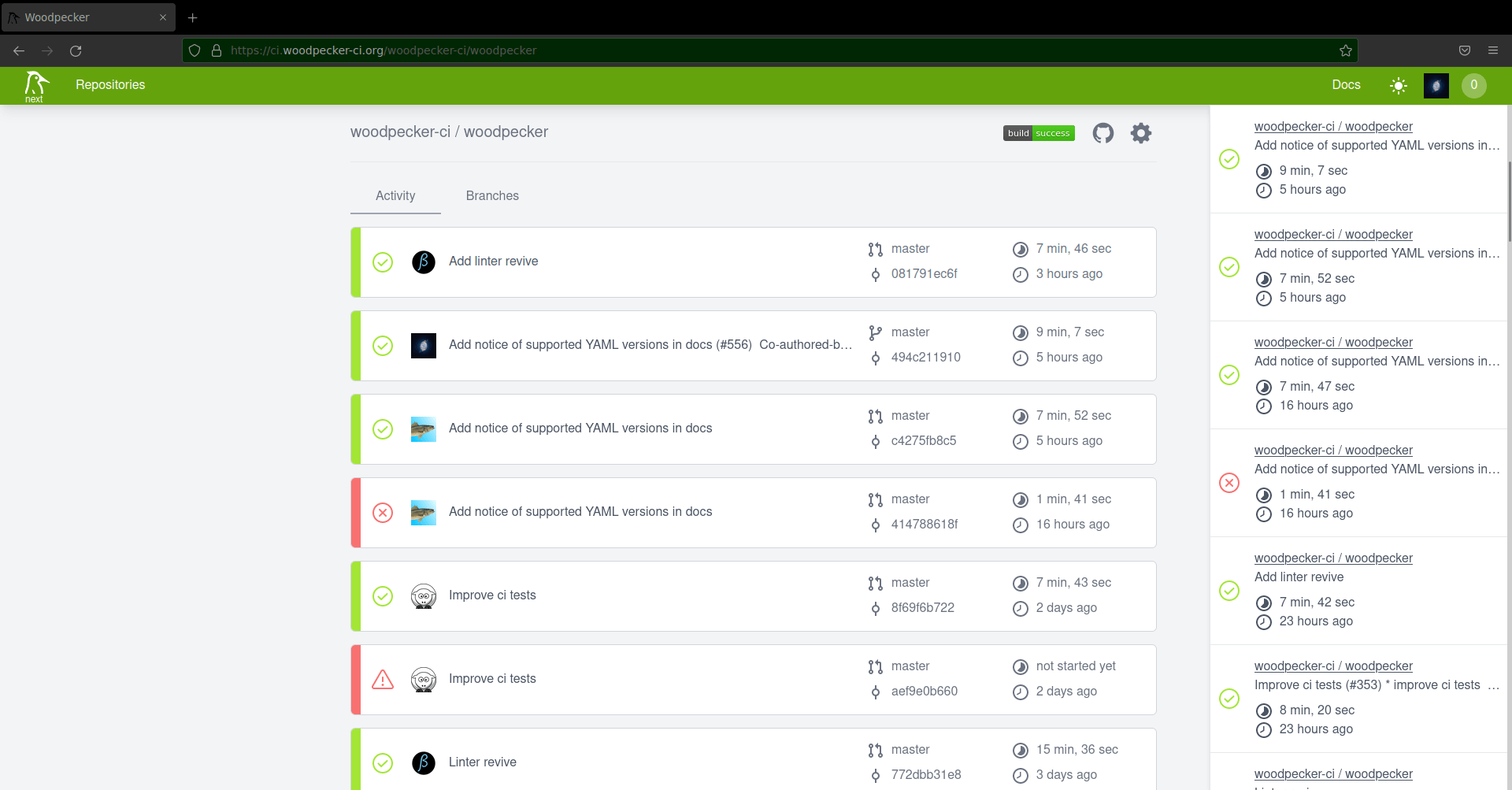
WoodPecker CI screenshot 1

Setup time

A few minutes

Deployment

Your own server

Services

2 connected services

Why WoodPecker CI

Everything you need, running where you choose.

Get the full WoodPecker CI experience with Easypanel handling the repetitive infrastructure work around it.

Flexible CI/CD Pipelines
WoodPecker CI offers customizable pipelines to fit the needs of any project, supporting diverse languages and platforms.
Agent-Based Architecture
Its agent-based system ensures better resource management and scalability, allowing distributed builds.
Easy Deployment
WoodPecker CI can be deployed quickly on various environments, including local machines, cloud platforms, and Kubernetes clusters.
Seamless GitHub Integration
WoodPecker CI integrates natively with GitHub to streamline your development workflows, automating builds, tests, and deployments.
Lightweight and Efficient
With its lightweight design, WoodPecker CI is easy to deploy and manage, consuming minimal system resources.
Open-Source and Transparent
Being open-source, WoodPecker CI allows developers to fully customize their CI/CD pipelines and ensures transparency.
How it works

From template to live app in three steps.

Easypanel turns the template into real services, storage, and domains on the server you already control.

Already have Easypanel? Open your dashboard at the URL or IP of your own installation.

Installation guide
1
Open your dashboard
Visit the URL or IP of your Easypanel installation and choose the target project.
2
Choose WoodPecker CI
Open Templates, select WoodPecker CI, then review its service names and configuration.
3
Deploy and open your app
Easypanel starts every service and provisions an HTTPS domain for you.
Installation options
The template asks for these values before creating your services.
OptionDefaultRequired

App Service Name

woodpecker-ciRequired

App Service Image

woodpeckerci/woodpecker-server:v3.13.0Required

Agent Service Image

woodpeckerci/woodpecker-agent:v3.13.0Required

GitHub Client ID

Required

GitHub Client Secret

Set during installRequired
Resources
Project documentation and source code.
Latest template update
Feb 24, 2026

Version bumped to v3.13.0

Questions

Deploy with confidence.

The template handles the application setup while Easypanel keeps the infrastructure understandable and under your control.

WoodPecker CI logo
Ready to deploy WoodPecker CI?
Open your own Easypanel dashboard, choose WoodPecker CI from Templates, and review the deployment options.