Deploy Discourse on your own server.

Discourse logo

Discourse is a modern, open-source discussion platform built for the next decade of the internet. It provides a clean, intuitive interface for community discussions, forums, mailing lists, and chat. Discourse is fully self-hosted and includes real-time notifications, a rich markdown editor, trust levels, plugin support, and deep email…

Your infrastructureAutomatic HTTPSNo lock-in

Screenshots

A closer look at Discourse.
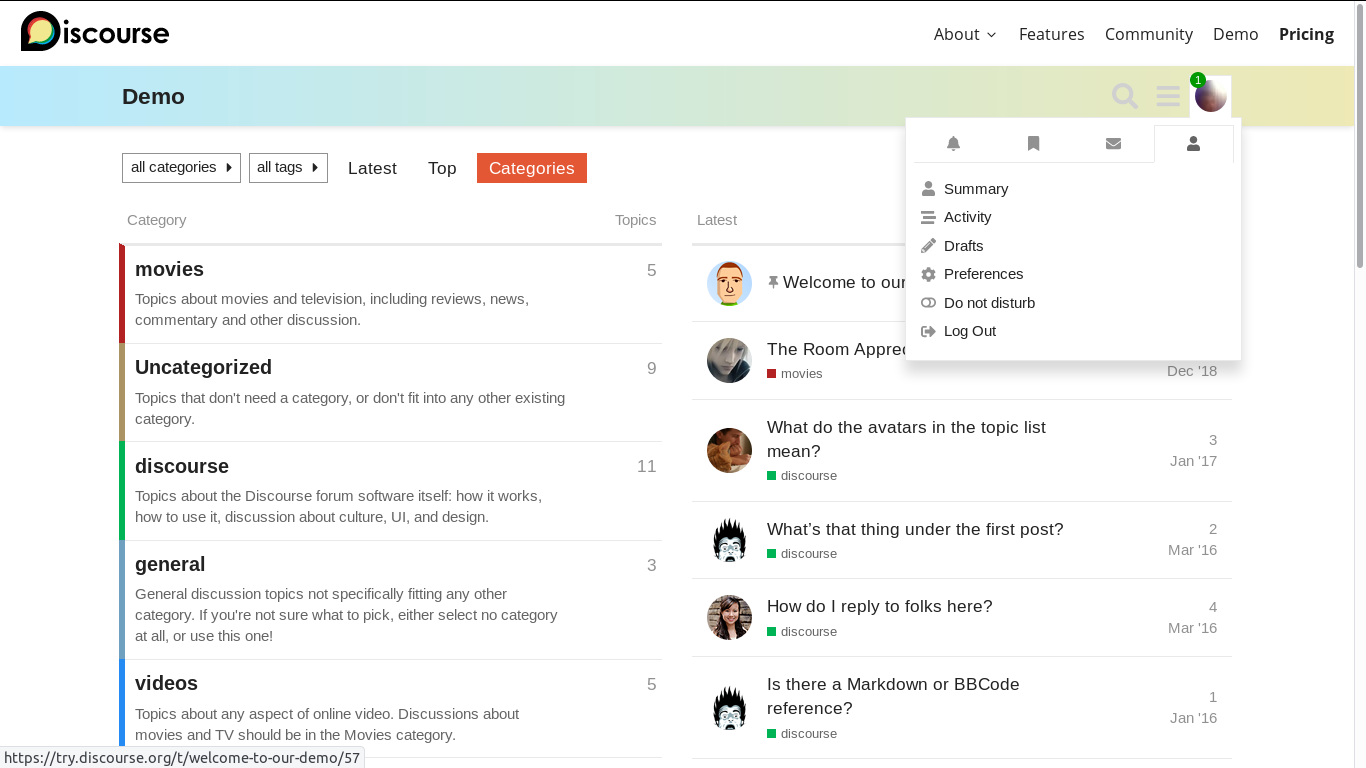
Discourse screenshot 1

Setup time

A few minutes

Deployment

Your own server

Services

3 connected services

Why Discourse

Everything you need, running where you choose.

Get the full Discourse experience with Easypanel handling the repetitive infrastructure work around it.

Rich Text Editor
Advanced text editing with markdown support
Real-time Updates
Live updates and notifications
Mobile Responsive
Fully responsive design for all devices
User Management
Comprehensive user and permission management
Search Functionality
Powerful search capabilities
Plugin System
Extensible through plugins and themes
How it works

From template to live app in three steps.

Easypanel turns the template into real services, storage, and domains on the server you already control.

Already have Easypanel? Open your dashboard at the URL or IP of your own installation.

Installation guide
1
Open your dashboard
Visit the URL or IP of your Easypanel installation and choose the target project.
2
Choose Discourse
Open Templates, select Discourse, then review its service names and configuration.
3
Deploy and open your app
Easypanel starts every service and provisions an HTTPS domain for you.
Installation options
The template asks for these values before creating your services.
OptionDefaultRequired

App Service Name

discourseRequired

App Service Image

discourse/discourse:2026.1.4Required

Database Service Image

discourse/postgres:pg17@sha256:75d07f64264da8499bae58cfe002d6de28509e9aca6817159984f0d62ef768beRequired

Developer Email

[email protected]Required

SMTP Address

smtp.gmail.comRequired

SMTP Port

587Required

SMTP Username

[email protected]Required

SMTP Password

Set during installRequired
Resources
Project documentation and source code.
Latest template update
Jun 30, 2026

Switched to official discourse/discourse image

Questions

Deploy with confidence.

The template handles the application setup while Easypanel keeps the infrastructure understandable and under your control.

Keep exploring

Related templates

Browse all
Zusam logo
Zusam
Zusam is a free and open-source way to self-host private forums for friends and family. It's a simple, modern, and privacy-focused platform for group discussions.
View template
AnonymousOverflow logo
AnonymousOverflow
AnonymousOverflow is an anonymous question and answer platform inspired by Stack Overflow, designed for creating a safe space where users can ask questions without revealing their identity. The platform provides a community-driven Q&A experience with features like upvoting, downvoting, question categorization, and answer moderation. Built with privacy in mind, AnonymousOverflow allows users to participate in discussions and share knowledge while maintaining complete anonymity. Perfect for organizations wanting to create internal Q&A forums, educational institutions seeking anonymous student feedback platforms, or communities that value privacy in knowledge sharing.
View template
Frappe Helpdesk logo
Frappe Helpdesk
Frappe Helpdesk is a comprehensive customer support and ticketing system built on the Frappe framework. It provides a complete solution for managing customer inquiries, support tickets, and service requests. The platform offers multi-channel support, automated workflows, knowledge base integration, and detailed analytics to help teams deliver exceptional customer service. Frappe Helpdesk features a modern, responsive interface that works seamlessly across desktop and mobile devices, making it easy for support agents to manage tickets and for customers to submit and track their requests. The system supports team collaboration, SLA management, and integration with various communication channels including email, chat, and social media platforms.
View template
Discourse logo
Ready to deploy Discourse?
Open your own Easypanel dashboard, choose Discourse from Templates, and review the deployment options.