Deploy RStudio on your own server.

RStudio is a powerful integrated development environment (IDE) for R programming and statistical computing. It provides a comprehensive set of tools for data analysis, visualization, and statistical modeling. This server-based version allows you to access RStudio through your web browser, enabling collaborative work and remote access to…
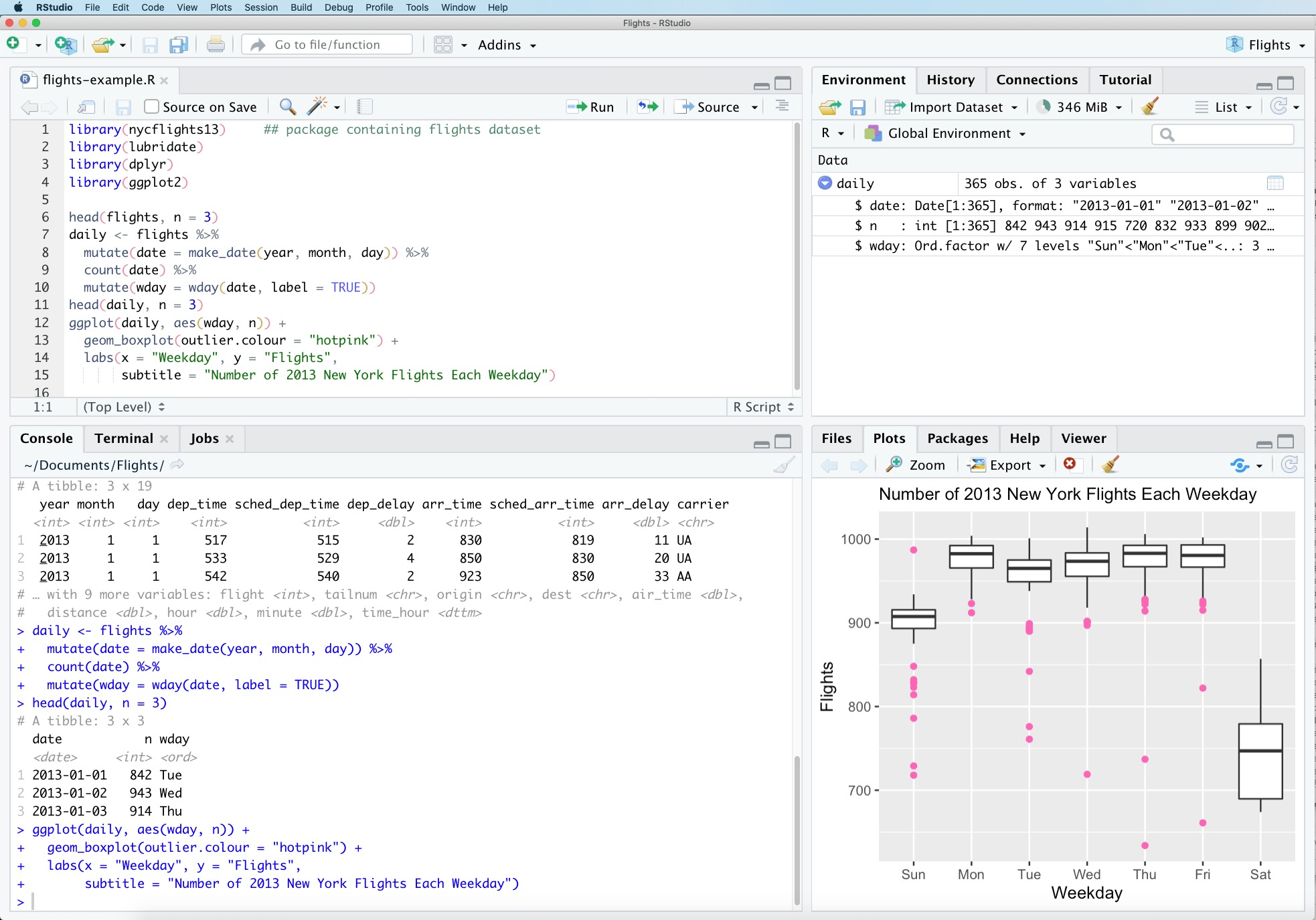
Screenshots
A closer look at RStudio.
Setup time
A few minutes
Deployment
Your own server
Services
1 connected service
Everything you need, running where you choose.
Get the full RStudio experience with Easypanel handling the repetitive infrastructure work around it.
From template to live app in three steps.
Easypanel turns the template into real services, storage, and domains on the server you already control.
Already have Easypanel? Open your dashboard at the URL or IP of your own installation.
Installation guide| Option | Default | Required |
|---|---|---|
App Service Name | rstudio | Required |
App Service Image | rocker/rstudio:4.5.2 | Required |
Password | Set during install | Required |
Initial Template Release (4.5)
Deploy with confidence.
The template handles the application setup while Easypanel keeps the infrastructure understandable and under your control.
Related templates