All templates

Deploy Blender on your own server.

Blender logo

Blender is a comprehensive, free and open-source 3D computer graphics software toolset. It is used for creating animated films, visual effects, art, 3D printed models, motion graphics, interactive 3D applications, virtual reality, and computer games. The app is designed to be accessed at your host, providing a desktop GUI for easy…

Your infrastructureAutomatic HTTPSNo lock-in

Screenshots

A closer look at Blender.

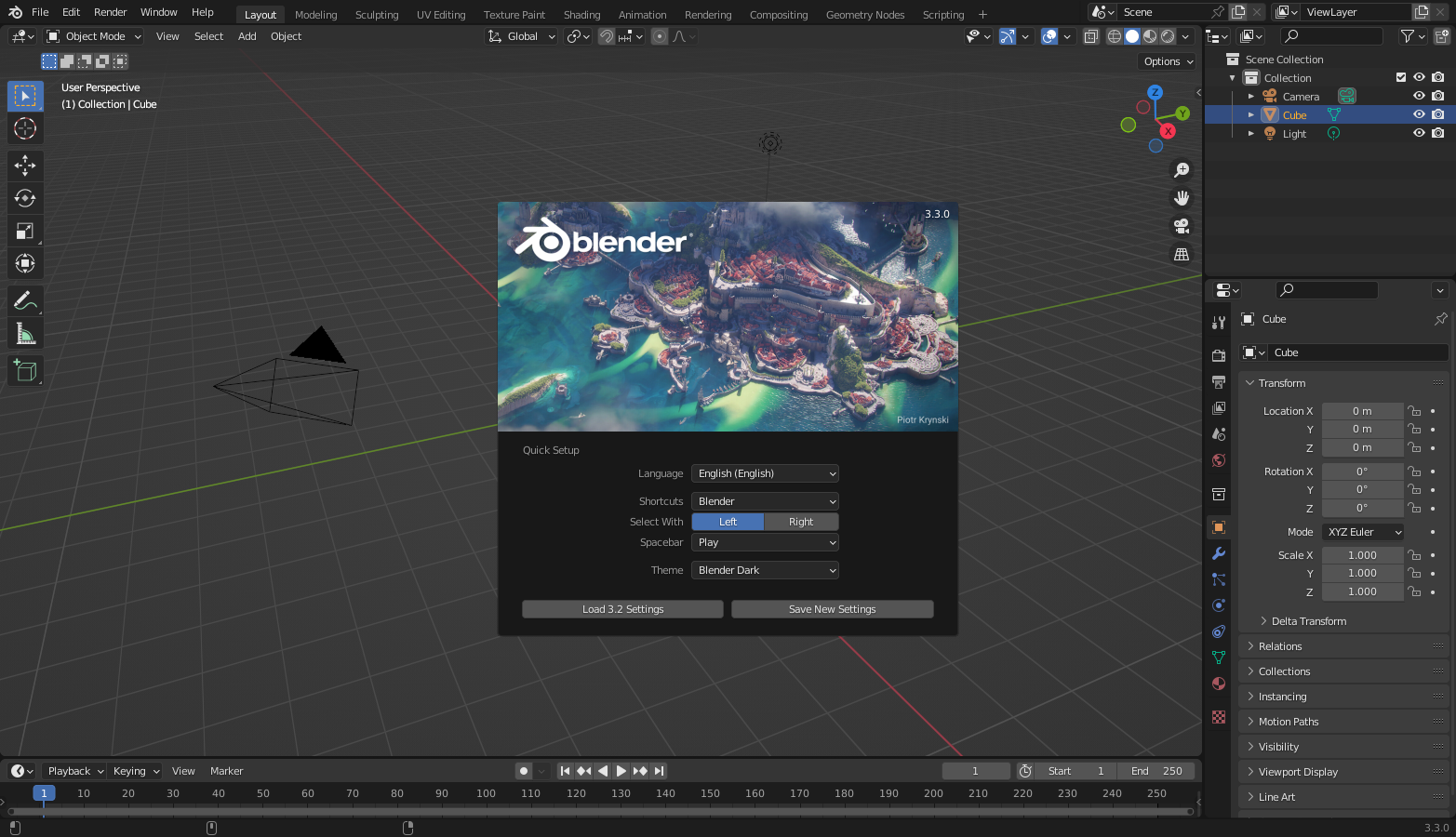
Blender screenshot 1

Setup time

A few minutes

Deployment

Your own server

Services

1 connected service

Why Blender

Everything you need, running where you choose.

Get the full Blender experience with Easypanel handling the repetitive infrastructure work around it.

Open Source
Blender is a free and open-source software toolset. This means it's freely available for anyone to use, modify, and distribute.
Accessible Application
The application can be accessed at your host via HTTP or HTTPS, providing flexibility and security for your workflows.
Customizable Environment
The app provides a range of optional environment variables and run configurations. This allows you to customize the functionality and performance of the app to suit your specific needs.
Docker Integration
The app is designed to work seamlessly with Docker. This includes the ability to start a Docker in Docker setup inside the container, and the ability to mount the Docker directory inside the container to the host for increased performance.
3D Graphics Creation
Blender is a powerful tool for creating 3D computer graphics. This includes animated films, visual effects, art, 3D printed models, motion graphics, interactive 3D applications, virtual reality, and computer games.
Multi-Platform Awareness
The app utilizes the docker manifest for multi-platform awareness. This means it can retrieve the correct image for your architecture, ensuring optimal performance and compatibility.
How it works

From template to live app in three steps.

Easypanel turns the template into real services, storage, and domains on the server you already control.

Already have Easypanel? Open your dashboard at the URL or IP of your own installation.

Installation guide
1
Open your dashboard
Visit the URL or IP of your Easypanel installation and choose the target project.
2
Choose Blender
Open Templates, select Blender, then review its service names and configuration.
3
Deploy and open your app
Easypanel starts every service and provisions an HTTPS domain for you.
Installation options
The template asks for these values before creating your services.
OptionDefaultRequired

App Service Name

blenderRequired

App Service Image

lscr.io/linuxserver/blender:5.1.1Required
Resources
Project documentation and source code.
Latest template update
Apr 29, 2026

Version bumped to 5.1.1

Questions

Deploy with confidence.

The template handles the application setup while Easypanel keeps the infrastructure understandable and under your control.

Keep exploring

Related templates

Browse all
JupyterNotebook logo
JupyterNotebook
Jupyter Notebook is a popular, free, and open-source web application that allows you to create and share documents containing live code, equations, visualizations, and narrative text. It supports numerous programming languages and is widely used for data cleaning and transformation, numerical simulation, statistical modeling, data visualization, machine learning, and much more. The app is designed to be accessed via your web browser, providing an interactive interface for easy development and experimentation. It supports hardware acceleration for enhanced performance in computational tasks. The app is compatible with multiple architectures, ensuring it can run on various systems.
View template
FoundryVTT logo
FoundryVTT
Foundry Virtual Tabletop is a modern, self-hosted virtual tabletop platform designed for playing tabletop roleplaying games online. It provides a comprehensive suite of tools for game masters and players, including dynamic lighting, fog of war, automated combat systems, and extensive customization options. FoundryVTT supports multiple game systems and offers a rich ecosystem of community-created modules and content. With its powerful JavaScript API and intuitive interface, FoundryVTT delivers an immersive gaming experience that rivals traditional tabletop gaming.
View template
Dolphin logo
Dolphin
Dolphin is a powerful GameCube and Wii emulator that allows you to play your favorite Nintendo games on modern hardware. With support for high-definition graphics, save states, and enhanced controls, Dolphin brings classic gaming to life with improved performance and visual quality. This browser-accessible version provides the full Dolphin emulator through a web interface, enabling you to play retro games from anywhere without local installation.
View template
Blender logo
Ready to deploy Blender?
Open your own Easypanel dashboard, choose Blender from Templates, and review the deployment options.