All templates

Deploy Botpress on your own server.

Botpress logo

Botpress is a revolutionary platform that allows you to build next-generation chatbots powered by OpenAI. It offers an intuitive visual flow editor to bring your users’ conversations to life. With Botpress, you can create chatbots that are always on brand, thanks to ChatGPT’s copywriting abilities. The platform also provides a range of…

Your infrastructureAutomatic HTTPSNo lock-in

Screenshots

A closer look at Botpress.
2 images
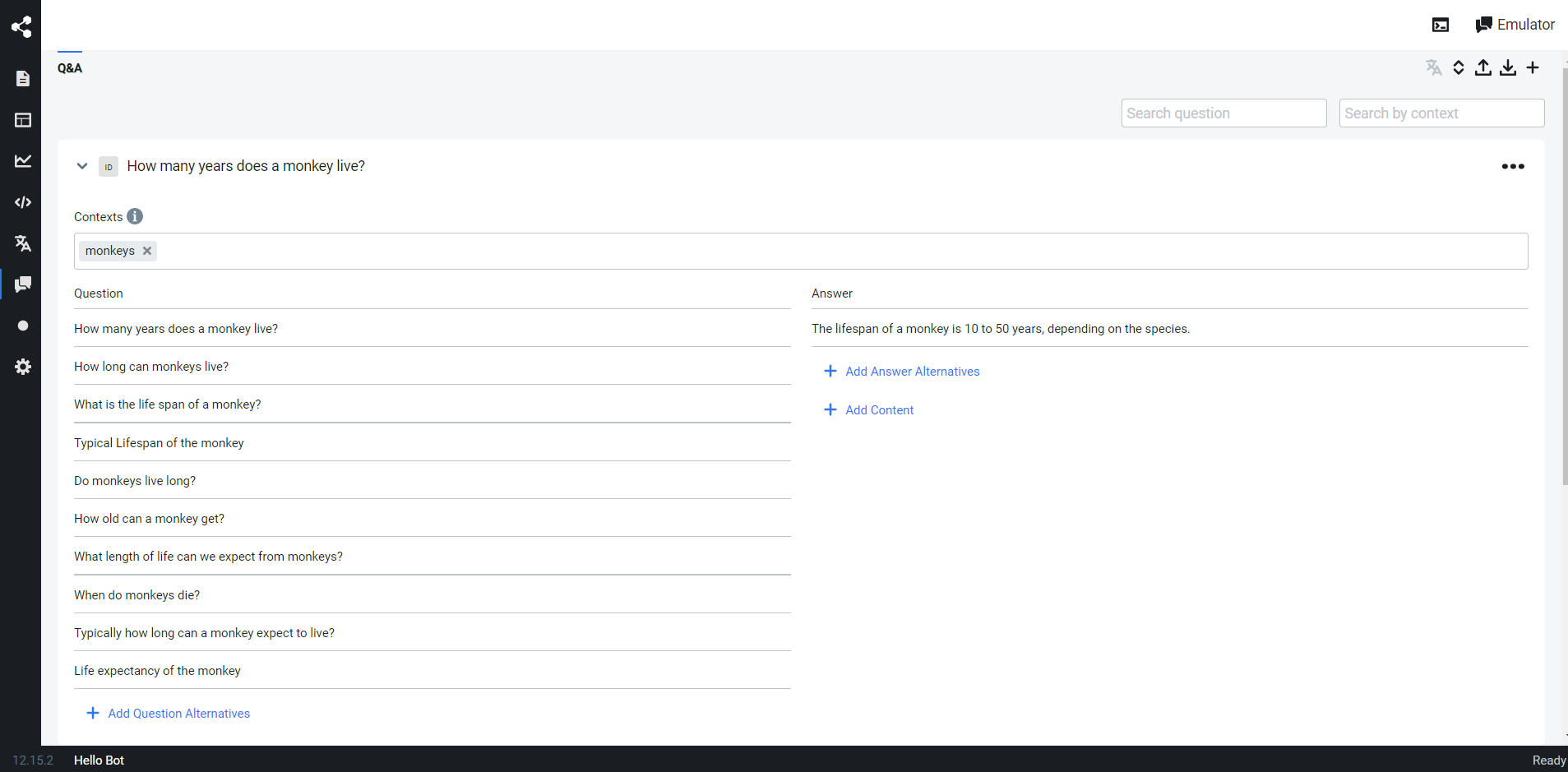
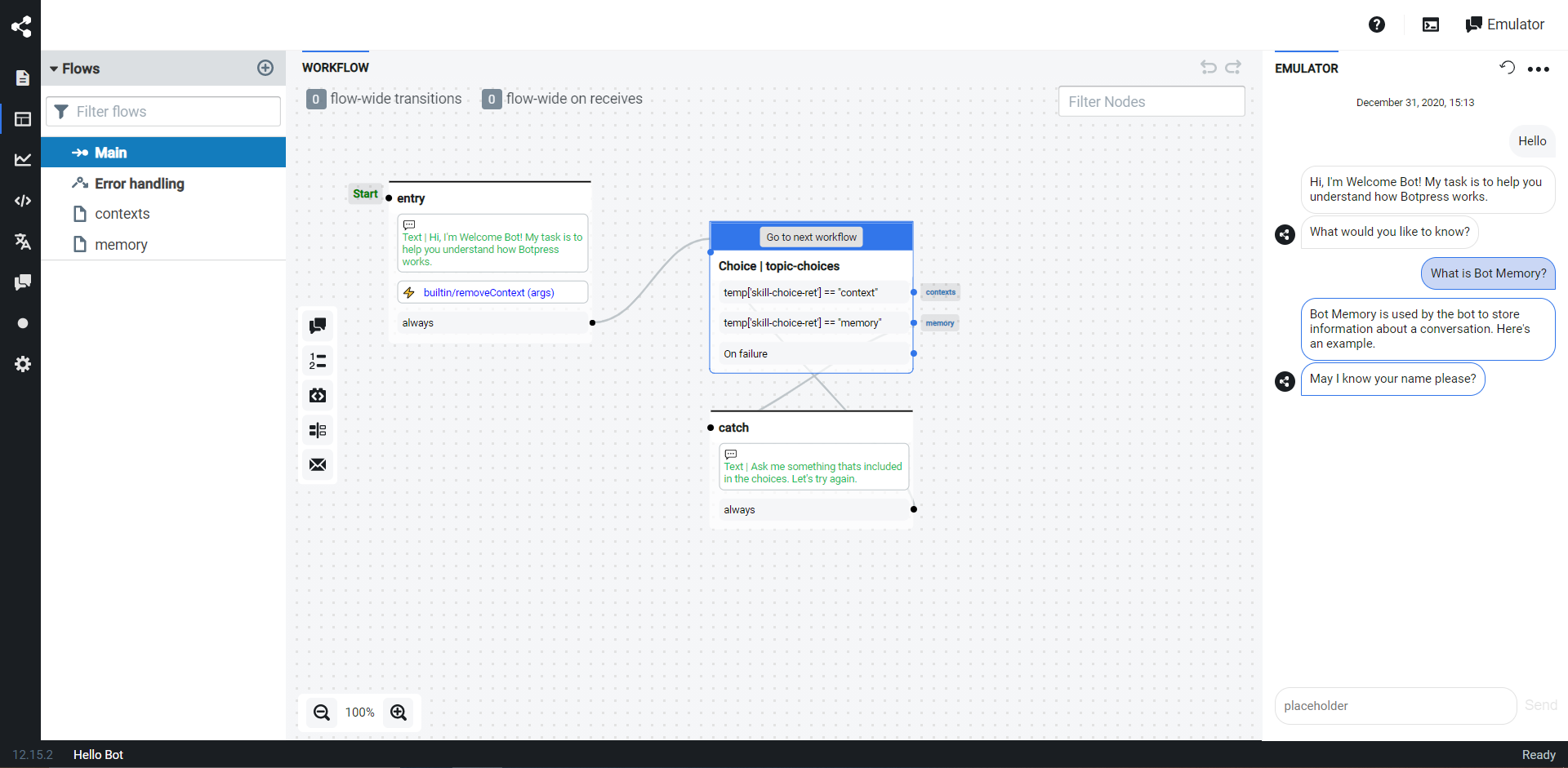
Botpress screenshot 1Botpress screenshot 2

Setup time

A few minutes

Deployment

Your own server

Services

2 connected services

Why Botpress

Everything you need, running where you choose.

Get the full Botpress experience with Easypanel handling the repetitive infrastructure work around it.

Visual Flow Editor
Botpress comes with an intuitive, visual flow editor that brings your users’ conversations to life. It handles exception handling & deviations, allowing you to focus on building your happy paths.
AI Task Augment
With the AI Task feature, you can control the power of LLMs to automate processes & execute complex workflows. This feature liberates ChatGPT from its chat bubble to take action.
Bot Personality
Botpress allows you to customize your chatbot's personality. By providing a description, your chatbot will speak on brand in every interaction with your users.
GPT-Native Suite
Leverage the power of GPT with Botpress. It offers GPT-first tools & features like dynamic knowledge ingestion, sentiment analysis, automatic self-improvement, data enhancements, and AI recommendations.
Efficient Chatbot Building
Botpress allows you to build next-generation chatbots powered by OpenAI quickly and efficiently. It simplifies the chatbot building process, making it accessible even to those without extensive AI knowledge.
Customizable Templates
With over 100+ fully customizable templates, Botpress provides a jumpstart to your project. Whether you need a chatbot for shopping assistance, health appointments, or banking support, there's a template ready for you.
How it works

From template to live app in three steps.

Easypanel turns the template into real services, storage, and domains on the server you already control.

Already have Easypanel? Open your dashboard at the URL or IP of your own installation.

Installation guide
1
Open your dashboard
Visit the URL or IP of your Easypanel installation and choose the target project.
2
Choose Botpress
Open Templates, select Botpress, then review its service names and configuration.
3
Deploy and open your app
Easypanel starts every service and provisions an HTTPS domain for you.
Installation options
The template asks for these values before creating your services.
OptionDefaultRequired

App Service Name

botpressRequired

App Service Image

botpress/server:12.31.10Required

Database Service Name

botpress-dbRequired
Resources
Project documentation and source code.
Latest template update
Jul 15, 2025

Version bumped to 12.31.10

Questions

Deploy with confidence.

The template handles the application setup while Easypanel keeps the infrastructure understandable and under your control.

Botpress logo
Ready to deploy Botpress?
Open your own Easypanel dashboard, choose Botpress from Templates, and review the deployment options.