All templates

Deploy Flowise on your own server.

Flowise logo

Flowise is an open-source UI visual tool that allows you to build your own customized LLM (Language Learning Model) flow with ease. It is built on top of LangChainJS and is written in Node Typescript/Javascript. With Flowise, you can see your LLM apps running live, making the process of building and testing faster and more efficient. The…

Your infrastructureAutomatic HTTPSNo lock-in

Screenshots

A closer look at Flowise.

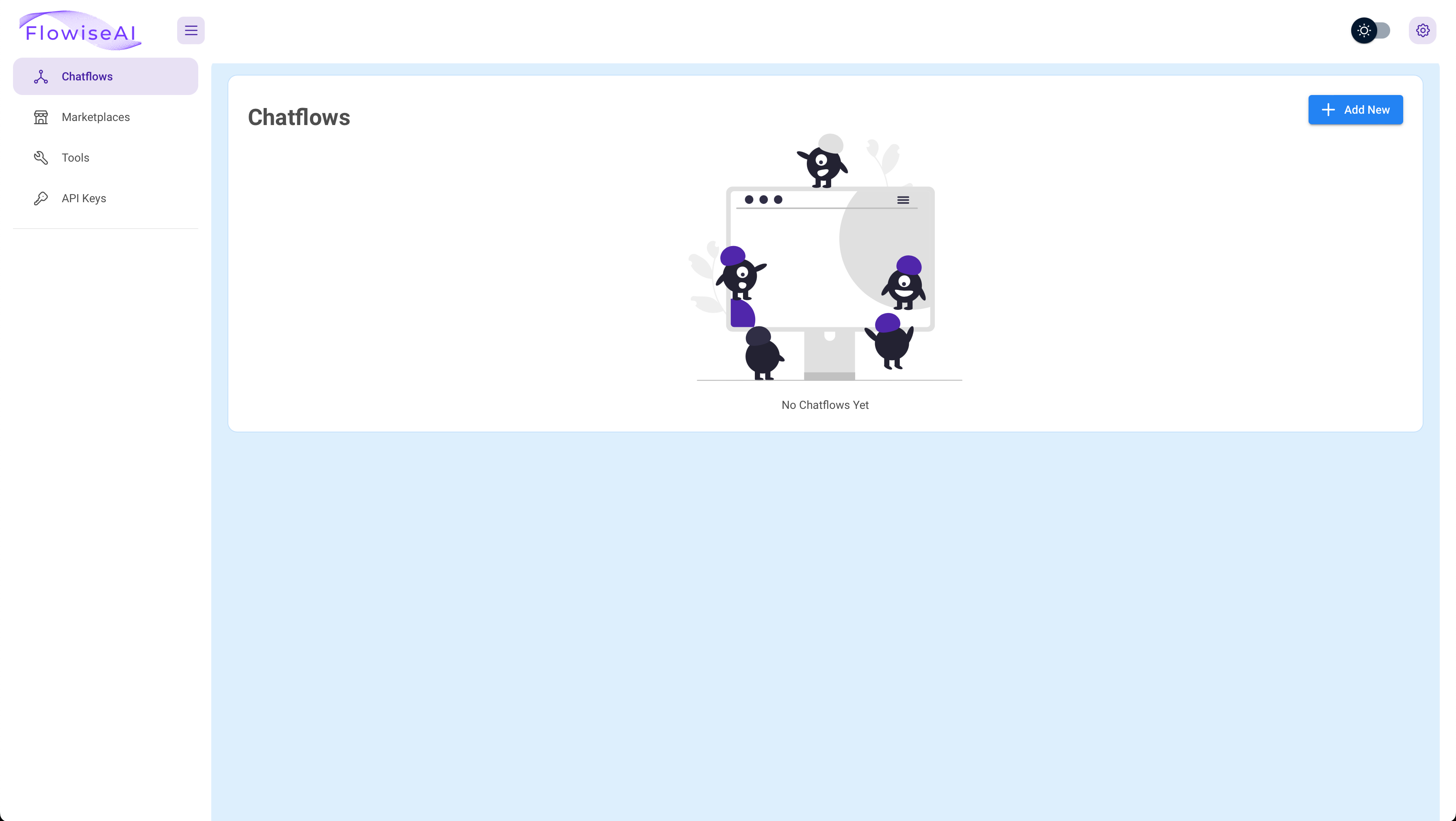
Flowise screenshot 1

Setup time

A few minutes

Deployment

Your own server

Services

1 connected service

Why Flowise

Everything you need, running where you choose.

Get the full Flowise experience with Easypanel handling the repetitive infrastructure work around it.

LLM Flow Builder
Flowise is a UI visual tool that allows you to build your customized LLM flow using LangchainJS. It simplifies the process of creating LLM apps by providing a visual interface for building your flow.
QnA Retrieval Chain
Flowise includes a QnA retrieval chain feature that allows you to create conversational retrieval QA chains. This feature enhances the interaction between your app and its users.
Language Translation Chain
Flowise offers a language translation chain feature that enables language translation using LLM Chain with a Chat Prompt Template and Chat Model. This feature makes your app more accessible to users who speak different languages.
Conversational Agent with Memory
Flowise provides a conversational agent feature for a chat model which utilizes chat specific prompts and buffer memory. This feature allows your app to remember previous interactions and provide more personalized responses.
Open Source
Flowise is an open-source tool, making it free for both commercial and personal use. This allows you to use and modify the tool according to your needs without any restrictions.
Live Running Apps
With Flowise, you can see your LLM apps running live. This allows you to monitor the performance of your apps in real-time and make necessary adjustments on the go.
How it works

From template to live app in three steps.

Easypanel turns the template into real services, storage, and domains on the server you already control.

Already have Easypanel? Open your dashboard at the URL or IP of your own installation.

Installation guide
1
Open your dashboard
Visit the URL or IP of your Easypanel installation and choose the target project.
2
Choose Flowise
Open Templates, select Flowise, then review its service names and configuration.
3
Deploy and open your app
Easypanel starts every service and provisions an HTTPS domain for you.
Installation options
The template asks for these values before creating your services.
OptionDefaultRequired

App Service Name

flowiseRequired

App Service Image

flowiseai/flowise:3.1.2Required

Username

Required

Password

Set during installRequired
Resources
Project documentation and source code.
Latest template update
May 6, 2026

Version bumped to 3.1.2

Questions

Deploy with confidence.

The template handles the application setup while Easypanel keeps the infrastructure understandable and under your control.

Keep exploring

Related templates

Browse all
Tolgee logo
Tolgee
Tolgee is a revolutionary localization platform designed to simplify and speed up the translation process of your application. With Tolgee, you can translate your app into any language without modifying your code. It offers a range of features including in-context translating, translation memory, machine translations, auto translation, and activity log. The in-context translating feature allows you to translate strings directly in the app you develop, even in production. Translation memory ensures you don't translate the same string twice by reusing strings you've already translated. Machine translations let you leverage the power of DeepL, Google Translate, and AWS translate. Auto translation delivers your translations instantly right after you add them. The activity log feature helps you monitor the translation activities. Tolgee also allows users to add screenshots with a single click, providing context for translations. It is designed to be developer-friendly with easy integration with all major JS frameworks. Tolgee is not only easy to use for developers but also for translators, making the localization process seamless and efficient.
View template
Drone logo
Drone
Drone.io is a self-service Continuous Integration platform designed for busy development teams. It automates software build and testing, making it an essential tool for efficient and effective software development. Drone.io is configured with a simple, easy-to-read file that you commit to your git repository, and each pipeline step is executed inside an isolated Docker container that is automatically downloaded at runtime. The platform integrates seamlessly with multiple source code management systems, including GitHub, GitHubEnterprise, Bitbucket, and GitLab, and supports multiple operating systems and architectures. Drone.io works with any language, database or service that runs inside a Docker container, and allows you to create and share plugins for pre-configured steps in your pipeline. Advanced customization is made easy with Drone.io, with features for implementing custom access controls, approval workflows, secret management, yaml syntax extensions and more. The platform also ensures isolated builds to avoid conflicts on shared servers, and offers effortless scaling.
View template
Appsmith logo
Appsmith
Appsmith is a powerful tool designed to help engineers build custom software on top of their data. It simplifies internal tool development for businesses, streamlining operations, automating processes, and integrating multiple apps and data sources. Appsmith allows you to quickly build, deploy, and share applications that run critical business operations. It features intent-based auto-layouts for building responsive apps faster and offers a drag-and-drop interface for creating beautiful UIs without writing a single line of HTML/CSS. You can connect to any database, SaaS tool, or GraphQL/REST API, and query your data directly using SQL or the built-in query builder. Appsmith also provides the ability to write in-line JavaScript or reusable code blocks to extend your app's functionality, customize your UI, or write conditional logic. It's a secure, open-source platform that can be self-hosted for total control, privacy, and security.

View template
Flowise logo
Ready to deploy Flowise?
Open your own Easypanel dashboard, choose Flowise from Templates, and review the deployment options.