All templates

Deploy Grav on your own server.

Grav logo

Grav is an award-winning, open-source, flat-file content management system (CMS) designed to help you build faster websites. It's been voted 'Best Open Source CMS' in 2016 and 'Best Flat File CMS' in 2017, 2019, 2020, and 2021. Grav is known for its fast performance, extensibility, and user-friendly interface. With Grav, you can easily…

Your infrastructureAutomatic HTTPSNo lock-in

Screenshots

A closer look at Grav.

2 images
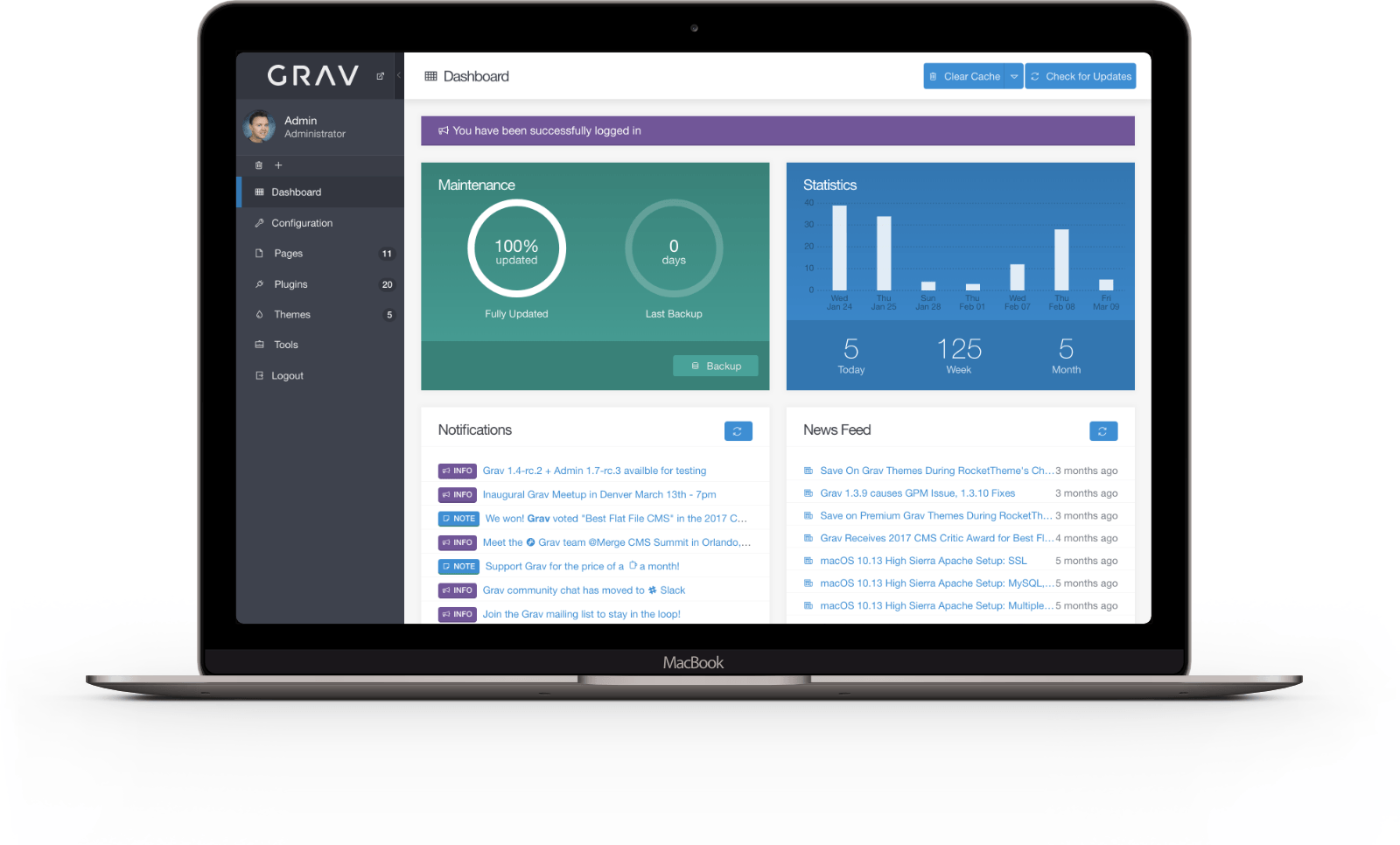
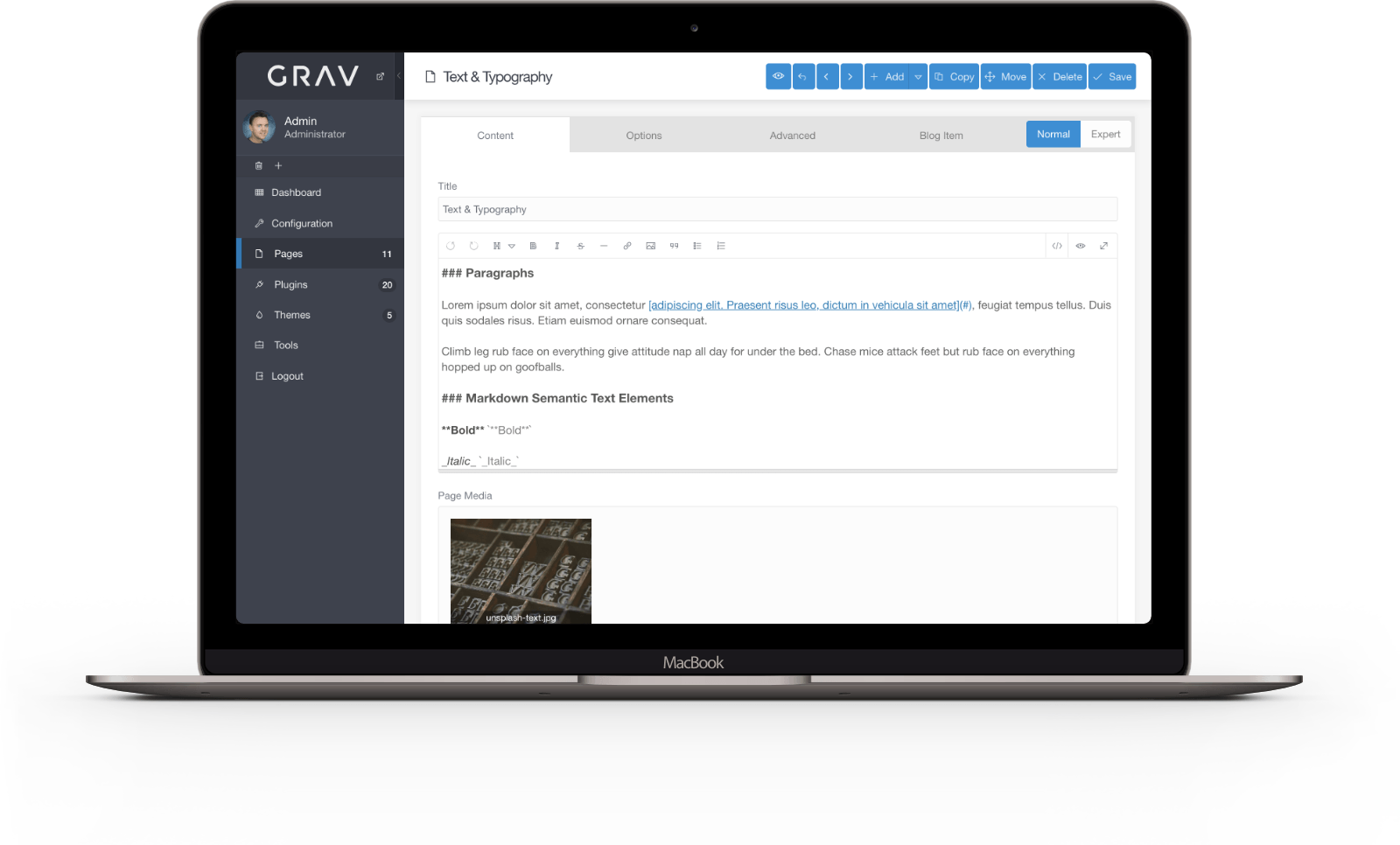
Grav screenshot 1Grav screenshot 2

Setup time

A few minutes

Deployment

Your own server

Services

1 connected service

Why Grav

Everything you need, running where you choose.

Get the full Grav experience with Easypanel handling the repetitive infrastructure work around it.

One-Click Installs
Grav's built-in Package Manager allows you to find, install, and easily update extensions and themes with just one click. This makes it easy to add new functionality and change the look and feel of your websites.
Powerful Content Filtering
Grav allows you to create unlimited taxonomies such as tags, categories, and authors to filter and manage your content. This makes it easy to organize your content and make it accessible to your users.
Dynamic Content Types
The flat-file nature of Grav lets you define custom fields for any of your pages, including modular content. This gives you the flexibility to create a wide variety of content types.
Multi-Language Support
Grav includes a simple mechanism for presenting sites in multiple languages. This makes it easy to create multilingual websites that cater to a global audience.
Simple Backups and Restores
Being file based means backing up and restoring your data is super easy, and changing hosts or servers is a breeze. This gives you peace of mind knowing your data is safe and easily recoverable.
Easy Theme Customization
With Grav, there's no need to start from scratch when customizing your theme. Use Theme Inheritance and then modify the bits you need, allowing for easier updates and maintenance.
How it works

From template to live app in three steps.

Easypanel turns the template into real services, storage, and domains on the server you already control.

Already have Easypanel? Open your dashboard at the URL or IP of your own installation.

Installation guide
1
Open your dashboard
Visit the URL or IP of your Easypanel installation and choose the target project.
2
Choose Grav
Open Templates, select Grav, then review its service names and configuration.
3
Deploy and open your app
Easypanel starts every service and provisions an HTTPS domain for you.
Installation options
The template asks for these values before creating your services.
OptionDefaultRequired

App Service Name

gravRequired

App Service Image

linuxserver/grav:1.7.52Required

Timezone

Etc/UTCRequired
Resources
Project documentation and source code.
Latest template update
Apr 29, 2026

Version bumped to 1.7.52

Questions

Deploy with confidence.

The template handles the application setup while Easypanel keeps the infrastructure understandable and under your control.

Keep exploring

Related templates

Browse all
Imagor Studio
Imagor Studio is a self-hosted image gallery and live editing web application designed for photographers, content creators, and digital artists. It provides a modern web interface for browsing, organizing, and editing your image collections with real-time image transformation capabilities. Built on top of the Imagor image processing server, the studio interface offers intuitive tools for image manipulation including resizing, cropping, filtering, and format conversion without modifying original files. All edits are performed on-demand using URL-based parameters, ensuring your source images remain untouched while generating optimized versions for different use cases. The application features a responsive gallery view for browsing images, a built-in editor with live preview, support for various image formats, and SQLite database for managing metadata and user preferences. With its lightweight architecture and flexible storage options, Imagor Studio enables you to maintain a private image library with professional editing capabilities accessible from any web browser. Perfect for photographers managing personal portfolios, content creators organizing media assets, web developers optimizing images for websites, or anyone needing a self-hosted alternative to cloud-based image management services with built-in editing tools.
View template
Ghost logo
Ghost
Ghost is a robust application designed for new-media creators looking to turn their audience into a business. It provides a suite of modern tools to build a website, publish engaging content, send newsletters, and offer paid subscriptions to members. Ghost allows you to launch your website with a selection of beautiful free themes and design settings that can be tweaked to match your brand and style. It also offers an editor built for professionals, with advanced workflows and a user-friendly interface. With Ghost, you can expand your story beyond words, incorporating image galleries, gifs, video, audio, and more into your content. The app also includes built-in newsletters, allowing you to deliver posts by email to your audience. Ghost simplifies the process of building an indie publication with memberships and subscriptions, with native signup forms that convert anonymous views into logged-in members. It also provides detailed engagement analytics to understand what content is getting the most attention and who your biggest fans are. Ghost also supports offers and promotions to entice new subscribers and grow your business.
View template
Dillinger logo
Dillinger
Dillinger is an open-source, online Markdown editor designed to provide a seamless and user-friendly experience for writing and editing Markdown files. With its intuitive interface, Dillinger supports real-time preview, file imports/exports, and integration with popular cloud storage services such as Dropbox, Google Drive, GitHub, and OneDrive. It allows users to write Markdown efficiently and export their work in various formats, including HTML, PDF, and Markdown itself. Dillinger operates as a modern, distraction-free editor that simplifies writing and content creation for developers, writers, and professionals.
View template
Grav logo
Ready to deploy Grav?
Open your own Easypanel dashboard, choose Grav from Templates, and review the deployment options.