All templates

Deploy LibreTranslate on your own server.

LibreTranslate logo

LibreTranslate is a free and open-source machine translation app that is entirely self-hosted. Unlike other translation apps, it does not rely on proprietary providers such as Google or Azure to perform translations. Instead, its translation engine is powered by the open-source Argos Translate library. LibreTranslate can translate text…

Your infrastructureAutomatic HTTPSNo lock-in

Screenshots

A closer look at LibreTranslate.
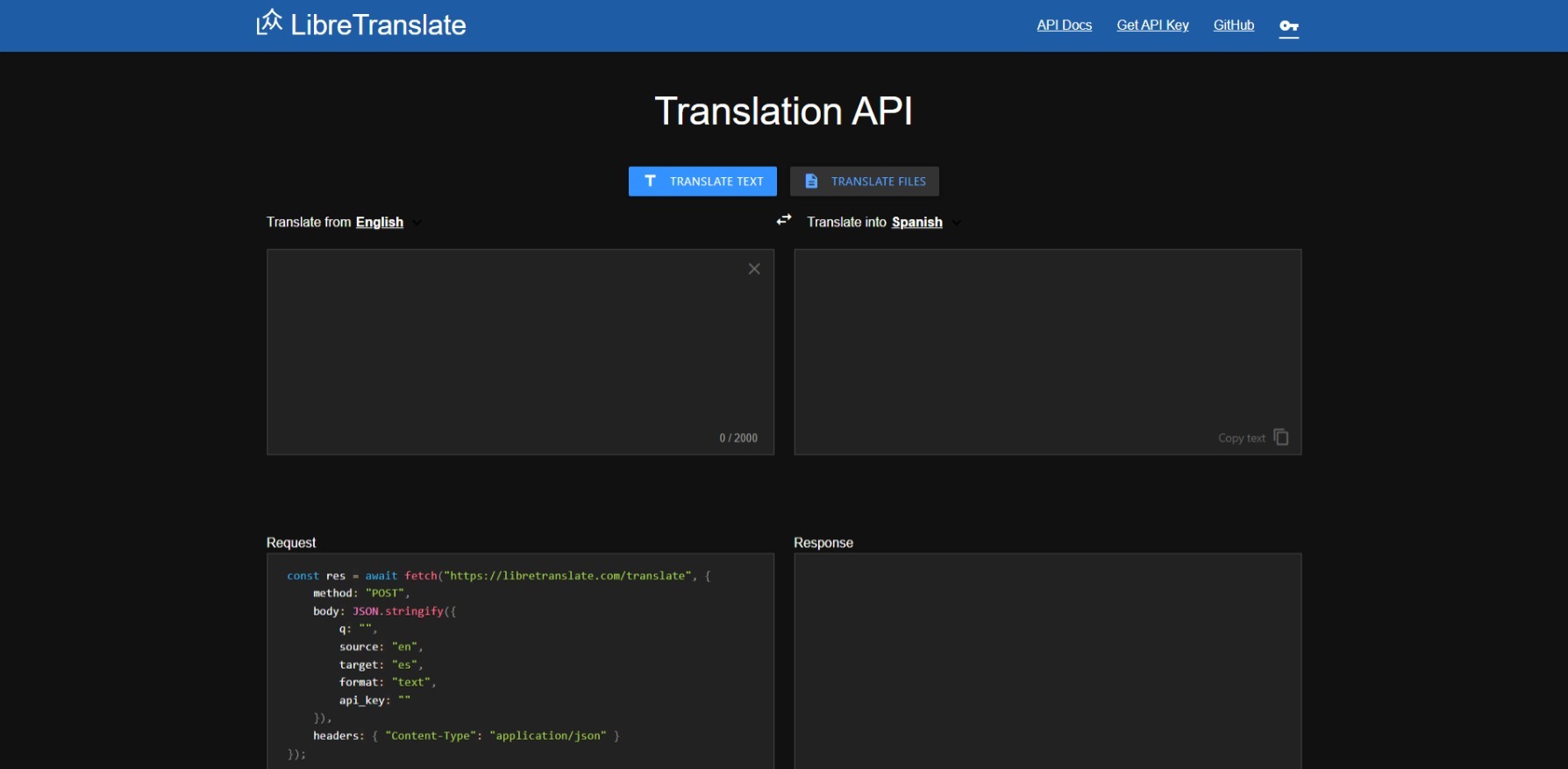
LibreTranslate screenshot 1

Setup time

A few minutes

Deployment

Your own server

Services

1 connected service

Why LibreTranslate

Everything you need, running where you choose.

Get the full LibreTranslate experience with Easypanel handling the repetitive infrastructure work around it.

Simple Translation Requests
LibreTranslate allows users to easily translate text from one language to another. Simply input the text, specify the source and target languages, and the API will return the translated text.
Auto Detect Language
LibreTranslate can automatically detect the language of the input text. This feature is especially useful when the source language is unknown.
HTML Translation
LibreTranslate supports HTML translation. This means it can translate text within HTML code while preserving the original formatting and structure.
Free and Open Source
LibreTranslate is a free and open source machine translation API, which means it is accessible to everyone and can be modified to suit individual needs.
Self-Hosted
Unlike other APIs, LibreTranslate doesn't rely on proprietary providers such as Google or Azure to perform translations. It is entirely self-hosted, providing full control over data privacy and security.
Powered by Argos Translate
LibreTranslate's translation engine is powered by the open source Argos Translate library, ensuring reliable and accurate translations.
How it works

From template to live app in three steps.

Easypanel turns the template into real services, storage, and domains on the server you already control.

Already have Easypanel? Open your dashboard at the URL or IP of your own installation.

Installation guide
1
Open your dashboard
Visit the URL or IP of your Easypanel installation and choose the target project.
2
Choose LibreTranslate
Open Templates, select LibreTranslate, then review its service names and configuration.
3
Deploy and open your app
Easypanel starts every service and provisions an HTTPS domain for you.
Installation options
The template asks for these values before creating your services.
OptionDefaultRequired

App Service Name

libretranslateRequired

App Service Image

libretranslate/libretranslate:v1.9.5Required

Character limit for each translation

5000Required

Rate request limit

500Required

Bach translation limit

100Required

Google Analytics

Optional

Translation suggestions

falseRequired

Disable Web UI

falseRequired
Resources
Project documentation and source code.
Latest template update
May 4, 2026

Version bumped to v1.9.5

Questions

Deploy with confidence.

The template handles the application setup while Easypanel keeps the infrastructure understandable and under your control.

Keep exploring

Related templates

Browse all
Lingva Translate logo
Lingva Translate
Lingva Translate is a free, open-source alternative front-end for Google Translate. Supports 100+ languages via scraping—no direct Google access, no user tracking. Built with Next.js and ChakraUI. Provides REST API for translation, audio, and language detection. Privacy-focused translation.
View template
Tyk Gateway logo
Tyk Gateway
Tyk Gateway is an open-source API gateway for securing, scaling, and observing APIs. It sits in front of your upstream services and handles rate limiting, authentication, analytics, and transformations. This template runs the gateway in standalone mode with Redis for storage.
View template
Tolgee logo
Tolgee
Tolgee is a revolutionary localization platform designed to simplify and speed up the translation process of your application. With Tolgee, you can translate your app into any language without modifying your code. It offers a range of features including in-context translating, translation memory, machine translations, auto translation, and activity log. The in-context translating feature allows you to translate strings directly in the app you develop, even in production. Translation memory ensures you don't translate the same string twice by reusing strings you've already translated. Machine translations let you leverage the power of DeepL, Google Translate, and AWS translate. Auto translation delivers your translations instantly right after you add them. The activity log feature helps you monitor the translation activities. Tolgee also allows users to add screenshots with a single click, providing context for translations. It is designed to be developer-friendly with easy integration with all major JS frameworks. Tolgee is not only easy to use for developers but also for translators, making the localization process seamless and efficient.
View template
LibreTranslate logo
Ready to deploy LibreTranslate?
Open your own Easypanel dashboard, choose LibreTranslate from Templates, and review the deployment options.