All templates

Deploy MySQL-Workbench on your own server.
MySQL-Workbench logo

MySQL Workbench is a unified visual tool for database architects, developers, and DBAs. It provides data modeling, SQL development, and comprehensive database management capabilities for MySQL and MariaDB. With MySQL Workbench, you can design and create new databases, reverse-engineer existing databases, and perform complex migrations.…

Your infrastructureAutomatic HTTPSNo lock-in

Screenshots

A closer look at MySQL-Workbench.
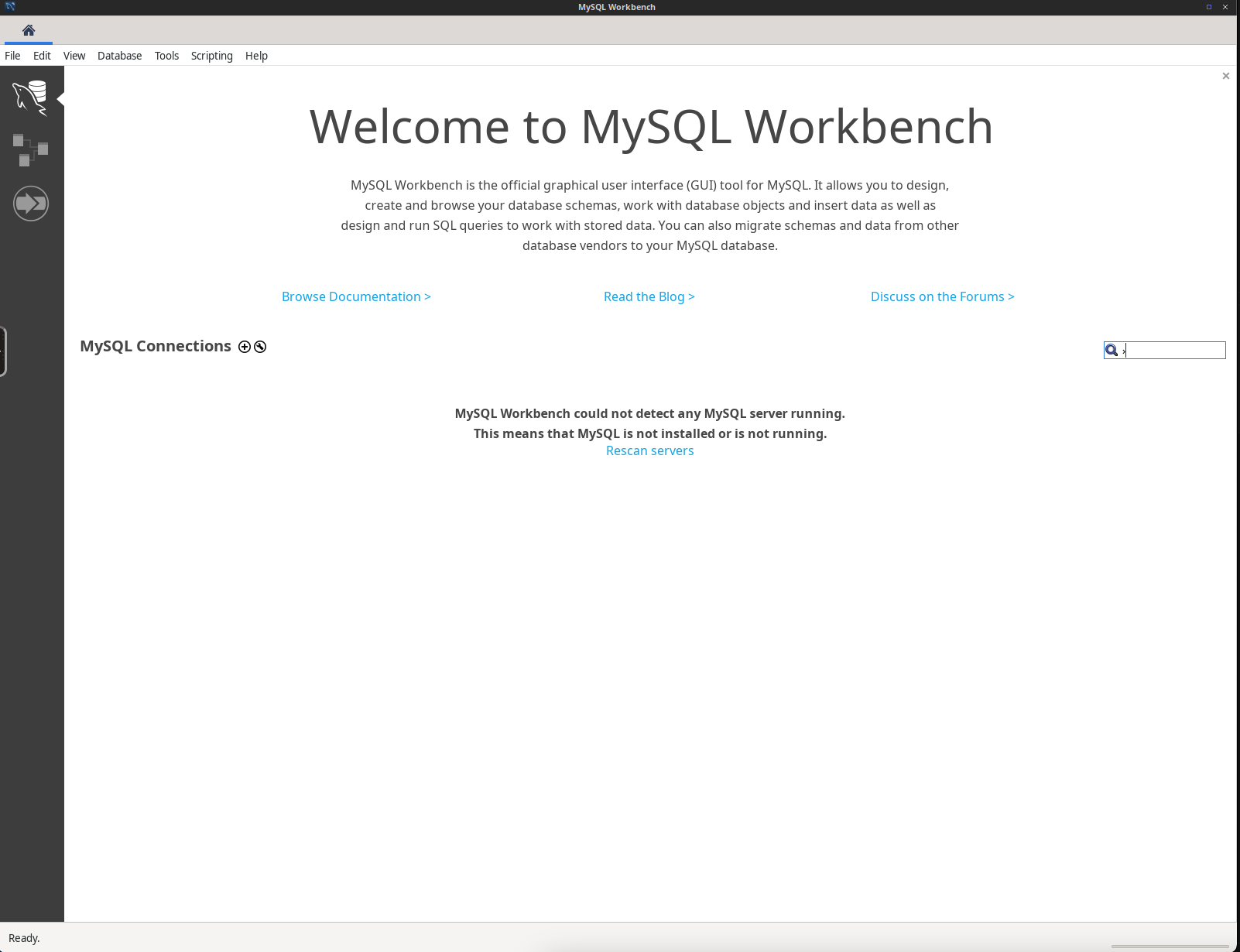
MySQL-Workbench screenshot 1

Setup time

A few minutes

Deployment

Your own server

Services

1 connected service

Why MySQL-Workbench

Everything you need, running where you choose.

Get the full MySQL-Workbench experience with Easypanel handling the repetitive infrastructure work around it.

Visual Query Builder
Build and execute queries visually without writing complex SQL manually.
Database Migration
Migrate databases seamlessly between MySQL and other database systems like PostgreSQL or Oracle.
Performance Monitoring
Monitor database performance metrics and optimize queries for improved efficiency.
Secure Connections
Use SSH tunneling and SSL to establish secure connections with your databases.
Data Import & Export
Easily import and export data in various formats like CSV and JSON.
Data Modeling
Create complex ER diagrams and visually design schemas for databases.
How it works

From template to live app in three steps.

Easypanel turns the template into real services, storage, and domains on the server you already control.

Already have Easypanel? Open your dashboard at the URL or IP of your own installation.

Installation guide
1
Open your dashboard
Visit the URL or IP of your Easypanel installation and choose the target project.
2
Choose MySQL-Workbench
Open Templates, select MySQL-Workbench, then review its service names and configuration.
3
Deploy and open your app
Easypanel starts every service and provisions an HTTPS domain for you.
Installation options
The template asks for these values before creating your services.
OptionDefaultRequired

App Service Name

mysql-workbenchRequired

App Service Image

lscr.io/linuxserver/mysql-workbench:8.0.47Required
Resources
Project documentation and source code.
Latest template update
May 4, 2026

Update to 8.0.47

Questions

Deploy with confidence.

The template handles the application setup while Easypanel keeps the infrastructure understandable and under your control.

MySQL-Workbench logo
Ready to deploy MySQL-Workbench?
Open your own Easypanel dashboard, choose MySQL-Workbench from Templates, and review the deployment options.