All templates

Deploy OctoPrint on your own server.

OctoPrint logo

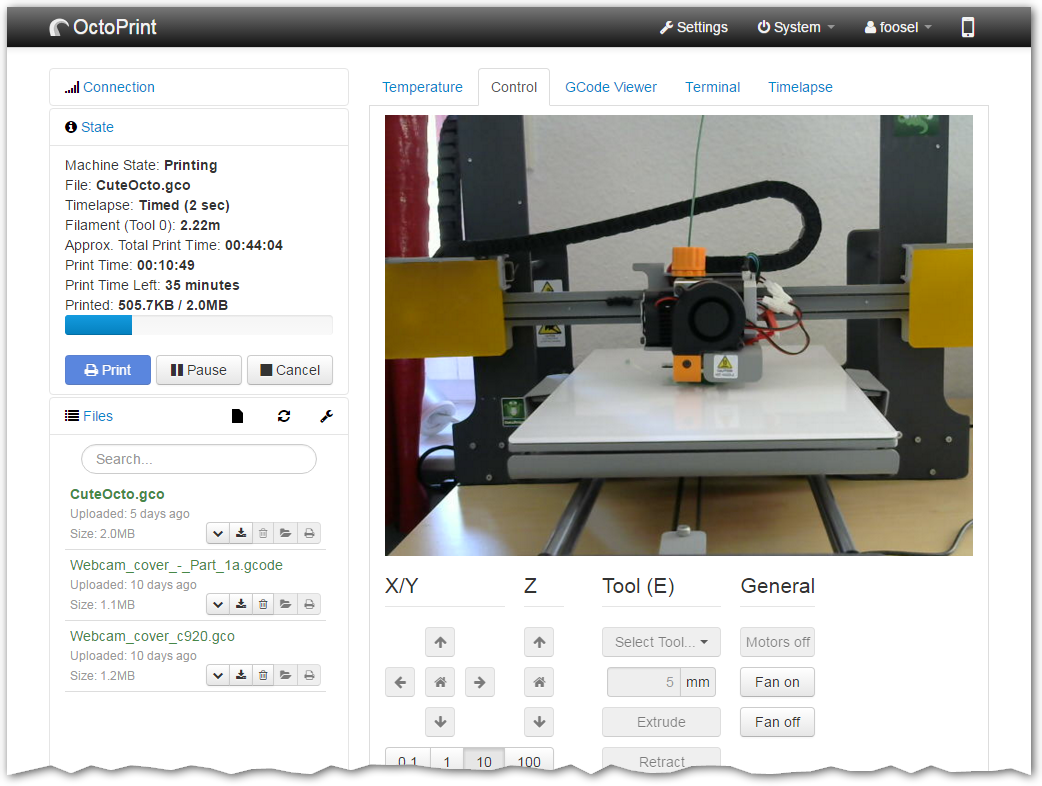
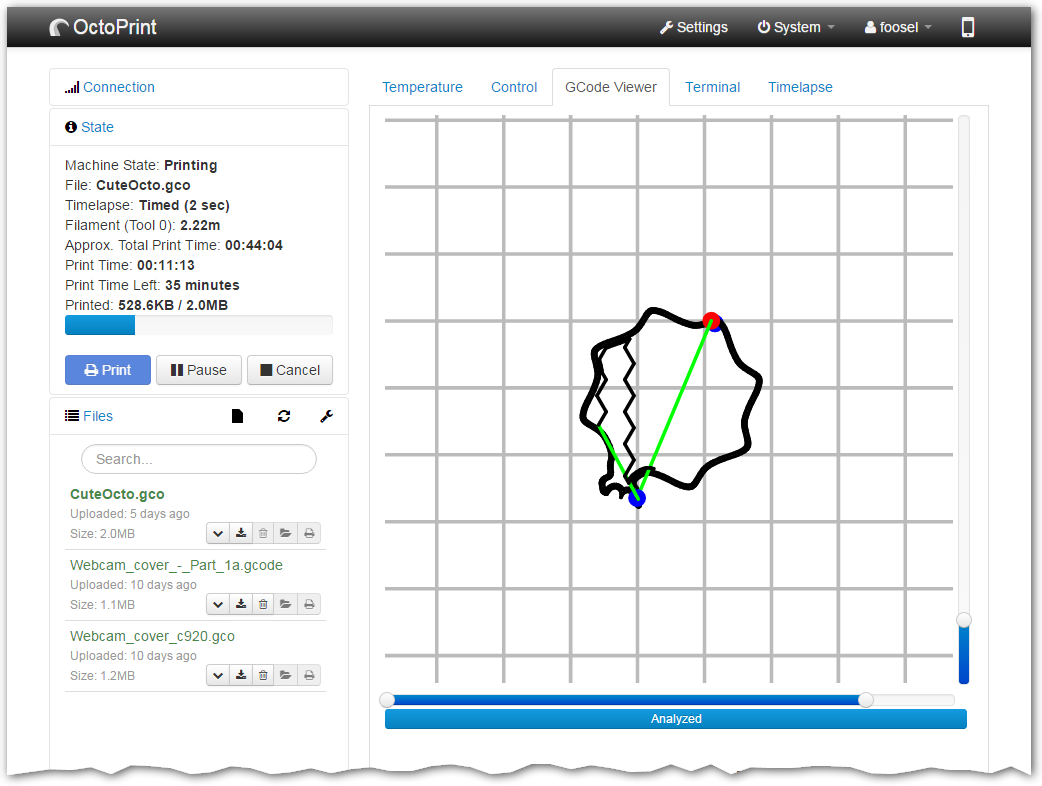
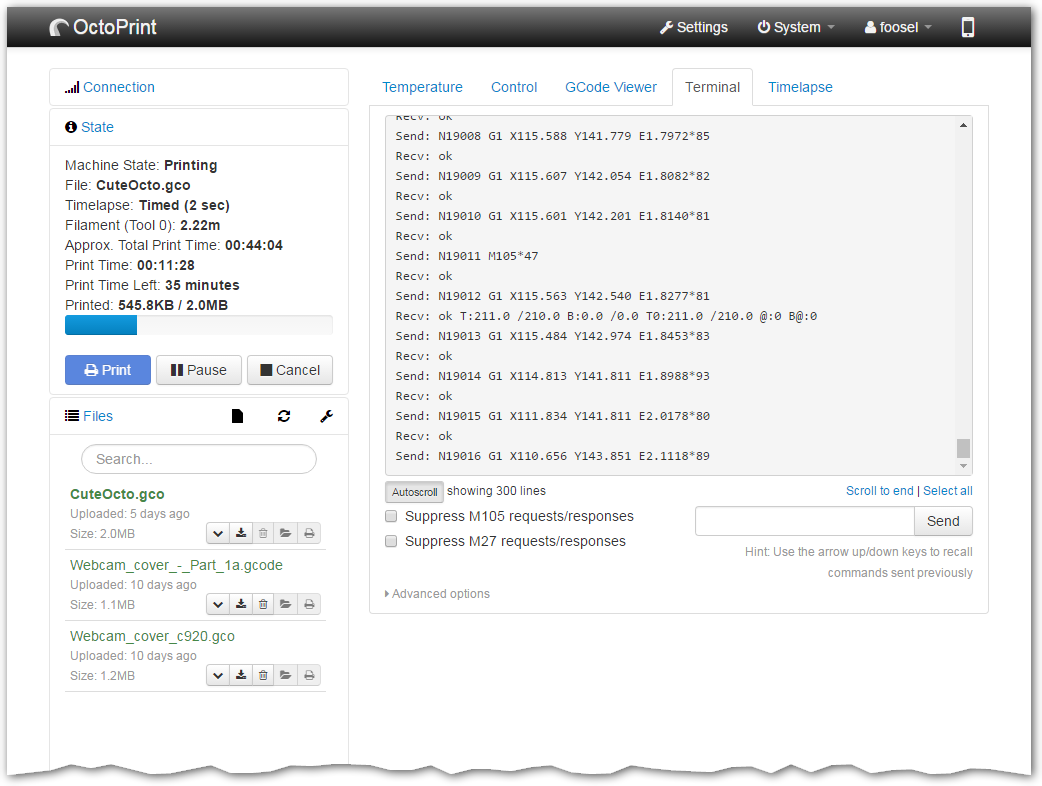
OctoPrint is a comprehensive web interface designed to provide full remote control and monitoring of your 3D printer. It allows you to manage every aspect of your 3D printing jobs directly from your browser. With OctoPrint, you can access the embedded webcam feed to watch your printer in action, receive constant feedback on the progress…

Your infrastructureAutomatic HTTPSNo lock-in

Screenshots

A closer look at OctoPrint.
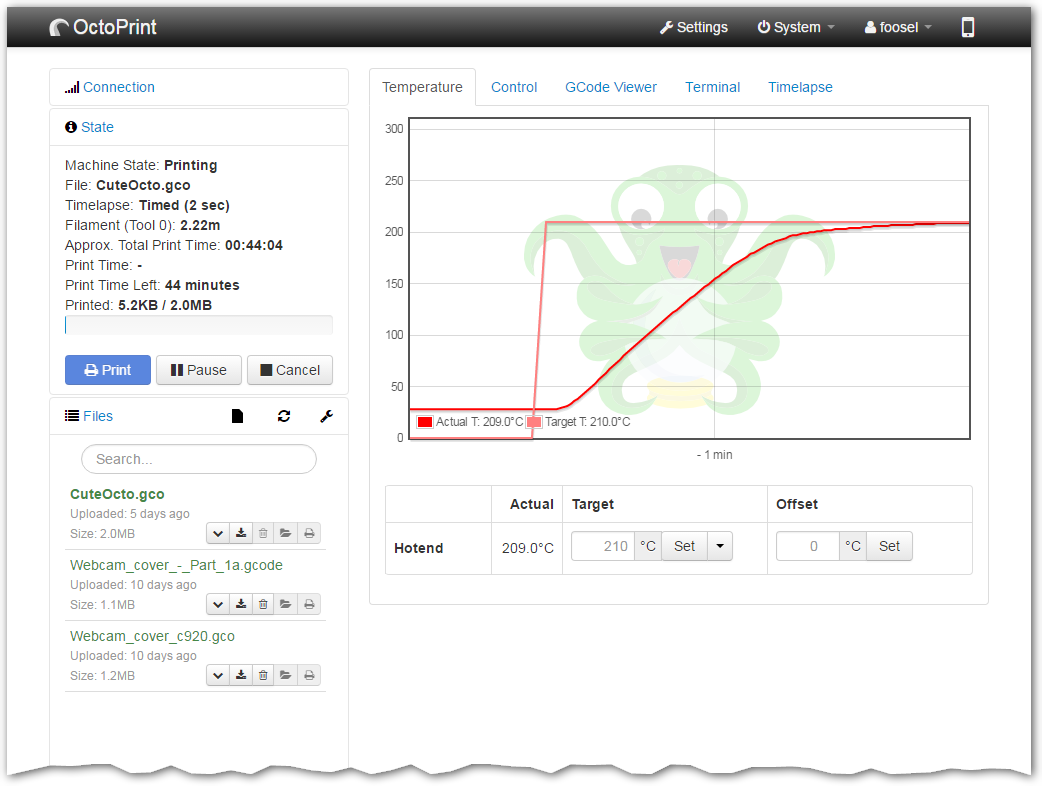
4 images
OctoPrint screenshot 1OctoPrint screenshot 2OctoPrint screenshot 3OctoPrint screenshot 4

Setup time

A few minutes

Deployment

Your own server

Services

1 connected service

Why OctoPrint

Everything you need, running where you choose.

Get the full OctoPrint experience with Easypanel handling the repetitive infrastructure work around it.

Remote Control & Monitoring
Control and monitor every aspect of your 3D printer and your printing jobs right from within your browser. This includes starting, stopping, or pausing your current print job at any time.
Plugin System
OctoPrint's powerful plugin system allows for extending its functionality in various ways. This includes visualizing your bed leveling, creating stunning timelapses, controlling the theming of OctoPrint’s UI, updating your printer’s firmware, and adding support for specific printers.
Open Source
OctoPrint is Free and Open Source Software, meaning you can modify it to suit your needs. All its source code is available in its GitHub repository.
Timelapse Recordings
Create awesome timelapse recordings of your prints directly within OctoPrint.
Built-in Access Controls
Control who can control your printer with the built-in access controls.
System Commands
Add system commands to the menu to easily shutdown or reboot your OctoPrint server or even your printer.
How it works

From template to live app in three steps.

Easypanel turns the template into real services, storage, and domains on the server you already control.

Already have Easypanel? Open your dashboard at the URL or IP of your own installation.

Installation guide
1
Open your dashboard
Visit the URL or IP of your Easypanel installation and choose the target project.
2
Choose OctoPrint
Open Templates, select OctoPrint, then review its service names and configuration.
3
Deploy and open your app
Easypanel starts every service and provisions an HTTPS domain for you.
Installation options
The template asks for these values before creating your services.
OptionDefaultRequired

Enable MJPG Streamer

falseOptional

App Service Name

octoprintRequired

App Service Image

octoprint/octoprint:1.11.7Required
Resources
Project documentation and source code.
Latest template update
Feb 24, 2026

Version bumped to 1.11.7

Questions

Deploy with confidence.

The template handles the application setup while Easypanel keeps the infrastructure understandable and under your control.

Keep exploring

Related templates

Browse all
GlitchTip logo
GlitchTip
GlitchTip is a simple, open-source error tracking application designed to collect, organize, and alert you about every error from your project in real time. It allows you to monitor your software's performance, track errors, and check your site's uptime all in one place. GlitchTip is compatible with Sentry client SDKs, offering a more straightforward operation. It provides a comprehensive error tracking system, reporting your website or application's exceptions, log messages, Content Security Policy violations, and more. With GlitchTip, you can also monitor your application's performance, identifying slow web requests, database calls, and other transactions. Additionally, it offers uptime monitoring, pinging your site and alerting you when it's not responding. GlitchTip is the perfect choice for those who value simplicity, affordability, and the freedom provided by open source.
View template
Termix logo
Termix
Termix is a lightweight, web-based terminal emulator and SSH client that allows you to access and manage remote servers directly from your browser. It provides a modern, intuitive interface for executing commands, managing files, and administering systems without needing a traditional terminal application. Termix features session persistence, multiple connection management, customizable themes, and secure SSH connections. The web interface is responsive and works seamlessly across desktop and mobile devices, making it perfect for system administrators who need remote access on the go. All connection data is stored locally, ensuring your credentials and sessions remain private and secure.
View template
Remotely logo
Remotely
Remotely is a free, open-source remote support and remote access solution that enables IT professionals to provide remote assistance to users and manage computers remotely. Built with ASP.NET Core, it offers secure remote desktop access, file transfer capabilities, remote command execution, and comprehensive device management features. The platform includes a web-based dashboard for managing connected devices, user authentication, and audit logging. Perfect for IT support teams, managed service providers, and organizations that need to provide remote technical support and system administration.
View template
OctoPrint logo
Ready to deploy OctoPrint?
Open your own Easypanel dashboard, choose OctoPrint from Templates, and review the deployment options.