All templates

Deploy Opera on your own server.

Opera logo

Opera is a multi-platform web browser developed by Opera. This app is based on Chromium, but sets itself apart from other Chromium-based browsers through its unique user interface and additional features. The app can be accessed at http://yourhost:3000/ or https://yourhost:3001/. It provides a true lossless image at a high frame rate to…

Your infrastructureAutomatic HTTPSNo lock-in

Screenshots

A closer look at Opera.

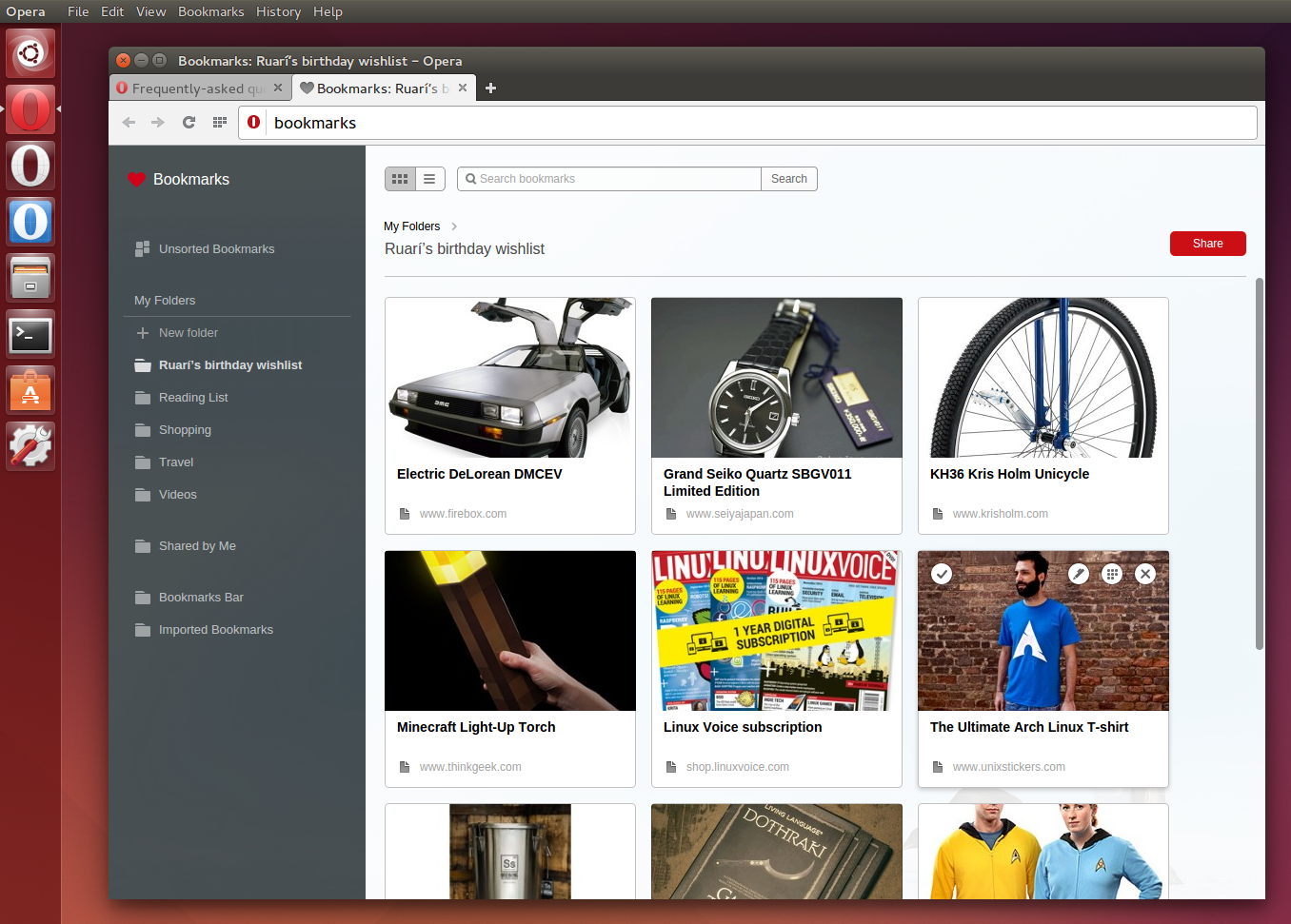
Opera screenshot 1

Setup time

A few minutes

Deployment

Your own server

Services

1 connected service

Why Opera

Everything you need, running where you choose.

Get the full Opera experience with Easypanel handling the repetitive infrastructure work around it.

User Interface
Opera differentiates itself from other Chromium-based browsers through its unique user interface. It offers a clean, intuitive, and customizable browsing experience.
Additional Environment Variables
The Docker Baseimage KasmVNC, which the Opera container is based on, provides additional environment variables and run configurations. These allow you to enable or disable specific functionalities as per your requirements.
Lossless Mode
Opera's Docker container can deliver a true lossless image at a high frame rate to your web browser. This ensures a high-quality browsing experience.
Docker CLI and Docker Compose Support
You can create a container from the Opera image using either Docker CLI or Docker Compose, providing flexibility in deployment.
Multi-Platform Web Browser
Opera is a versatile web browser that can be used across multiple platforms. It is developed by Opera, a company renowned for its innovative and user-friendly browsing solutions.
Based on Chromium
Opera is built on Chromium, ensuring high performance and compatibility with a wide range of web technologies. Despite its Chromium base, Opera stands out with its unique user interface and features.
How it works

From template to live app in three steps.

Easypanel turns the template into real services, storage, and domains on the server you already control.

Already have Easypanel? Open your dashboard at the URL or IP of your own installation.

Installation guide
1
Open your dashboard
Visit the URL or IP of your Easypanel installation and choose the target project.
2
Choose Opera
Open Templates, select Opera, then review its service names and configuration.
3
Deploy and open your app
Easypanel starts every service and provisions an HTTPS domain for you.
Installation options
The template asks for these values before creating your services.
OptionDefaultRequired

App Service Name

operaRequired

App Service Image

lscr.io/linuxserver/opera:131.0.5877Required
Resources
Project documentation and source code.
Latest template update
May 5, 2026

Version bumped to 131.0.5877

Questions

Deploy with confidence.

The template handles the application setup while Easypanel keeps the infrastructure understandable and under your control.

Keep exploring

Related templates

Browse all
Firefox logo
Firefox
Firefox Browser, also known as Mozilla Firefox or simply Firefox, is a free and open-source web browser developed by the Mozilla Foundation and its subsidiary, the Mozilla Corporation. This app allows you to deploy and run Firefox in a containerized environment, providing a secure and isolated space for your browsing activities. Firefox uses the Gecko layout engine to render web pages, implementing current and anticipated web standards. The app supports multiple architectures and can be accessed via HTTP or HTTPS. It also offers additional environment variables and run configurations to enable or disable specific functionalities. This containerized version of Firefox is capable of delivering a true lossless image at a high framerate to your web browser, providing an optimal browsing experience.
View template
SnapDrop logo
SnapDrop
Snapdrop is a self-hosted, browser-based file-sharing platform that allows you to seamlessly transfer files between devices on the same local network. Inspired by Apple's AirDrop, Snapdrop works across any device and browser without requiring an account or installation. It provides fast, peer-to-peer file transfers using WebRTC, ensuring privacy and efficiency. Snapdrop's lightweight design ensures minimal resource usage while offering an intuitive user interface for easy file sharing.
View template
WebTop logo
WebTop
WebTop is a browser-based Linux desktop environment, self-hosted using Docker. It provides a full-featured desktop experience accessible from any device with a modern web browser. WebTop supports multiple desktop environments and applications, making it a versatile tool for productivity, remote work, and development.
View template
Opera logo
Ready to deploy Opera?
Open your own Easypanel dashboard, choose Opera from Templates, and review the deployment options.