All templates

Deploy Percona PMM on your own server.

Percona PMM logo

Percona Monitoring and Management (PMM) is an open-source monitoring and observability platform for MySQL, PostgreSQL, MongoDB, and cloud-native workloads. PMM provides metrics, query analytics, alerts, and dashboards to help you understand database performance and troubleshoot issues quickly.

Your infrastructureAutomatic HTTPSNo lock-in

Screenshots

A closer look at Percona PMM.
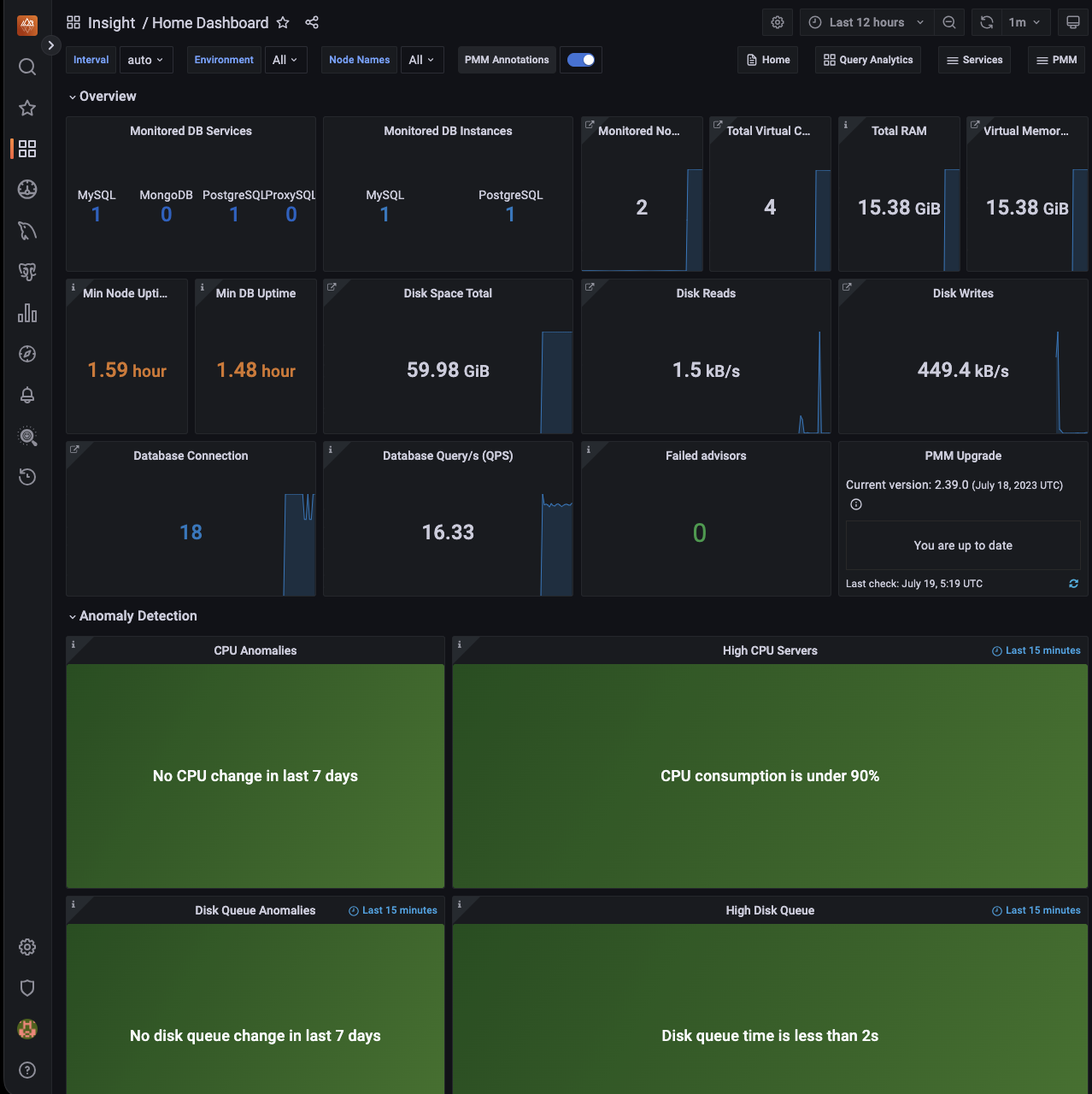
Percona PMM screenshot 1

Setup time

A few minutes

Deployment

Your own server

Services

1 connected service

Why Percona PMM

Everything you need, running where you choose.

Get the full Percona PMM experience with Easypanel handling the repetitive infrastructure work around it.

Built-in Dashboards
Includes Grafana-based dashboards and exporters for MySQL, PostgreSQL, MongoDB, and system metrics.
Alerting and Advisors
Proactive alerting and best-practice checks help you detect and resolve issues before they impact production.
Secure HTTPS Access
Easypanel terminates HTTPS for your domain while PMM runs internally on port 8080, keeping access secure and deployment-compatible.
Unified Database Monitoring
Monitor multiple database engines from one place with ready-to-use dashboards for infrastructure and query performance.
Query Analytics and Insights
Use Query Analytics to identify slow queries, execution trends, and bottlenecks affecting application performance.
Long-Term Metrics Storage
Persist PMM data in a dedicated volume so historical metrics and trends are retained across restarts and upgrades.
How it works

From template to live app in three steps.

Easypanel turns the template into real services, storage, and domains on the server you already control.

Already have Easypanel? Open your dashboard at the URL or IP of your own installation.

Installation guide
1
Open your dashboard
Visit the URL or IP of your Easypanel installation and choose the target project.
2
Choose Percona PMM
Open Templates, select Percona PMM, then review its service names and configuration.
3
Deploy and open your app
Easypanel starts every service and provisions an HTTPS domain for you.
Installation options
The template asks for these values before creating your services.
OptionDefaultRequired

App Service Name

pmmRequired

App Service Image

percona/pmm-server:3.8.0Required

PMM Data Retention

720hRequired

PMM Metrics Resolution

1sRequired
Resources
Project documentation and source code.
Latest template update
May 6, 2026

First release

Questions

Deploy with confidence.

The template handles the application setup while Easypanel keeps the infrastructure understandable and under your control.

Percona PMM logo
Ready to deploy Percona PMM?
Open your own Easypanel dashboard, choose Percona PMM from Templates, and review the deployment options.