All templates

Deploy RabbitMQ on your own server.

RabbitMQ logo

RabbitMQ is an open-source message broker software that facilitates reliable messaging between applications and services. It supports a variety of messaging protocols such as AMQP and MQTT, making it a versatile solution for modern distributed systems. With RabbitMQ, you can efficiently manage message queues, exchanges, and routing,…

Your infrastructureAutomatic HTTPSNo lock-in

Screenshots

A closer look at RabbitMQ.
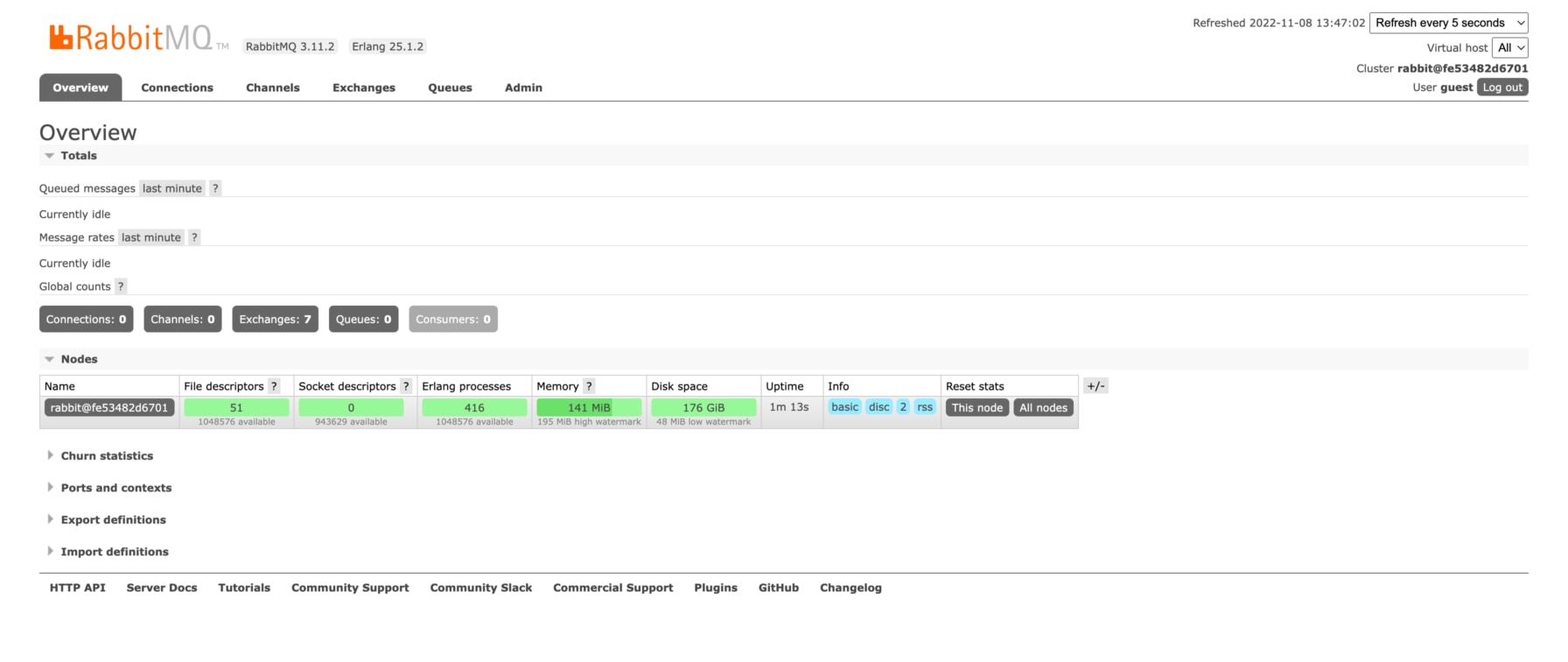
RabbitMQ screenshot 1

Setup time

A few minutes

Deployment

Your own server

Services

1 connected service

Why RabbitMQ

Everything you need, running where you choose.

Get the full RabbitMQ experience with Easypanel handling the repetitive infrastructure work around it.

Lightweight and Fast
RabbitMQ is lightweight and optimized for fast message processing, making it ideal for both small-scale and enterprise-level applications.
High Availability
RabbitMQ supports clustering and mirrored queues to ensure message availability and prevent data loss in case of failure.
Management Web UI
The built-in web-based UI allows you to monitor queues, exchanges, and performance metrics in real time.
Plugins and Extensibility
Extend RabbitMQ's functionality with a rich set of plugins for authentication, monitoring, and protocol support.
Reliable Message Delivery
RabbitMQ ensures reliable and efficient message delivery with support for message acknowledgments, persistence, and clustering for high availability.
Versatile Protocol Support
RabbitMQ supports multiple messaging protocols, including AMQP, MQTT, and STOMP, enabling flexibility in communication between different systems.
How it works

From template to live app in three steps.

Easypanel turns the template into real services, storage, and domains on the server you already control.

Already have Easypanel? Open your dashboard at the URL or IP of your own installation.

Installation guide
1
Open your dashboard
Visit the URL or IP of your Easypanel installation and choose the target project.
2
Choose RabbitMQ
Open Templates, select RabbitMQ, then review its service names and configuration.
3
Deploy and open your app
Easypanel starts every service and provisions an HTTPS domain for you.
Installation options
The template asks for these values before creating your services.
OptionDefaultRequired

App Service Name

rabbitmqRequired

App Service Image

rabbitmq:3-managementRequired

Default Vhost

/Required

Default User

guestRequired

Default Password

Set during installRequired

Default AMQP Port on Host

5672Required
Resources
Project documentation and source code.
Latest template update
Dec 17, 2024

First release

Questions

Deploy with confidence.

The template handles the application setup while Easypanel keeps the infrastructure understandable and under your control.

Keep exploring

Related templates

Browse all
RabbitMQ logo
Ready to deploy RabbitMQ?
Open your own Easypanel dashboard, choose RabbitMQ from Templates, and review the deployment options.