All templates

Deploy SearXNG on your own server.

SearXNG logo

SearXNG is a powerful, privacy-focused metasearch engine that aggregates results from over 70 search services, ensuring your searches remain private and untracked. It offers secure, encrypted connections and the option to use it over Tor for enhanced online anonymity. With about 130 integrated search engines and 60 translations, SearXNG…

Your infrastructureAutomatic HTTPSNo lock-in

Screenshots

A closer look at SearXNG.

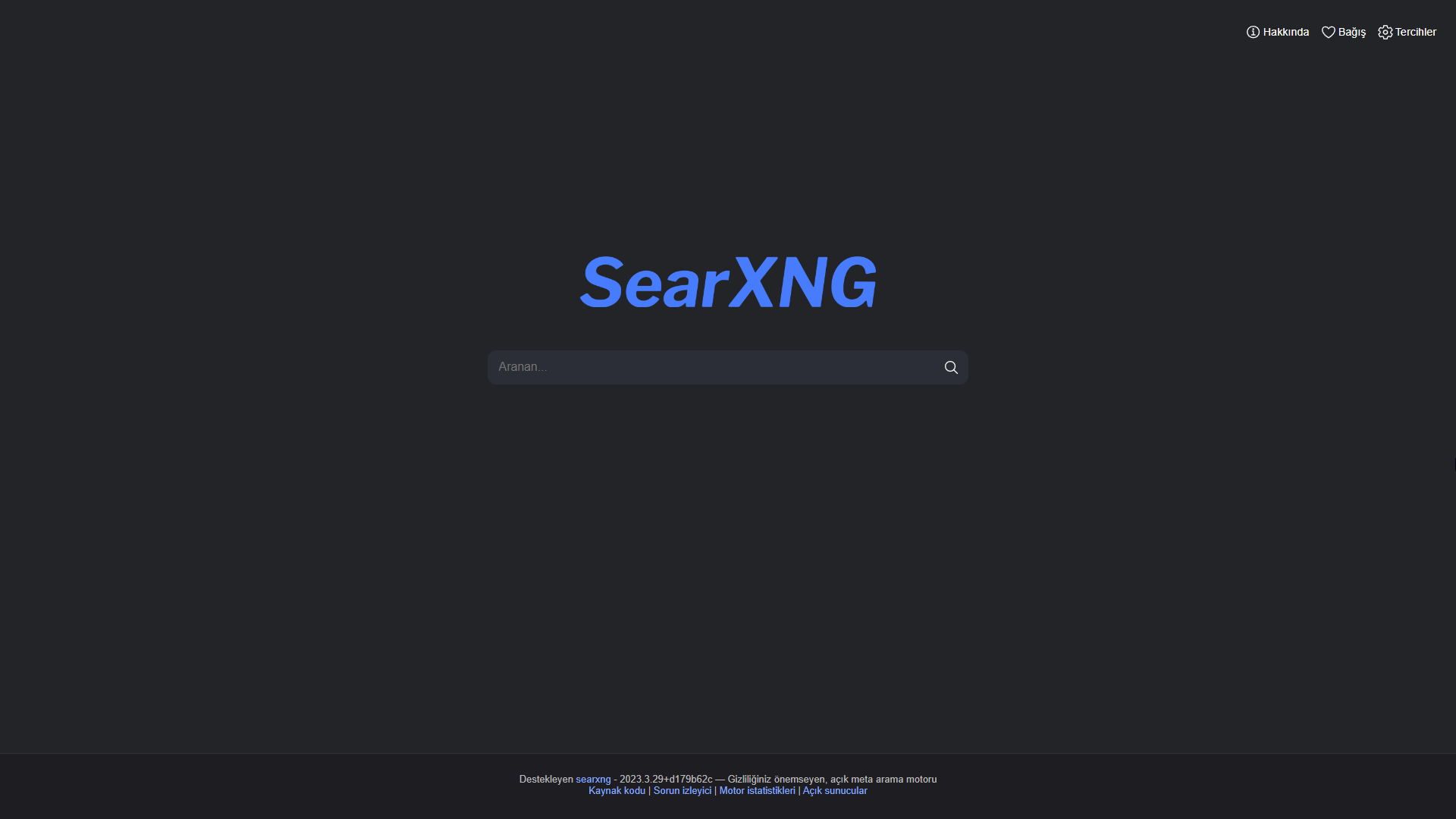
SearXNG screenshot 1

Setup time

A few minutes

Deployment

Your own server

Services

2 connected services

Why SearXNG

Everything you need, running where you choose.

Get the full SearXNG experience with Easypanel handling the repetitive infrastructure work around it.

Metasearch Engine
SearXNG aggregates search results from more than 70 different search services, providing a comprehensive overview of information available on your search topic.
No User Tracking
Unlike many other search engines, SearXNG does not track or profile its users. This ensures your search activities remain private and anonymous.
Secure Connections
SearXNG uses secure, encrypted connections to protect your search data from potential eavesdroppers.
Multiple Search Engines
With about 130 integrated search engines, SearXNG provides a wide range of sources for your search results.
Multilingual Support
SearXNG supports about 60 translations, making it a user-friendly search engine for users from different linguistic backgrounds.
Easy Integration
SearXNG allows easy integration of search engines, providing a flexible and customizable search experience.
How it works

From template to live app in three steps.

Easypanel turns the template into real services, storage, and domains on the server you already control.

Already have Easypanel? Open your dashboard at the URL or IP of your own installation.

Installation guide
1
Open your dashboard
Visit the URL or IP of your Easypanel installation and choose the target project.
2
Choose SearXNG
Open Templates, select SearXNG, then review its service names and configuration.
3
Deploy and open your app
Easypanel starts every service and provisions an HTTPS domain for you.
Installation options
The template asks for these values before creating your services.
OptionDefaultRequired

Enable Redis

Optional

App Service Name

searxngRequired

App Service Image

searxng/searxng:2026.5.5-d3566fe8aRequired
Resources
Project documentation and source code.
Latest template update
May 5, 2026

Version bumped to 2026.5.5-d3566fe8a

Questions

Deploy with confidence.

The template handles the application setup while Easypanel keeps the infrastructure understandable and under your control.

SearXNG logo
Ready to deploy SearXNG?
Open your own Easypanel dashboard, choose SearXNG from Templates, and review the deployment options.