All templates

Deploy YaCy on your own server.

YaCy logo

YaCy is a free distributed search engine built on principles of peer-to-peer networks. Unlike traditional search engines that rely on centralized servers, YaCy operates in a decentralized manner where each user can contribute to the search index. It allows you to run your own search portal, create your own web index, and be independent…

Your infrastructureAutomatic HTTPSNo lock-in

Screenshots

A closer look at YaCy.

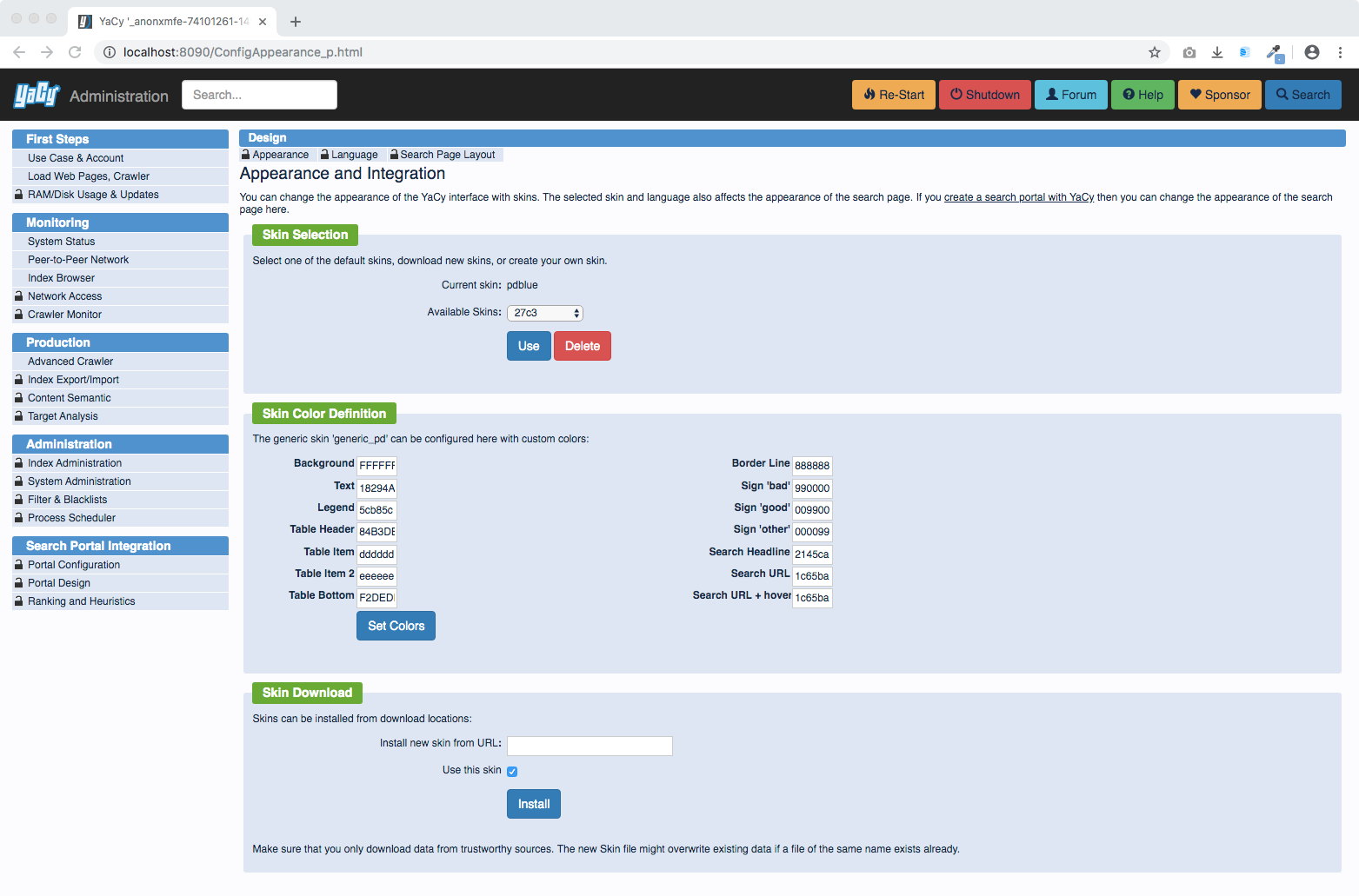
YaCy screenshot 1

Setup time

A few minutes

Deployment

Your own server

Services

1 connected service

Why YaCy

Everything you need, running where you choose.

Get the full YaCy experience with Easypanel handling the repetitive infrastructure work around it.

Self-Hosted Search Engine
Run your own complete web search engine with crawling, indexing, and search capabilities all under your control.
Intranet Search
Index and search internal documents and websites that aren't accessible to public search engines, ideal for company intranets.
Web Administration Interface
Configure and monitor your YaCy instance through an intuitive web-based dashboard accessible from any browser.
Full-Text Indexing
Index the complete content of websites with support for multiple file formats, including HTML, PDF, and other document types.
Search API
Integrate YaCy search capabilities into your applications using the comprehensive API provided.
Decentralized Search
YaCy operates on a peer-to-peer network model, allowing users to create a distributed search engine independent of commercial providers.
How it works

From template to live app in three steps.

Easypanel turns the template into real services, storage, and domains on the server you already control.

Already have Easypanel? Open your dashboard at the URL or IP of your own installation.

Installation guide
1
Open your dashboard
Visit the URL or IP of your Easypanel installation and choose the target project.
2
Choose YaCy
Open Templates, select YaCy, then review its service names and configuration.
3
Deploy and open your app
Easypanel starts every service and provisions an HTTPS domain for you.
Installation options
The template asks for these values before creating your services.
OptionDefaultRequired

App Service Name

yacyRequired

App Service Image

yacy/yacy_search_server:sha-f4509ae25923cf99f1b88467d17fc221d5b8d94f-alpineRequired
Resources
Project documentation and source code.
Latest template update
May 7, 2026

Version bumped to sha-f4509ae25923cf99f1b88467d17fc221d5b8d94f-alpine

Questions

Deploy with confidence.

The template handles the application setup while Easypanel keeps the infrastructure understandable and under your control.

YaCy logo
Ready to deploy YaCy?
Open your own Easypanel dashboard, choose YaCy from Templates, and review the deployment options.