All templates

Deploy Vane on your own server.

Vane logo

Vane is a privacy focused AI answering engine that combines web search with local and cloud LLM providers. It supports cited answers, file uploads, search history, and configurable model backends while running on your own hardware.

Your infrastructureAutomatic HTTPSNo lock-in

Screenshots

A closer look at Vane.

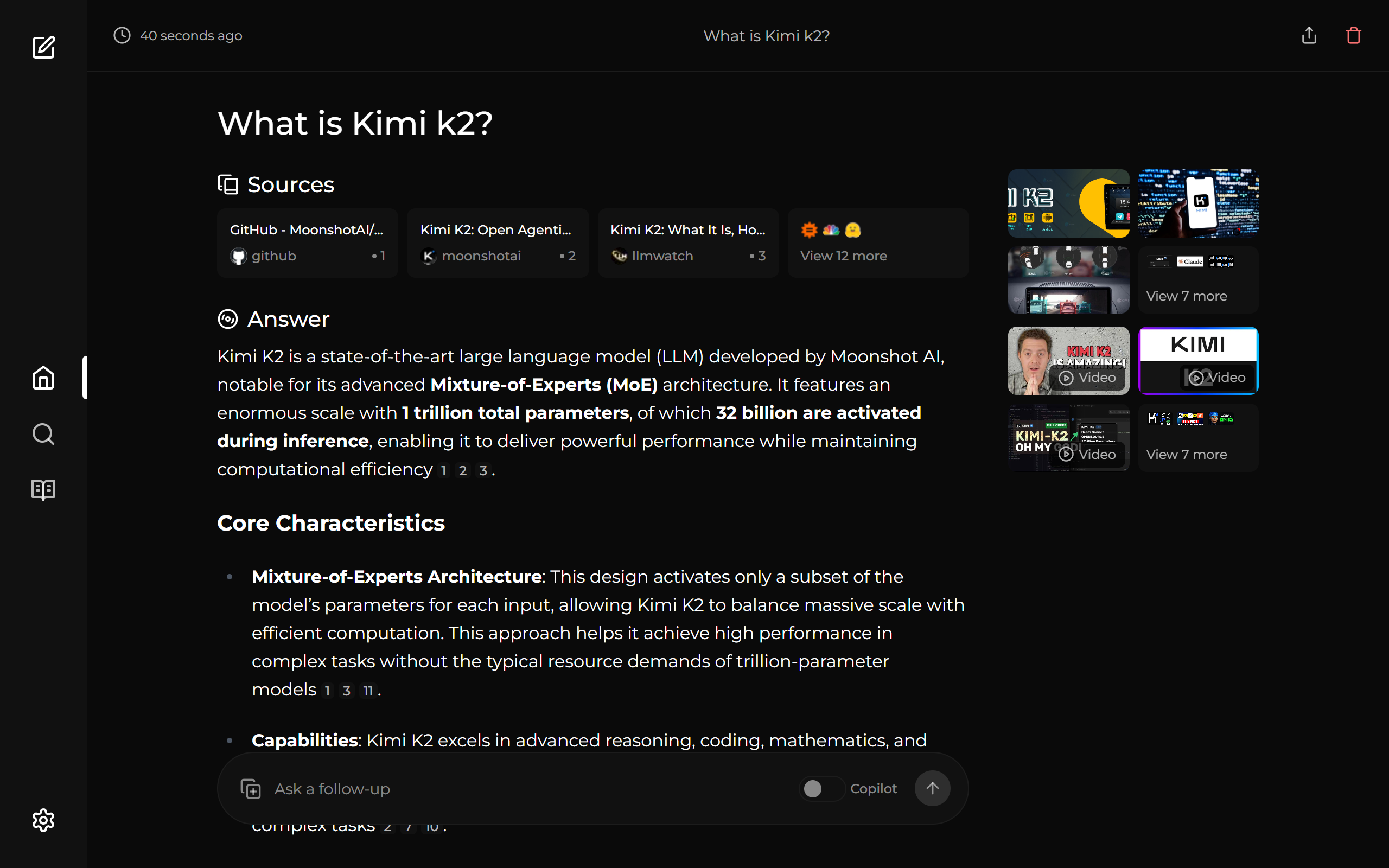
Vane screenshot 1

Setup time

A few minutes

Deployment

Your own server

Services

1 connected service

Why Vane

Everything you need, running where you choose.

Get the full Vane experience with Easypanel handling the repetitive infrastructure work around it.

Bundled SearxNG
Default image includes integrated SearxNG web search without extra service setup.
File Upload Q&A
Upload documents and ask questions directly from the Vane interface.
Persistent Local Data
Stores settings and history in /home/vane/data using the mounted volume.
Privacy Focused Search
Runs locally with search history and app data stored on your own infrastructure.
Flexible AI Providers
Supports local models via Ollama and cloud providers including OpenAI, Claude, Gemini, and Groq.
Cited Answers and Research
Delivers source cited responses with multiple search modes for speed, balance, or quality.
How it works

From template to live app in three steps.

Easypanel turns the template into real services, storage, and domains on the server you already control.

Already have Easypanel? Open your dashboard at the URL or IP of your own installation.

Installation guide
1
Open your dashboard
Visit the URL or IP of your Easypanel installation and choose the target project.
2
Choose Vane
Open Templates, select Vane, then review its service names and configuration.
3
Deploy and open your app
Easypanel starts every service and provisions an HTTPS domain for you.
Installation options
The template asks for these values before creating your services.
OptionDefaultRequired

App Service Name

vaneRequired

App Service Image

Official Vane image pinned to a digest from Docker Hub

itzcrazykns1337/vane:latestRequired

SearxNG API URL (optional)

Use only when running Vane slim or external SearxNG

Optional
Resources
Project documentation and source code.
Latest template update
Apr 6, 2025

Initial Template release

Questions

Deploy with confidence.

The template handles the application setup while Easypanel keeps the infrastructure understandable and under your control.

Vane logo
Ready to deploy Vane?
Open your own Easypanel dashboard, choose Vane from Templates, and review the deployment options.